Website basics
Use HTTP status codes without overinterpreting them

HTTP status codes help locate a problem, but they do not prove that the page content or layout is correct.
On this page
Read the basic categories
200 indicates success; 301 and 302 indicate redirects; 403 indicates refusal; 404 indicates a missing resource; 500 indicates an internal server error; and 503 indicates current unavailability. A 403 does not by itself mean the page has been removed.
Inspect individual resources
The HTML can succeed while a stylesheet or image returns an error. Use the network panel to identify the failed request.
Compare status with content
An error message displayed with a success response may not match the intended behavior. Site operators should inspect both the response and the page actually delivered.
Report the conditions
Record the URL, time, status, visible result, and whether authentication or network choice changes it. Remove personal and authentication information from any shared diagnostic capture.
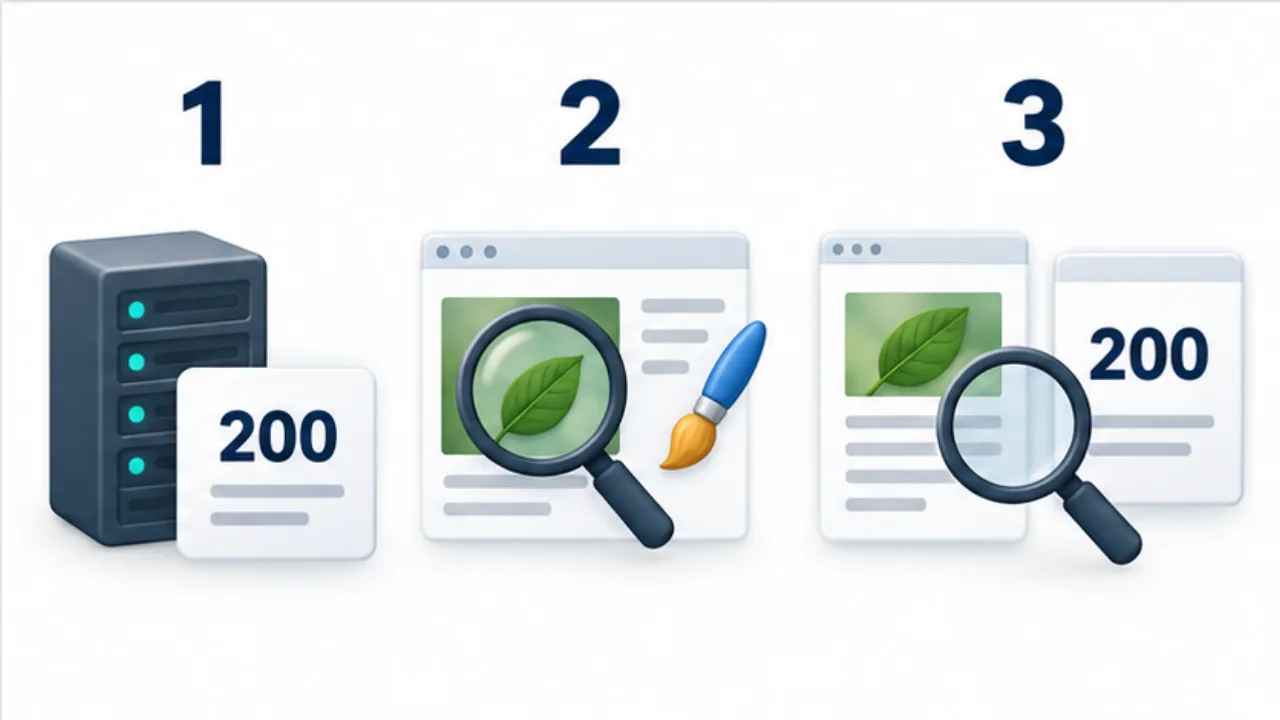
Select the image to enlarge.
- Read the response code as the server’s reported result.
- Inspect image and CSS requests separately from the HTML response.
- Compare the visible message with the actual response.
One page can involve several responses
A browser may request images and styles in addition to the main HTML. Success for the document does not establish that every required resource arrived. Always associate a status with its particular request URL.
A failed row in a network panel also needs interpretation. It may belong to an optional external component rather than the reported page problem. Connect the failing address, the reference that requested it, and the visible symptom.
Example: an article loads without its photograph
Suppose the text is readable but the photograph's area is empty. Separate the document response from the image response and inspect the image address.
If that resource returns 404, compare the referenced name with the published file and directory. Check the actual spelling and letter case instead of assuming the source and deployment match.
If it returns 200, inspect whether the content is the expected image. A successful status with an error page or another resource is not a usable image result.
After correcting the reference, review other pages that use it. Article readability and completeness of its visual elements are separate checks.
Distinguish observation from a proposed cause
| Kind | Example record |
|---|---|
| Observed response | The specific image URL returned 404 |
| Visible result | The article photograph is absent |
| Comparison | Homepage images still display |
| Investigation candidate | Compare image placement and reference name |
A statement such as “the server is broken” skips evidence the responsible operator needs. Preserve what was actually observed and label the next investigation as such.
If authentication changes the result, include that condition. When sharing diagnostic information, extract the necessary details without pasting credentials or unrelated request data.
A status code is an entry point into diagnosis. The associated URL, response content, and test conditions give it the practical meaning needed to choose a correction.