Articles
Practical guides to notes, keyboards, files and PDFs, phones and computers, shop signs, and website basics. Choose a category or explore the full collection.
120 articles
-
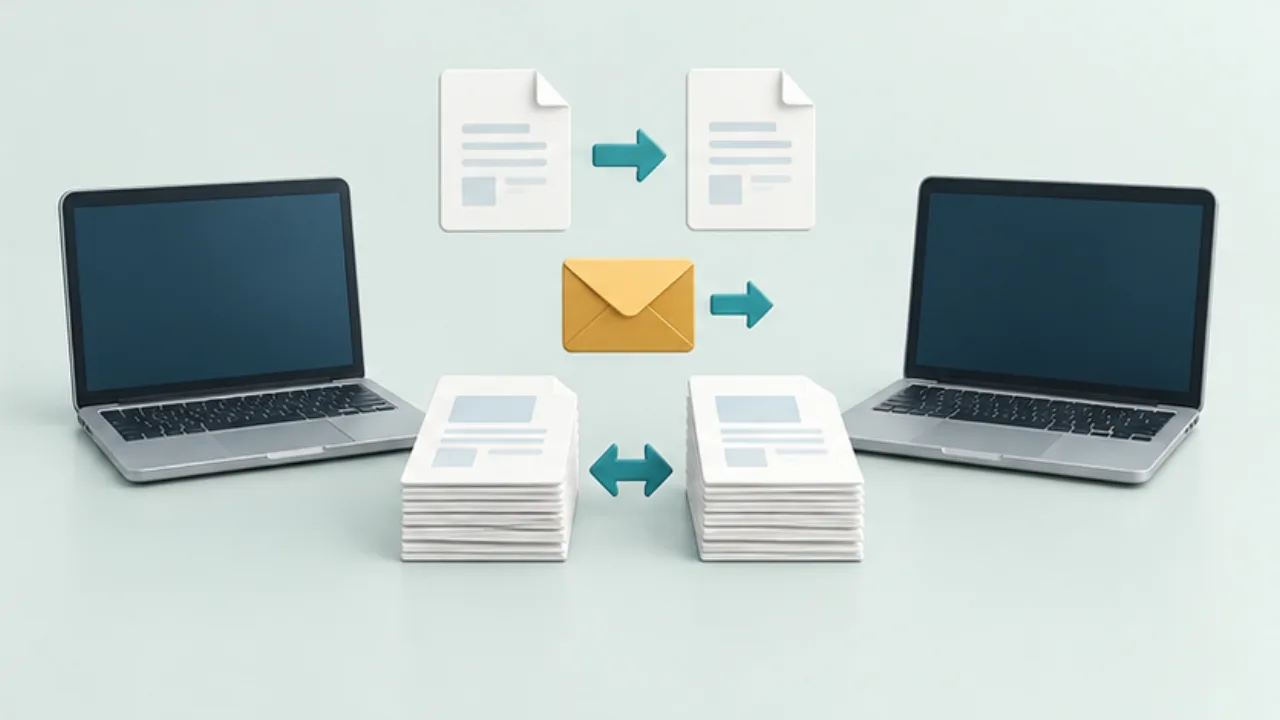 Phones and computersChoose copying, transfer, or sync between devices
Decide whether you need a one-time handoff or continuing agreement between devices. Copying, transferring, and syncing have different consequences for updates and deletion.
2026-09-08
Phones and computersChoose copying, transfer, or sync between devices
Decide whether you need a one-time handoff or continuing agreement between devices. Copying, transferring, and syncing have different consequences for updates and deletion.
2026-09-08
-
 Files, images, and PDFsChoose JPEG, PNG, or WebP
Choose an image format for its content and destination. A small file is not useful if a recipient cannot open it or read the text inside it.
2026-09-08
Files, images, and PDFsChoose JPEG, PNG, or WebP
Choose an image format for its content and destination. A small file is not useful if a recipient cannot open it or read the text inside it.
2026-09-08
-
 Keyboards and terminalsChoose a terminal workflow for your phone
Decide whether commands should run on a remote computer, in Android, or in a cloud development environment.
2026-09-08
Keyboards and terminalsChoose a terminal workflow for your phone
Decide whether commands should run on a remote computer, in Android, or in a cloud development environment.
2026-09-08
-
 Notes and writingWhen a note app does not become a habit
Find the point where capture or retrieval breaks down before replacing the app or redesigning every folder.
2026-09-08
Notes and writingWhen a note app does not become a habit
Find the point where capture or retrieval breaks down before replacing the app or redesigning every folder.
2026-09-08
-
 Shop signs and printingChoose the first message on a shop sign
A sign becomes easier to organize when you choose what the reader needs to notice first. Start with the place where it will be used.
2026-09-08
Shop signs and printingChoose the first message on a shop sign
A sign becomes easier to organize when you choose what the reader needs to notice first. Start with the place where it will be used.
2026-09-08
-
 Website basicsSeparate the roles of domains, hosting, and DNS
Domain registration, hosting, and DNS may live in separate services. Map their roles before trying to fix a site.
2026-09-08
Website basicsSeparate the roles of domains, hosting, and DNS
Domain registration, hosting, and DNS may live in separate services. Map their roles before trying to fix a site.
2026-09-08
-
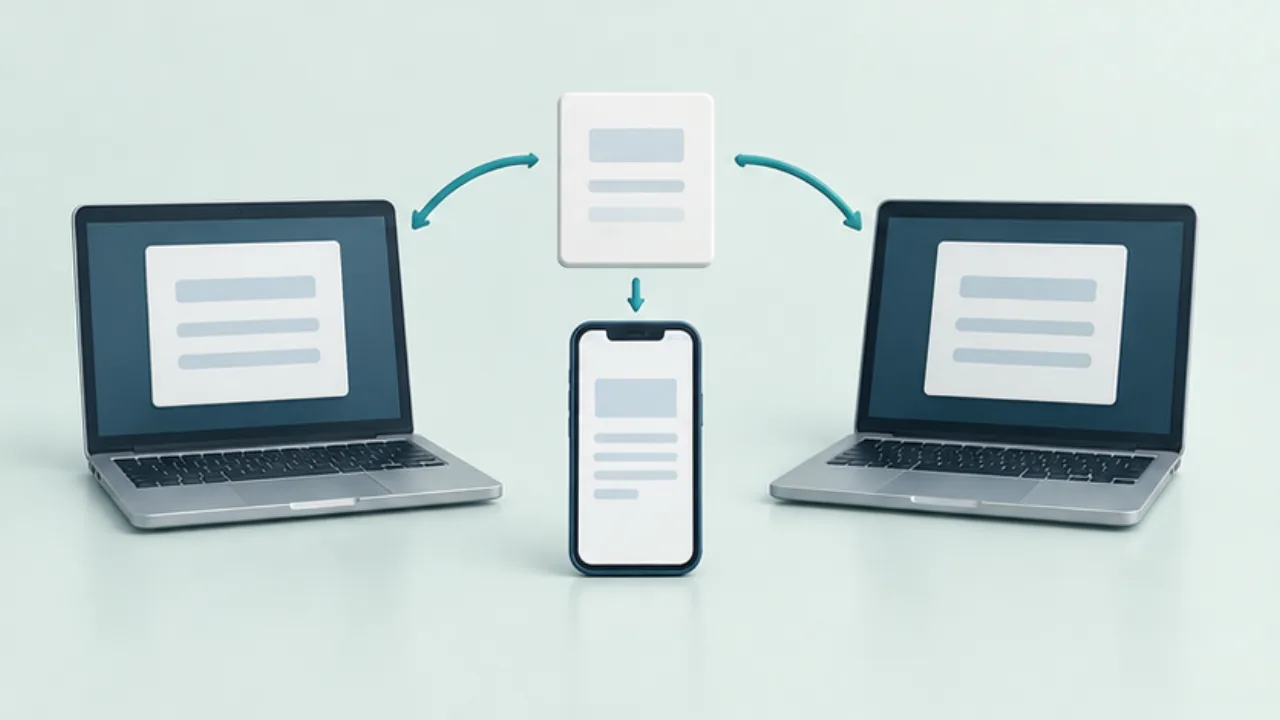 Phones and computersMove short text between a Mac and Android
Choose a route that explicitly supports both a Mac and Android. A feature for Apple devices does not automatically extend to an Android phone.
2026-09-08
Phones and computersMove short text between a Mac and Android
Choose a route that explicitly supports both a Mac and Android. A feature for Apple devices does not automatically extend to an Android phone.
2026-09-08
-
 Files, images, and PDFsResizing and compression are different operations
“Make the image smaller” can mean fewer pixels or fewer bytes. Check which limit the destination actually imposes before editing.
2026-09-08
Files, images, and PDFsResizing and compression are different operations
“Make the image smaller” can mean fewer pixels or fewer bytes. Check which limit the destination actually imposes before editing.
2026-09-08
-
 Keyboards and terminalsUnderstand modifier keys on a phone terminal
Learn why Control, Alt, Shift, and Command are more than printed characters, and trace which application receives a shortcut.
2026-09-08
Keyboards and terminalsUnderstand modifier keys on a phone terminal
Learn why Control, Alt, Shift, and Command are more than printed characters, and trace which application receives a shortcut.
2026-09-08
-
 Notes and writingExpressive writing, with realistic expectations
Understand what expressive-writing research studies, how a personal writing exercise differs, and why you can stop when it does not help.
2026-09-08
Notes and writingExpressive writing, with realistic expectations
Understand what expressive-writing research studies, how a personal writing exercise differs, and why you can stop when it does not help.
2026-09-08
-
 Shop signs and printingKeep a price card's product, price, and unit together
A price card should explain what its amount applies to. Keep the product, selling unit, and relevant conditions together.
2026-09-08
Shop signs and printingKeep a price card's product, price, and unit together
A price card should explain what its amount applies to. Keep the product, selling unit, and relevant conditions together.
2026-09-08
-
 Website basicsRead the common DNS record types
DNS lists contain records with different purposes. Read the type, name, and intended use together.
2026-09-08
Website basicsRead the common DNS record types
DNS lists contain records with different purposes. Read the type, name, and intended use together.
2026-09-08
-
 Phones and computersUse Quick Share between Android and Windows
Quick Share can transfer files between supported Android devices and Windows computers. Check the current requirements and correct distribution before setup.
2026-09-08
Phones and computersUse Quick Share between Android and Windows
Quick Share can transfer files between supported Android devices and Windows computers. Check the current requirements and correct distribution before setup.
2026-09-08
-
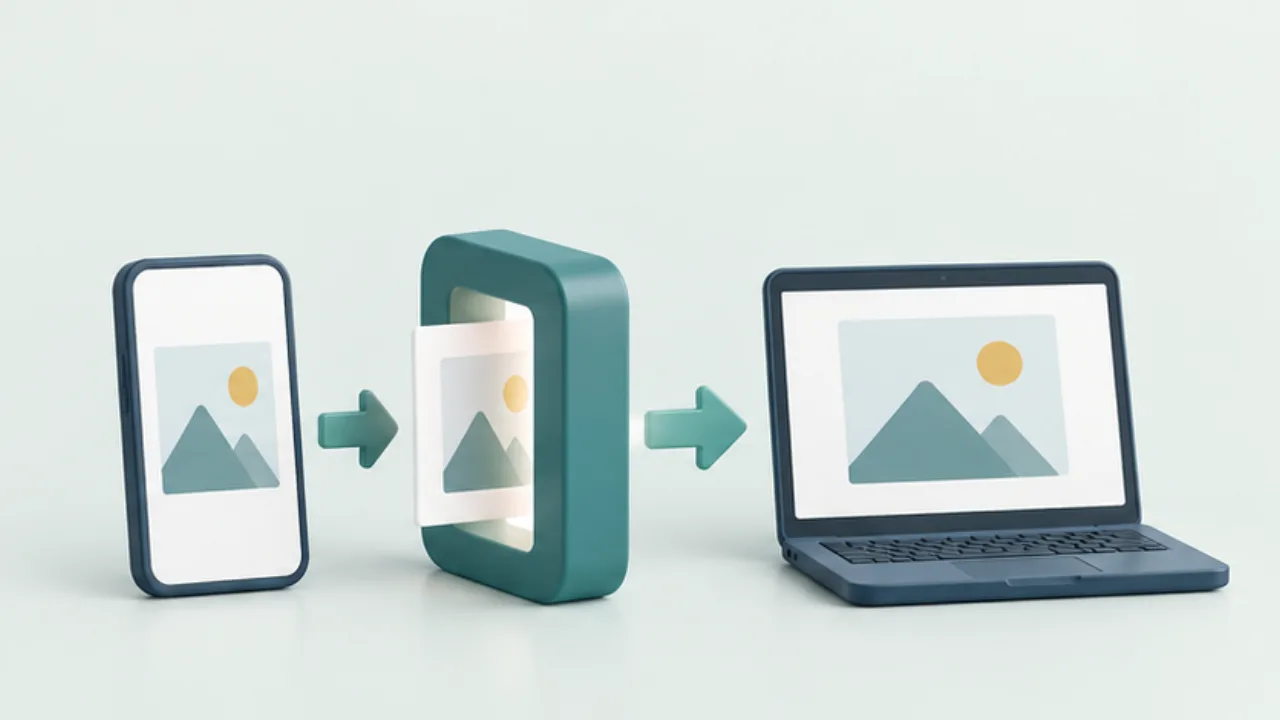 Files, images, and PDFsConvert an HEIC photo for a recipient
When a recipient cannot open a photo, first identify the format and the receiving application. A compatible delivery copy may solve the problem without replacing your original.
2026-09-08
Files, images, and PDFsConvert an HEIC photo for a recipient
When a recipient cannot open a photo, first identify the format and the receiving application. A compatible delivery copy may solve the problem without replacing your original.
2026-09-08
-
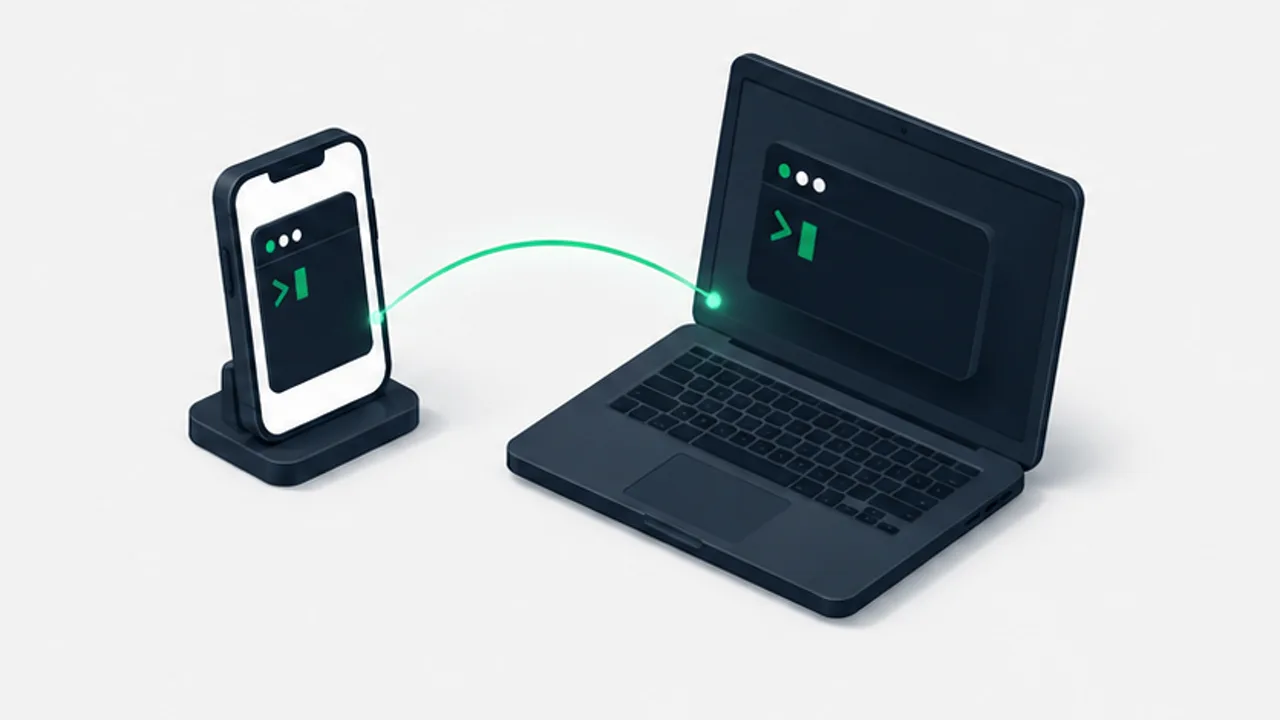 Keyboards and terminalsContinue a coding-assistant session from your phone
Use a reachable host and a persistent terminal session, with checks for permissions, sleep, and reconnecting to the right project.
2026-09-08
Keyboards and terminalsContinue a coding-assistant session from your phone
Use a reachable host and a persistent terminal session, with checks for permissions, sleep, and reconnecting to the right project.
2026-09-08
-
 Notes and writingChoose between folders, tags, and search
Give each organizing tool a clear job instead of filing every note three different ways.
2026-09-08
Notes and writingChoose between folders, tags, and search
Give each organizing tool a clear job instead of filing every note three different ways.
2026-09-08
-
 Shop signs and printingDistinguish opening hours from service cutoffs
If closing time differs from the last order or reception cutoff, label each time explicitly. Numbers alone do not explain which service remains available.
2026-09-08
Shop signs and printingDistinguish opening hours from service cutoffs
If closing time differs from the last order or reception cutoff, label each time explicitly. Numbers alone do not explain which service remains available.
2026-09-08
-
 Website basicsVerify a DNS change at three separate layers
Saving a DNS record does not prove that every resolver or the website itself is ready. Record dashboard state, DNS answers, and web behavior separately.
2026-09-08
Website basicsVerify a DNS change at three separate layers
Saving a DNS record does not prove that every resolver or the website itself is ready. Record dashboard state, DNS answers, and web behavior separately.
2026-09-08
-
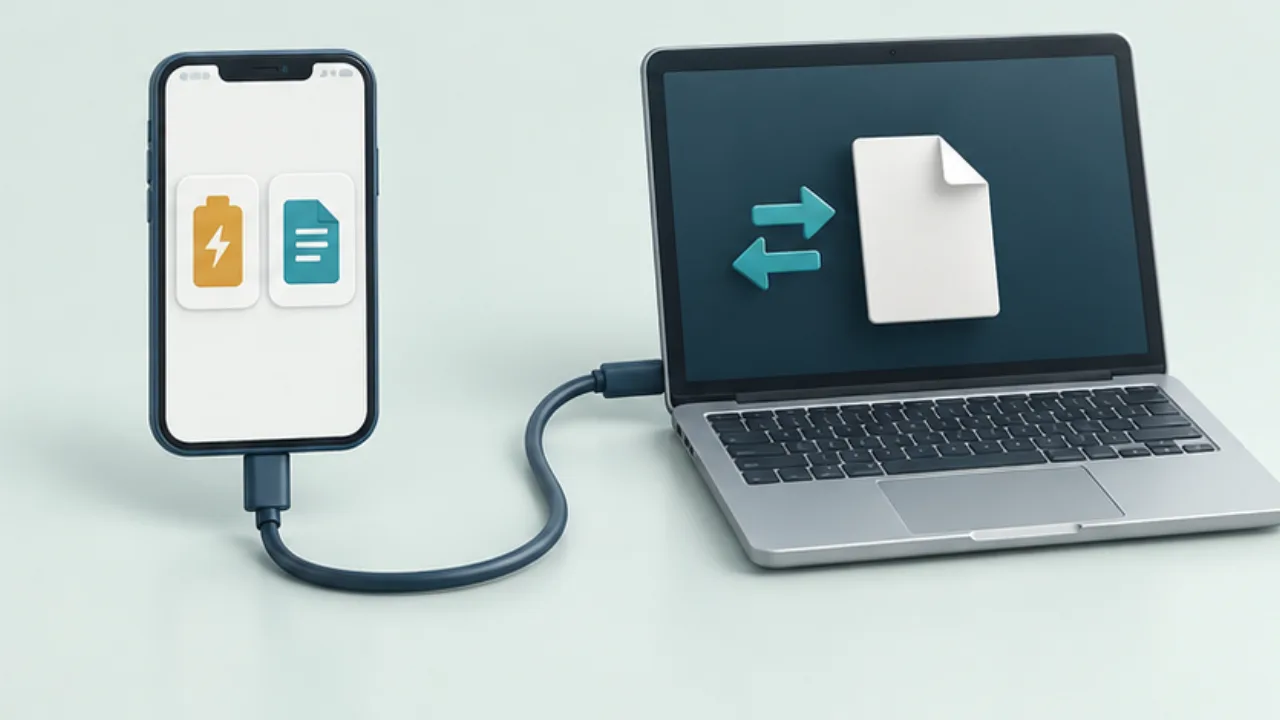 Phones and computersTransfer Android files over USB
Charging over USB does not prove that file transfer is ready. Check the phone's connection mode, cable, and receiving computer separately.
2026-09-08
Phones and computersTransfer Android files over USB
Charging over USB does not prove that file transfer is ready. Check the phone's connection mode, cable, and receiving computer separately.
2026-09-08
-
 Files, images, and PDFsKeep screenshot text readable
A screenshot is useful when the reader can identify the relevant control or error. Trace the loss of clarity through capture, editing, and delivery rather than repeatedly increasing the image size.
2026-09-08
Files, images, and PDFsKeep screenshot text readable
A screenshot is useful when the reader can identify the relevant control or error. Trace the loss of clarity through capture, editing, and delivery rather than repeatedly increasing the image size.
2026-09-08
-
 Keyboards and terminalsGet oriented in Termux before running commands
Understand installation sources, the local environment, package management, and shared storage in Termux.
2026-09-08
Keyboards and terminalsGet oriented in Termux before running commands
Understand installation sources, the local environment, package management, and shared storage in Termux.
2026-09-08
-
 Notes and writingA daily note without a complicated filing system
Use one dated page to capture your day, carry useful tasks forward, and find earlier notes without reorganizing your archive.
2026-09-08
Notes and writingA daily note without a complicated filing system
Use one dated page to capture your day, carry useful tasks forward, and find earlier notes without reorganizing your archive.
2026-09-08
-
 Shop signs and printingWrite a temporary closure notice with clear dates
A notice saying only “Closed today” becomes ambiguous if it remains posted tomorrow. Start with exact dates and confirmed reopening information.
2026-09-08
Shop signs and printingWrite a temporary closure notice with clear dates
A notice saying only “Closed today” becomes ambiguous if it remains posted tomorrow. Start with exact dates and confirmed reopening information.
2026-09-08
-
 Website basicsUnderstand what HTTPS protects
HTTPS protects communication between the browser and server. It does not by itself establish the trustworthiness of the site's content or operator.
2026-09-08
Website basicsUnderstand what HTTPS protects
HTTPS protects communication between the browser and server. It does not by itself establish the trustworthiness of the site's content or operator.
2026-09-08
-
 Phones and computersDiagnose devices that cannot find each other on Wi-Fi
Two devices can both reach the internet while being unable to discover or contact each other. Record whether the failure occurs during discovery, connection, or transfer.
2026-09-08
Phones and computersDiagnose devices that cannot find each other on Wi-Fi
Two devices can both reach the internet while being unable to discover or contact each other. Record whether the failure occurs during discovery, connection, or transfer.
2026-09-08
-
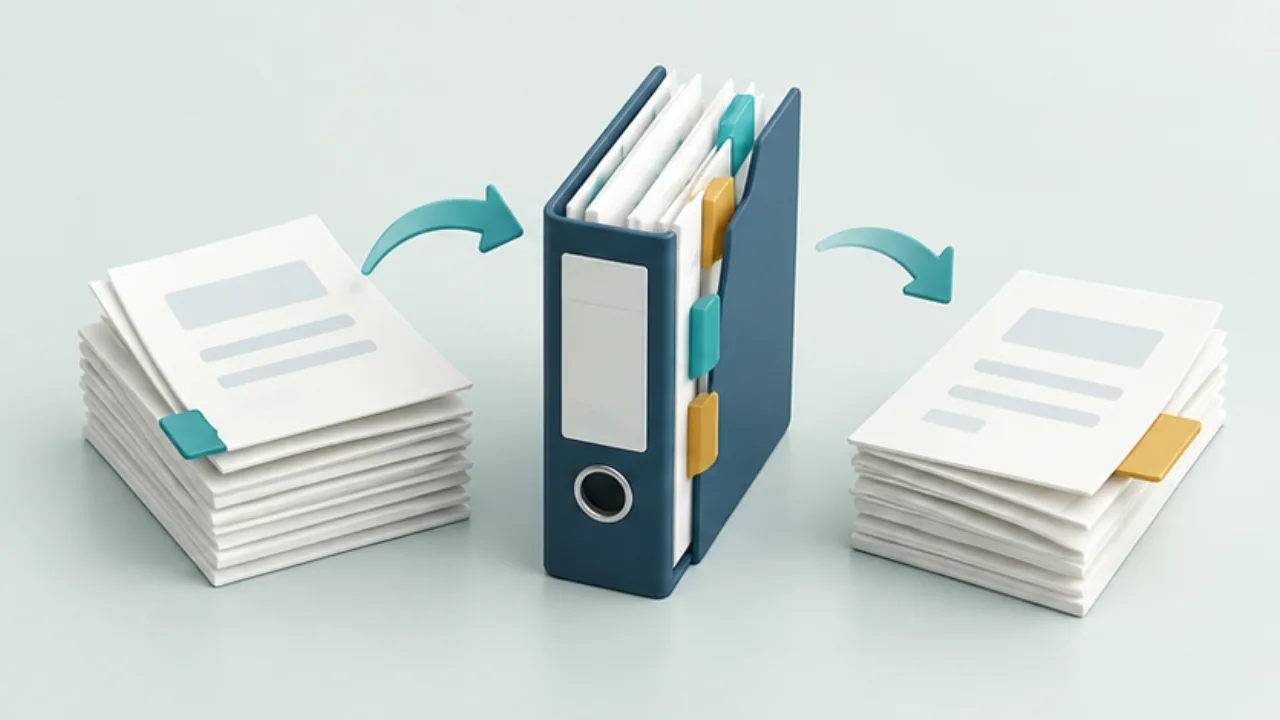 Files, images, and PDFsCombine or split PDFs without losing track of pages
Before combining PDFs, decide the final sequence. Keep the originals and work on copies, especially in applications that save edits automatically.
2026-09-08
Files, images, and PDFsCombine or split PDFs without losing track of pages
Before combining PDFs, decide the final sequence. Keep the originals and work on copies, especially in applications that save edits automatically.
2026-09-08
-
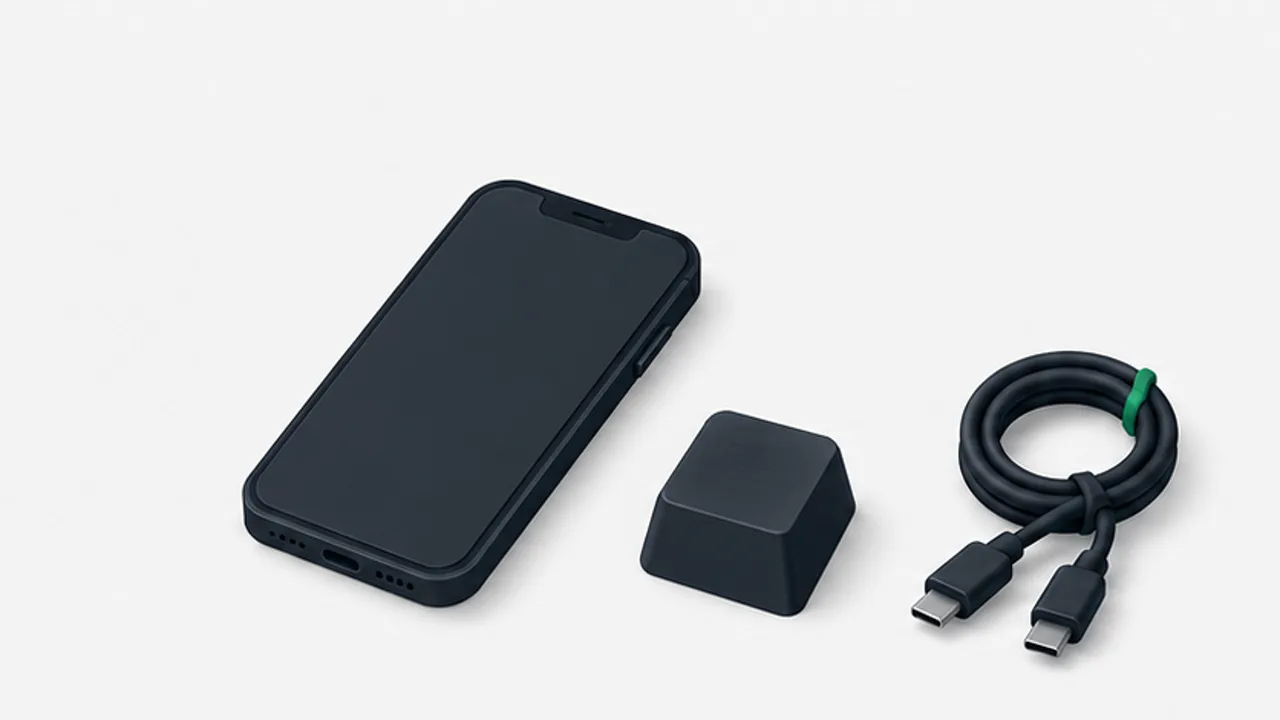 Keyboards and terminalsWhat to check in an Android SSH client
Evaluate authentication, host-key checks, essential keys, paste behavior, and reconnection using a harmless test session.
2026-09-08
Keyboards and terminalsWhat to check in an Android SSH client
Evaluate authentication, host-key checks, essential keys, paste behavior, and reconnection using a harmless test session.
2026-09-08
-
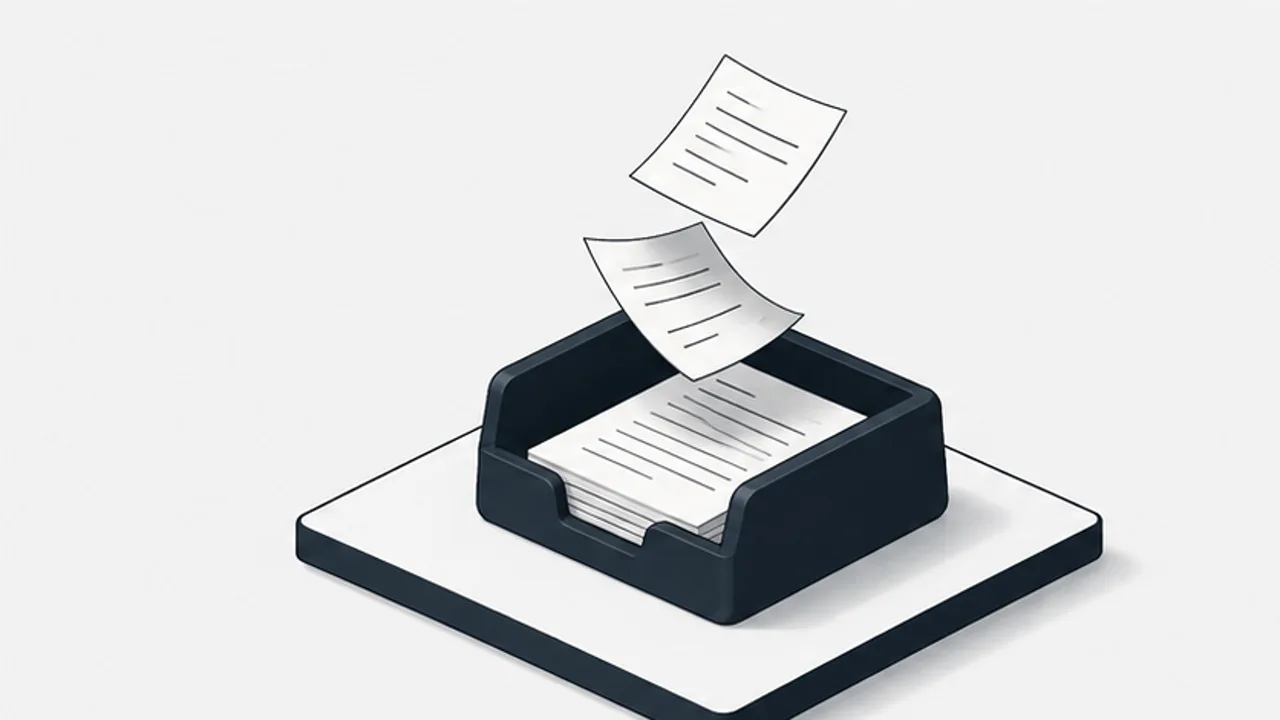 Notes and writingGive incoming notes an inbox
Capture new material in a predictable place, then decide what needs action, reference storage, or no further work.
2026-09-08
Notes and writingGive incoming notes an inbox
Capture new material in a predictable place, then decide what needs action, reference storage, or no further work.
2026-09-08
-
 Shop signs and printingMake a sold-out notice specific to the item
A sold-out sign should identify one item without making the whole shop appear closed. Use wording that matches the actual stock situation.
2026-09-08
Shop signs and printingMake a sold-out notice specific to the item
A sold-out sign should identify one item without making the whole shop appear closed. Use wording that matches the actual stock situation.
2026-09-08
-
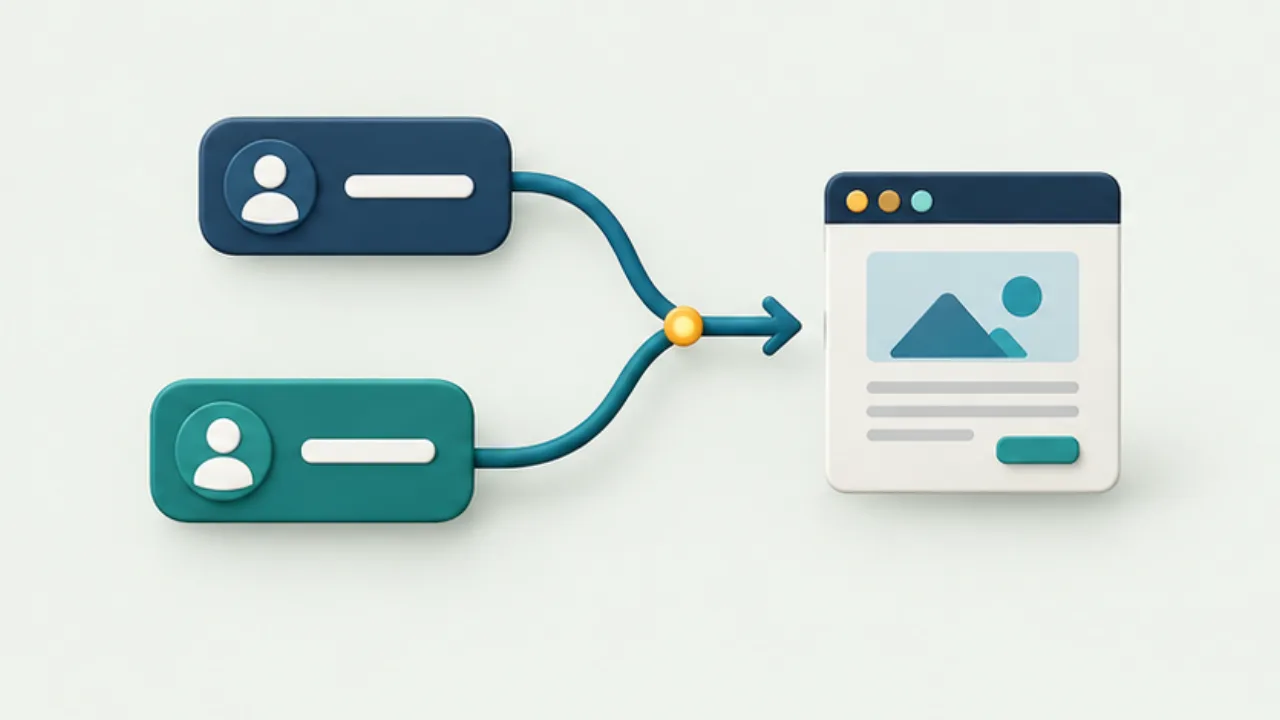 Website basicsChoose a consistent www or apex website address
The www and apex versions are distinct hostnames. Choose the public address, then verify both connection setup and URL redirection.
2026-09-08
Website basicsChoose a consistent www or apex website address
The www and apex versions are distinct hostnames. Choose the public address, then verify both connection setup and URL redirection.
2026-09-08
-
 Phones and computersSend a web page from your phone to a computer
A URL usually lets the other device continue interacting with a page more effectively than a screenshot. It does not necessarily carry login state or unfinished form input.
2026-09-08
Phones and computersSend a web page from your phone to a computer
A URL usually lets the other device continue interacting with a page more effectively than a screenshot. It does not necessarily carry login state or unfinished form input.
2026-09-08
-
 Files, images, and PDFsReduce a PDF without making it unreadable
Compressing a PDF can reduce detail as well as bytes. Keep the original and decide which content must remain usable.
2026-09-08
Files, images, and PDFsReduce a PDF without making it unreadable
Compressing a PDF can reduce detail as well as bytes. Keep the original and decide which content must remain usable.
2026-09-08
-
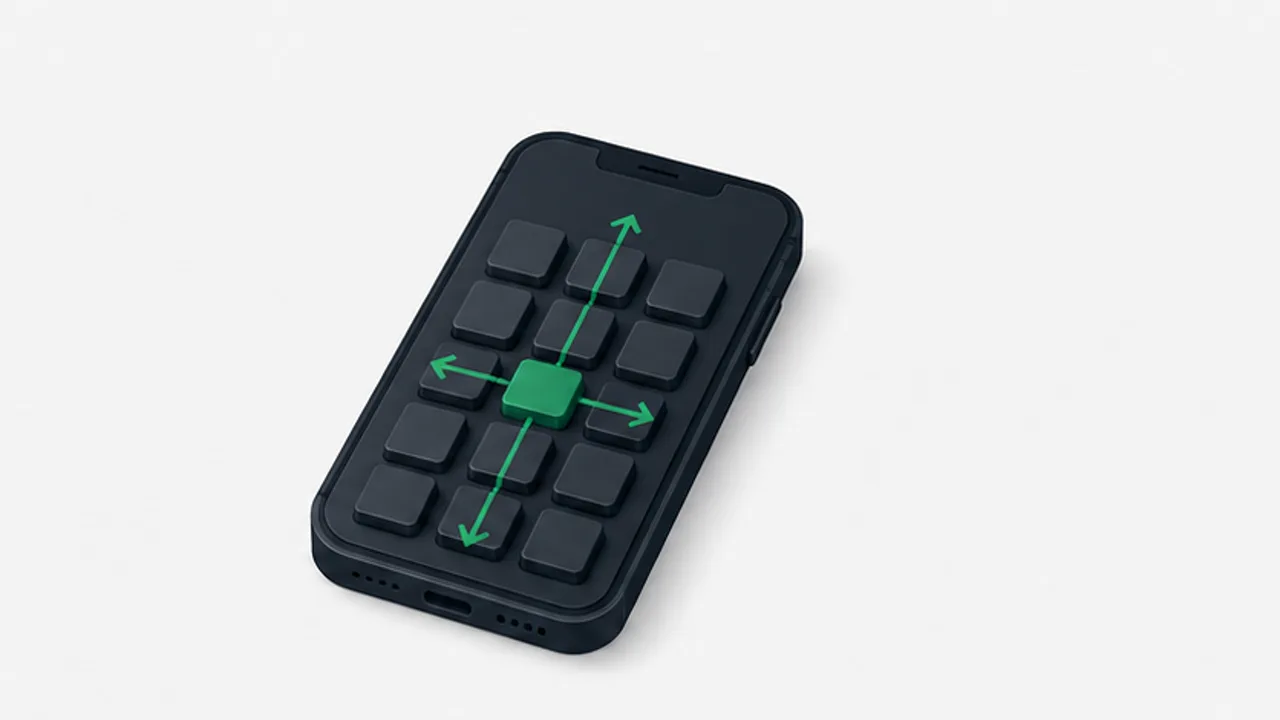 Keyboards and terminalsMake Japanese flick input easier to use
Examine keyboard size, repeated taps, conversion, and correction instead of treating typing speed as a single setting.
2026-09-08
Keyboards and terminalsMake Japanese flick input easier to use
Examine keyboard size, repeated taps, conversion, and correction instead of treating typing speed as a single setting.
2026-09-08
-
 Notes and writingMeeting notes built around decisions and next actions
Separate decisions, assigned actions, and open observations so a meeting record helps people continue the work.
2026-09-08
Notes and writingMeeting notes built around decisions and next actions
Separate decisions, assigned actions, and open observations so a meeting record helps people continue the work.
2026-09-08
-
 Shop signs and printingSeparate a booking request from a confirmed reservation
A booking QR code does not explain whether submitting a request guarantees a reservation. Draft the process before designing the sign.
2026-09-08
Shop signs and printingSeparate a booking request from a confirmed reservation
A booking QR code does not explain whether submitting a request guarantees a reservation. Draft the process before designing the sign.
2026-09-08
-
 Website basicsCheck a redirect's destination and intermediate steps
A redirect needs a correct destination and a sensible route to it. Reaching some working page is not enough.
2026-09-08
Website basicsCheck a redirect's destination and intermediate steps
A redirect needs a correct destination and a sensible route to it. Reaching some working page is not enough.
2026-09-08
-
 Phones and computersSend a photo without unintended quality changes
First distinguish a small preview from an altered image file. Also clarify whether the recipient needs the original capture or an edited delivery version.
2026-09-08
Phones and computersSend a photo without unintended quality changes
First distinguish a small preview from an altered image file. Also clarify whether the recipient needs the original capture or an edited delivery version.
2026-09-08
-
 Files, images, and PDFsWhy you cannot select text in a PDF
Visible letters in a PDF may be pixels rather than selectable text. First rule out selection settings and document restrictions before assuming OCR is needed.
2026-09-08
Files, images, and PDFsWhy you cannot select text in a PDF
Visible letters in a PDF may be pixels rather than selectable text. First rule out selection settings and document restrictions before assuming OCR is needed.
2026-09-08
-
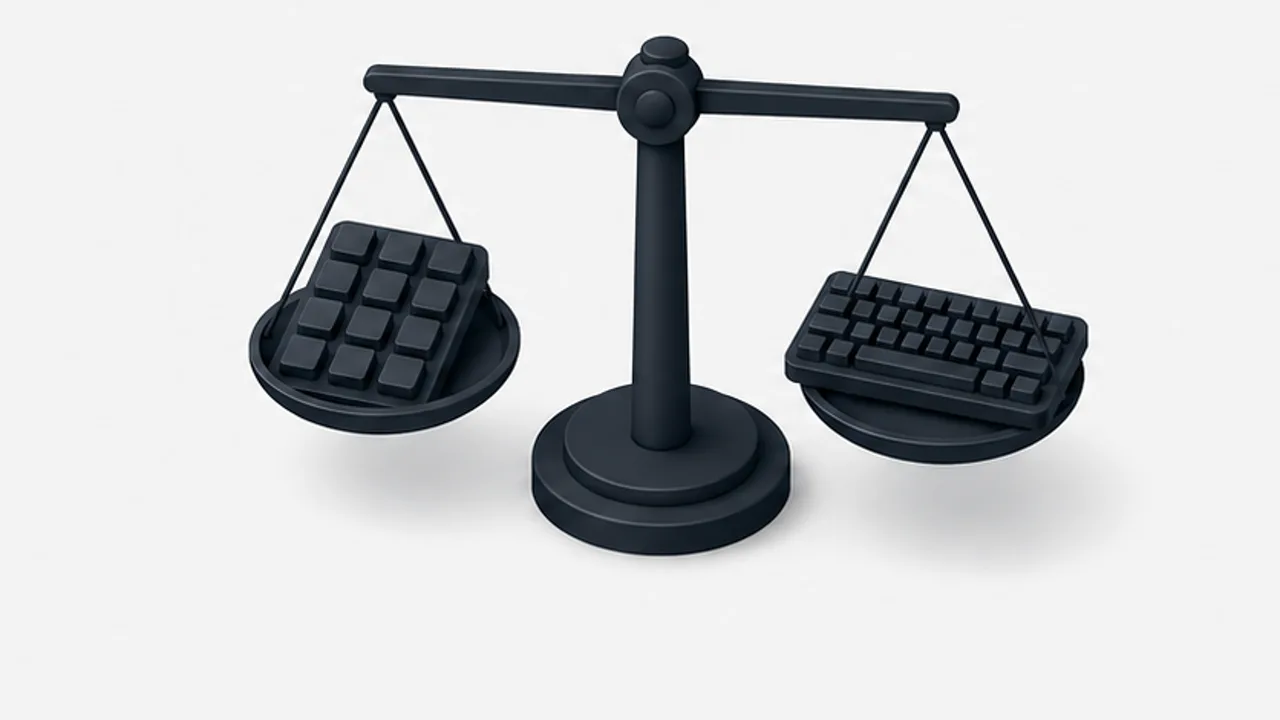 Keyboards and terminalsChoose flick or QWERTY for the text you write
Compare kana entry, Latin text, symbols, and correction on a phone without assuming one layout is always faster.
2026-09-08
Keyboards and terminalsChoose flick or QWERTY for the text you write
Compare kana entry, Latin text, symbols, and correction on a phone without assuming one layout is always faster.
2026-09-08
-
 Notes and writingReading notes in your own words
Keep a source reference, explain the idea without looking, and distinguish quotations from your interpretation and possible applications.
2026-09-08
Notes and writingReading notes in your own words
Keep a source reference, explain the idea without looking, and distinguish quotations from your interpretation and possible applications.
2026-09-08
-
 Shop signs and printingExplain where a queue starts and how to wait
A queue sign needs to explain more than “Line up here.” Match its wording to the actual waiting process and physical route.
2026-09-08
Shop signs and printingExplain where a queue starts and how to wait
A queue sign needs to explain more than “Line up here.” Match its wording to the actual waiting process and physical route.
2026-09-08
-
 Website basicsUse HTTP status codes without overinterpreting them
HTTP status codes help locate a problem, but they do not prove that the page content or layout is correct.
2026-09-08
Website basicsUse HTTP status codes without overinterpreting them
HTTP status codes help locate a problem, but they do not prove that the page content or layout is correct.
2026-09-08
-
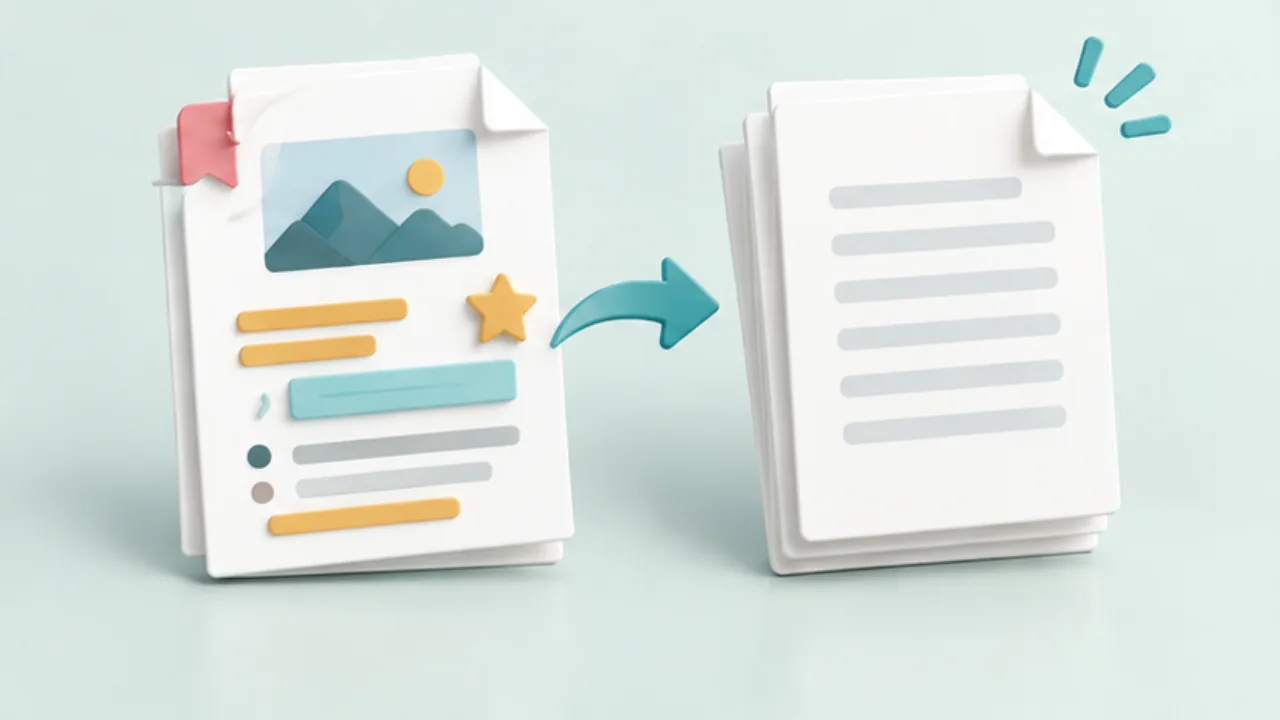 Phones and computersPaste text without unwanted formatting
Copied web text can carry fonts, colors, and links. Use the destination application's formatting controls rather than manually repairing every visual difference.
2026-09-08
Phones and computersPaste text without unwanted formatting
Copied web text can carry fonts, colors, and links. Use the destination application's formatting controls rather than manually repairing every visual difference.
2026-09-08
-
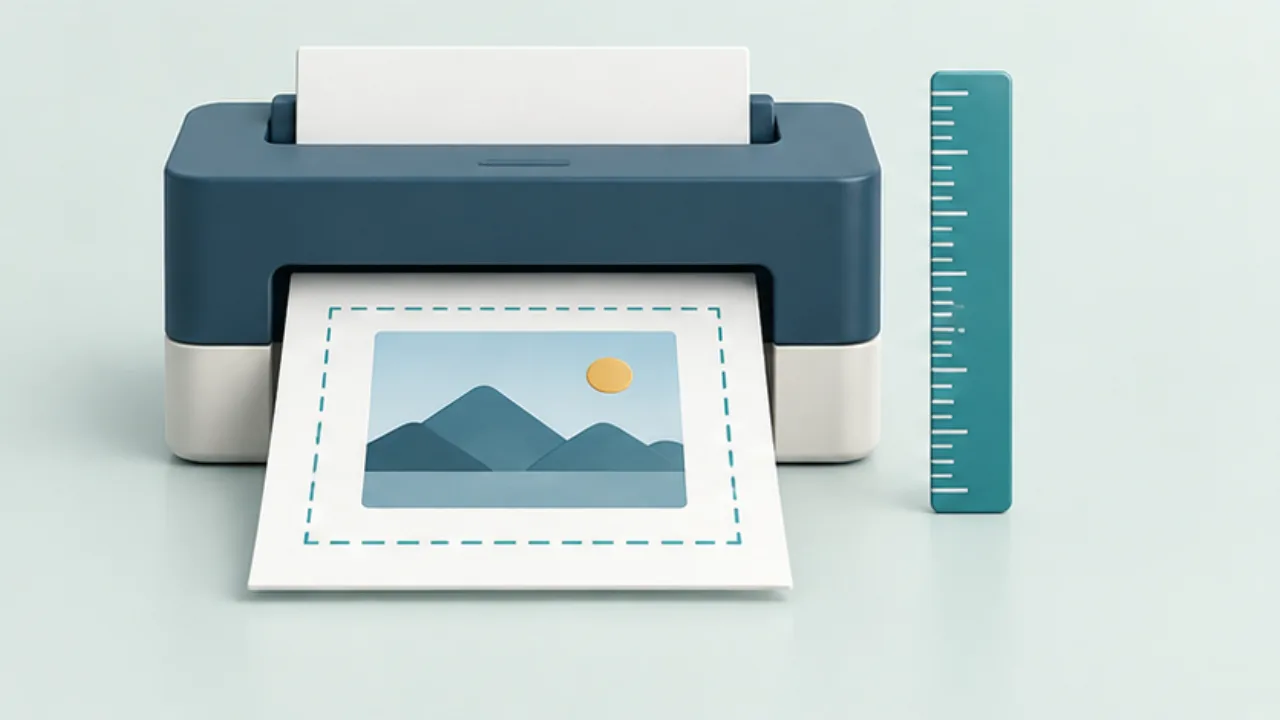 Files, images, and PDFsFix an A4 print that is cropped or unexpectedly small
Selecting A4 paper does not determine the document's final printed size. Check page dimensions, paper settings, orientation, and scaling separately.
2026-09-08
Files, images, and PDFsFix an A4 print that is cropped or unexpectedly small
Selecting A4 paper does not determine the document's final printed size. Check page dimensions, paper settings, orientation, and scaling separately.
2026-09-08
-
 Keyboards and terminalsHow a Japanese input method turns keys into text
Follow preedit text, conversion candidates, and confirmation, and separate input-method behavior from application shortcuts.
2026-09-08
Keyboards and terminalsHow a Japanese input method turns keys into text
Follow preedit text, conversion candidates, and confirmation, and separate input-method behavior from application shortcuts.
2026-09-08
-
 Notes and writingGive saved ideas a chance to become useful
Record the context behind an idea and choose a review routine that connects it to current work.
2026-09-08
Notes and writingGive saved ideas a chance to become useful
Record the context behind an idea and choose a review routine that connects it to current work.
2026-09-08
-
 Shop signs and printingSeparate order pickup from the ordering queue
If ordering and pickup happen at different places, consistent names are the starting point. Explain what the customer should bring or show at pickup.
2026-09-08
Shop signs and printingSeparate order pickup from the ordering queue
If ordering and pickup happen at different places, consistent names are the starting point. Explain what the customer should bring or show at pickup.
2026-09-08
-
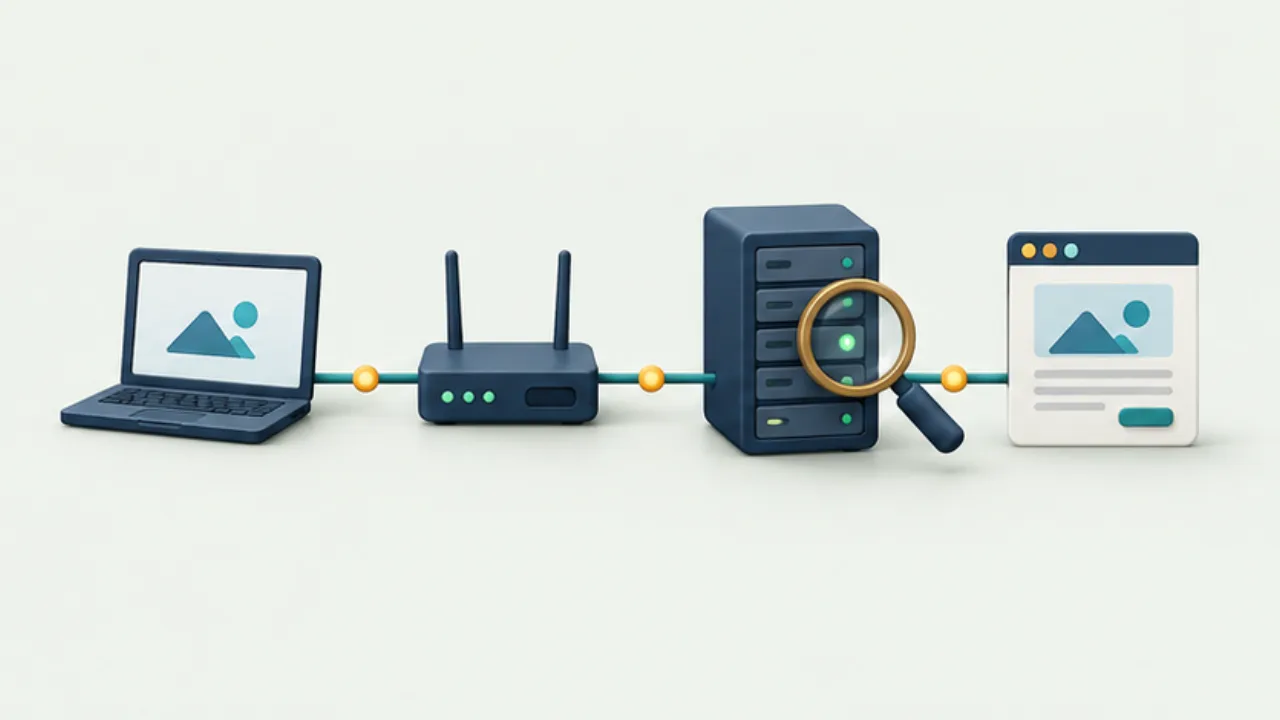 Website basicsLocate the stage where a website fails to open
“The site will not open” can describe several different failures. Record the exact URL and first error before changing settings.
2026-09-08
Website basicsLocate the stage where a website fails to open
“The site will not open” can describe several different failures. Record the exact URL and first error before changing settings.
2026-09-08
-
 Phones and computersChoose a delivery method for a large file
Select a delivery route for the recipient's situation, not only the file size. Completed upload is not confirmed receipt.
2026-09-08
Phones and computersChoose a delivery method for a large file
Select a delivery route for the recipient's situation, not only the file size. Completed upload is not confirmed receipt.
2026-09-08
-
 Files, images, and PDFsWhy a ZIP archive may not become much smaller
ZIP is useful for packaging multiple files as well as compressing them. A small reduction in size does not necessarily mean the archive failed.
2026-09-08
Files, images, and PDFsWhy a ZIP archive may not become much smaller
ZIP is useful for packaging multiple files as well as compressing them. A small reduction in size does not necessarily mean the archive failed.
2026-09-08
-
 Keyboards and terminalsWhat Mozc is, and what it does not define
Distinguish an open-source Japanese input project from the keyboard interface, distribution, and privacy behavior of a finished app.
2026-09-08
Keyboards and terminalsWhat Mozc is, and what it does not define
Distinguish an open-source Japanese input project from the keyboard interface, distribution, and privacy behavior of a finished app.
2026-09-08
-
 Notes and writingKeep tasks actionable and notes useful
Separate what you need to do from the context you need to keep, with a simple handoff between notes and reminders.
2026-09-08
Notes and writingKeep tasks actionable and notes useful
Separate what you need to do from the context you need to keep, with a simple handoff between notes and reminders.
2026-09-08
-
 Shop signs and printingKeep a payment-method sign aligned with actual acceptance
Before arranging payment logos, verify what the shop currently accepts. A contract, a terminal capability, and active acceptance are not necessarily the same thing.
2026-09-08
Shop signs and printingKeep a payment-method sign aligned with actual acceptance
Before arranging payment logos, verify what the shop currently accepts. A contract, a terminal capability, and active acceptance are not necessarily the same thing.
2026-09-08
-
 Website basicsCheck caching when a website update looks old
When updated text or images still look old, separate publishing from caching. Locate the stale layer before clearing all browser data.
2026-09-08
Website basicsCheck caching when a website update looks old
When updated text or images still look old, separate publishing from caching. Locate the stale layer before clearing all browser data.
2026-09-08
-
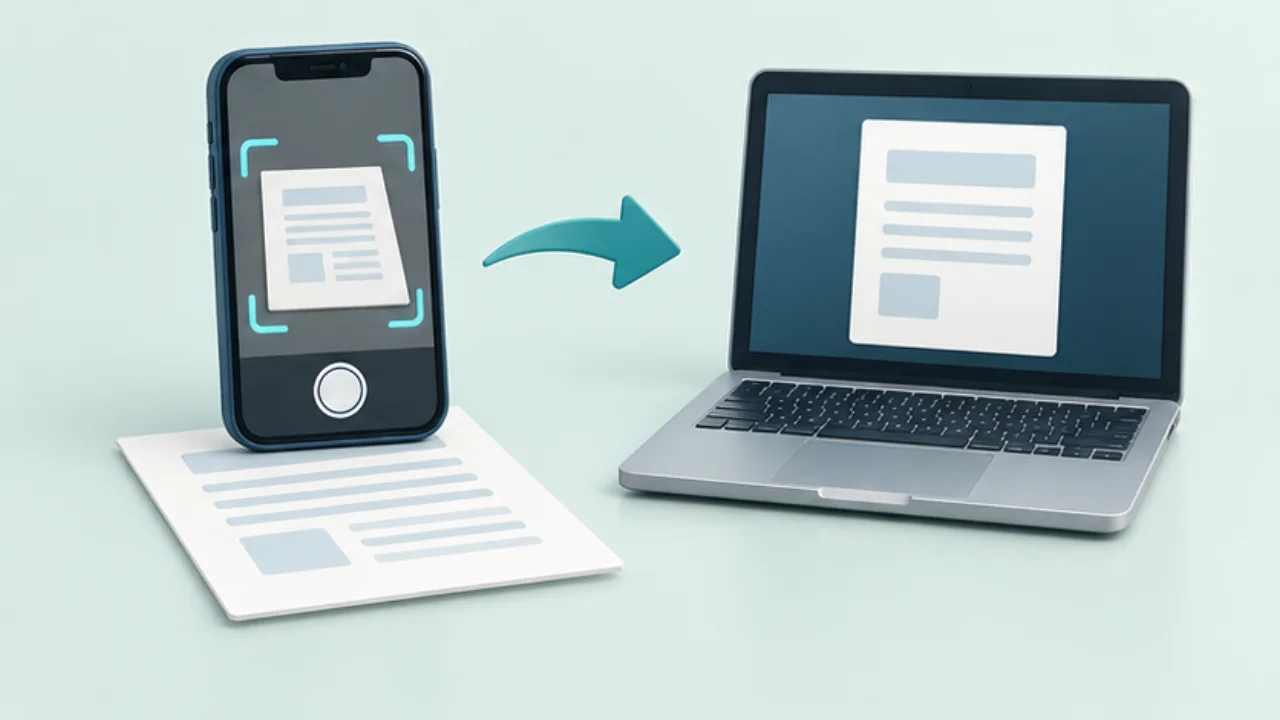 Phones and computersFinish a phone scan on your computer
Capture quality determines how much a computer can repair later. Choose whether you need ordinary photos or a document-scanning workflow that produces a PDF.
2026-09-08
Phones and computersFinish a phone scan on your computer
Capture quality determines how much a computer can repair later. Choose whether you need ordinary photos or a document-scanning workflow that produces a PDF.
2026-09-08
-
 Files, images, and PDFsName files so the current version is identifiable
Names such as “final,” “final2,” and “really-final” do not explain which file should be sent. Give the name a small number of stable responsibilities.
2026-09-08
Files, images, and PDFsName files so the current version is identifiable
Names such as “final,” “final2,” and “really-final” do not explain which file should be sent. Give the name a small number of stable responsibilities.
2026-09-08
-
 Keyboards and terminalsCheck how a keyboard handles your input
Examine permissions, offline behavior, learning, and privacy documentation without treating one setting as proof of complete safety.
2026-09-08
Keyboards and terminalsCheck how a keyboard handles your input
Examine permissions, offline behavior, learning, and privacy documentation without treating one setting as proof of complete safety.
2026-09-08
-
 Notes and writingGive paper and digital notes different jobs
Choose a medium for the task, and create a deliberate bridge between handwritten material and searchable records.
2026-09-08
Notes and writingGive paper and digital notes different jobs
Choose a medium for the task, and create a deliberate bridge between handwritten material and searchable records.
2026-09-08
-
 Shop signs and printingTest a printed QR code before displaying it
A QR code that scans on screen may become difficult after printing or covering. Test the finished sign and its destination.
2026-09-08
Shop signs and printingTest a printed QR code before displaying it
A QR code that scans on screen may become difficult after printing or covering. Test the finished sign and its destination.
2026-09-08
-
 Website basicsList published canonical URLs in a sitemap
An XML sitemap helps search engines discover URLs. Submission does not guarantee that each page will appear in search results.
2026-09-08
Website basicsList published canonical URLs in a sitemap
An XML sitemap helps search engines discover URLs. Submission does not guarantee that each page will appear in search results.
2026-09-08
-
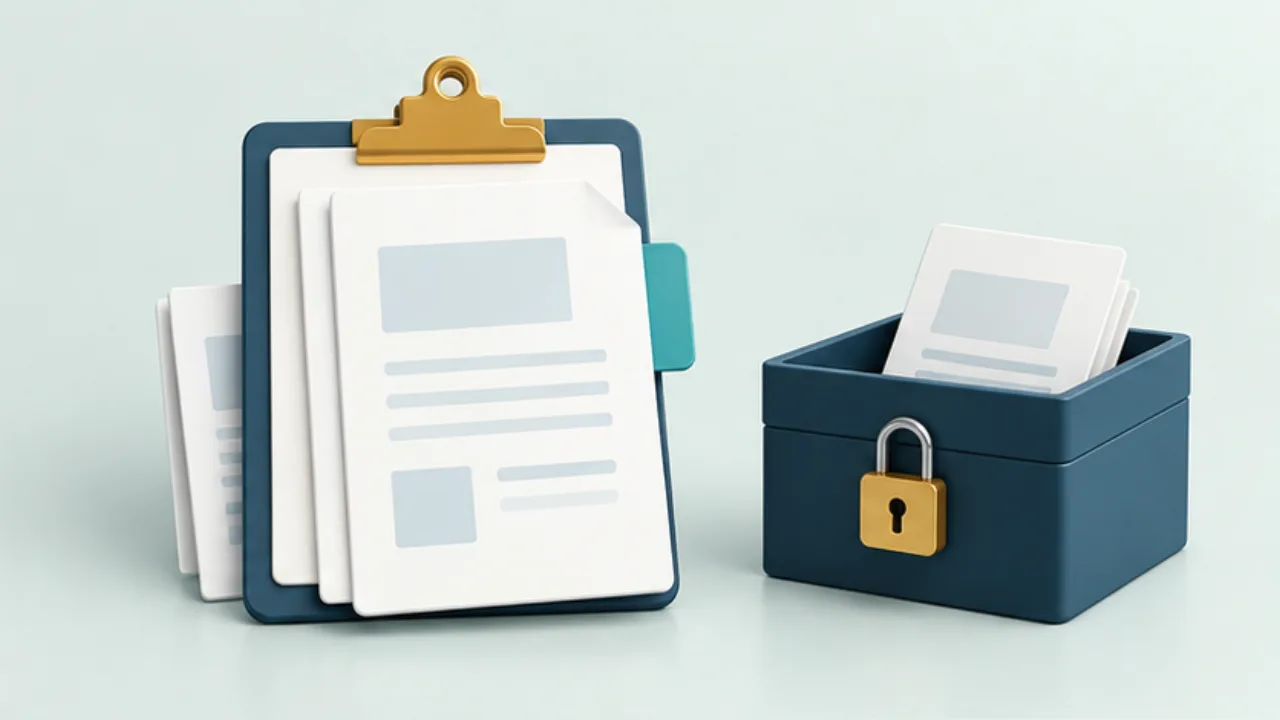 Phones and computersDecide what belongs in clipboard history
Clipboard history can retain text after you have pasted it. Treat local history and synchronization as separate choices so you know where copied content is kept.
2026-09-08
Phones and computersDecide what belongs in clipboard history
Clipboard history can retain text after you have pasted it. Treat local history and synchronization as separate choices so you know where copied content is kept.
2026-09-08
-
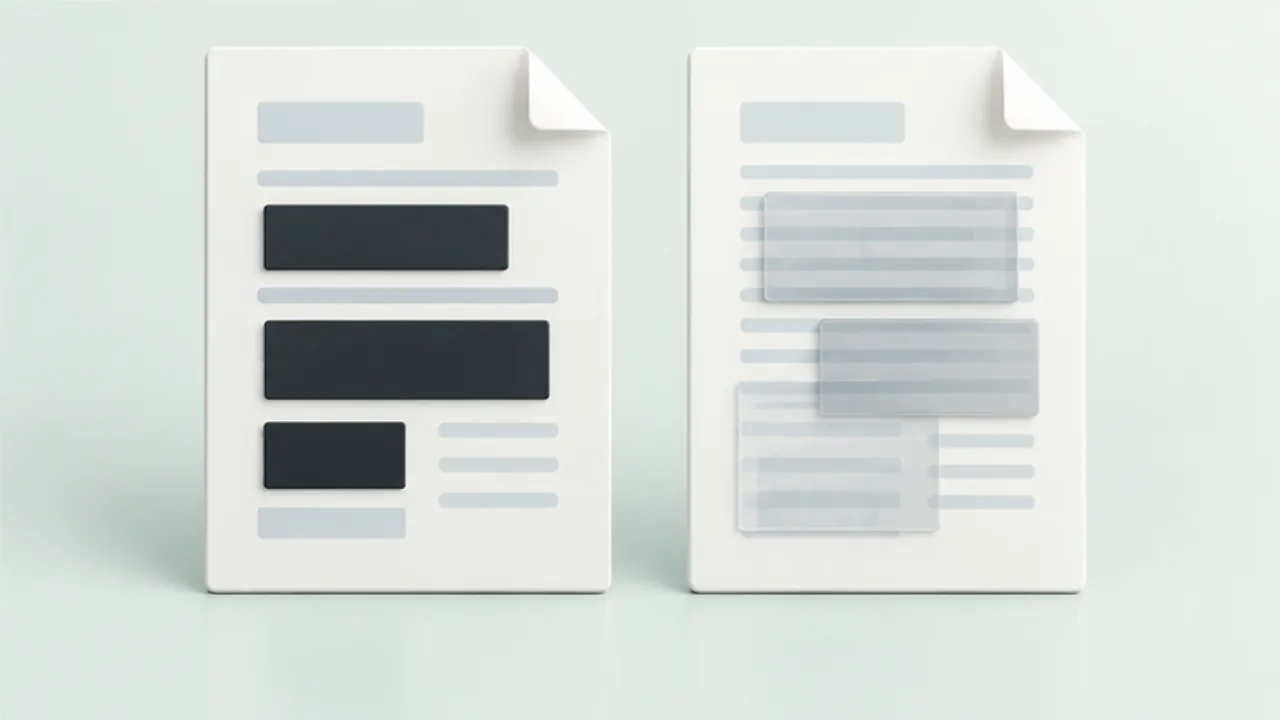 Files, images, and PDFsRedact a PDF rather than covering the text
A black rectangle can cover text visually while leaving underlying content in the PDF. For a document you will distribute, distinguish annotation from actual redaction.
2026-09-08
Files, images, and PDFsRedact a PDF rather than covering the text
A black rectangle can cover text visually while leaving underlying content in the PDF. For a document you will distribute, distinguish annotation from actual redaction.
2026-09-08
-
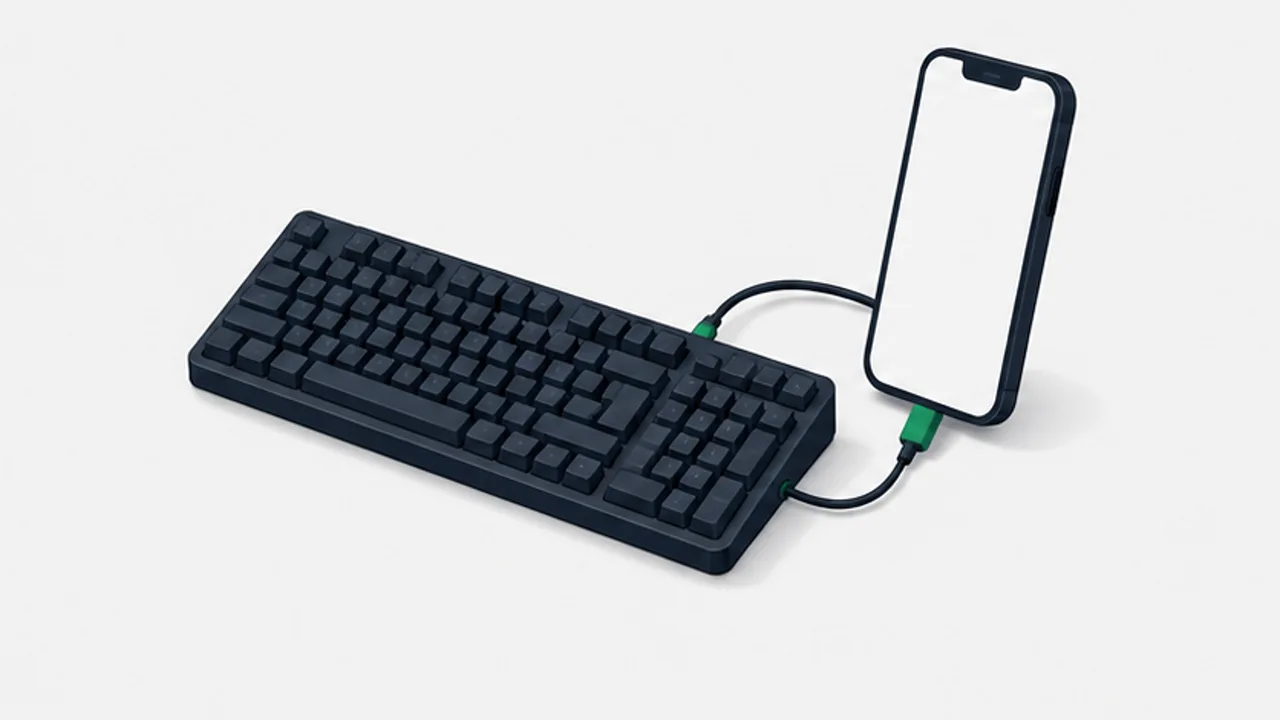 Keyboards and terminalsUse a physical keyboard with Android
Check connection support, hardware layout, Japanese input, and shortcuts before relying on an external keyboard.
2026-09-08
Keyboards and terminalsUse a physical keyboard with Android
Check connection support, hardware layout, Japanese input, and shortcuts before relying on an external keyboard.
2026-09-08
-
 Notes and writingWrite notes you can find again
Add names, context, and concrete nouns to your notes, then check how your app actually searches them.
2026-09-08
Notes and writingWrite notes you can find again
Add names, context, and concrete nouns to your notes, then check how your app actually searches them.
2026-09-08
-
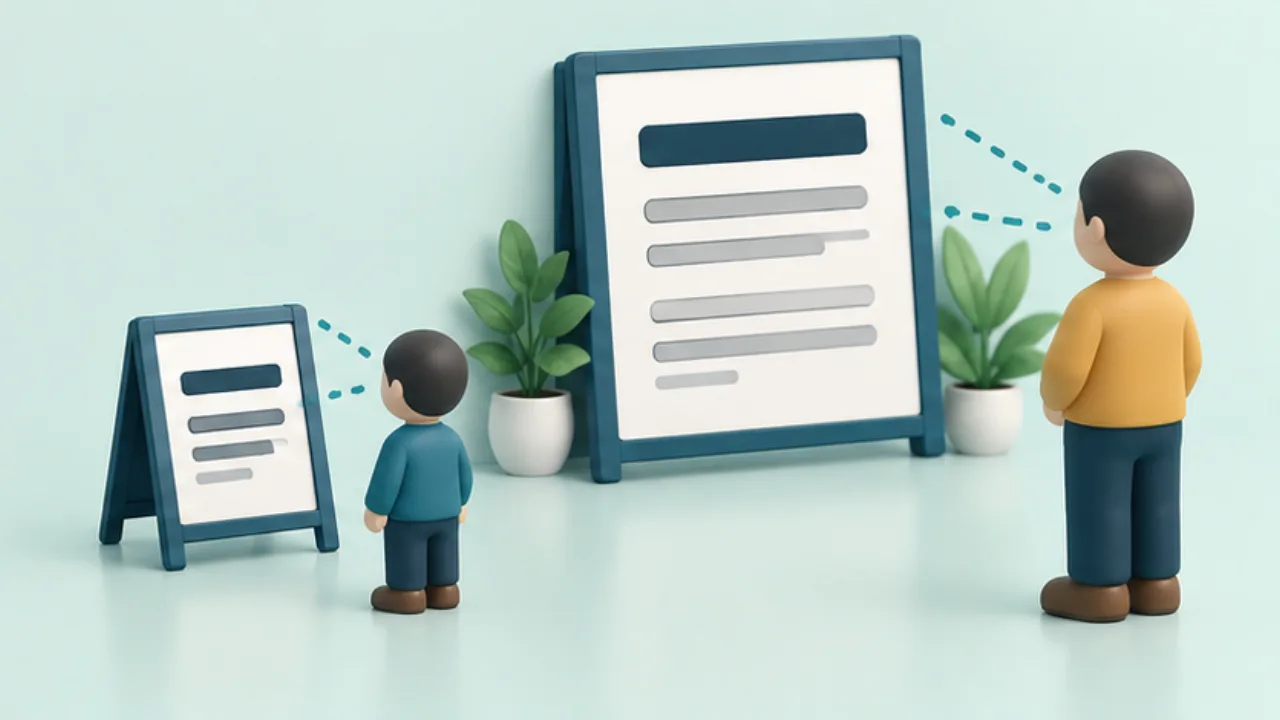 Shop signs and printingChoose sign text size at the intended reading distance
A sign that looks readable on a monitor may fail at an entrance. Choose text size by testing a print where people will actually read it.
2026-09-08
Shop signs and printingChoose sign text size at the intended reading distance
A sign that looks readable on a monitor may fail at an entrance. Choose text size by testing a print where people will actually read it.
2026-09-08
-
 Website basicsDistinguish robots.txt from noindex
robots.txt controls crawling, while noindex directs search indexing. Neither is a substitute for access control over private information.
2026-09-08
Website basicsDistinguish robots.txt from noindex
robots.txt controls crawling, while noindex directs search indexing. Neither is a substitute for access control over private information.
2026-09-08
-
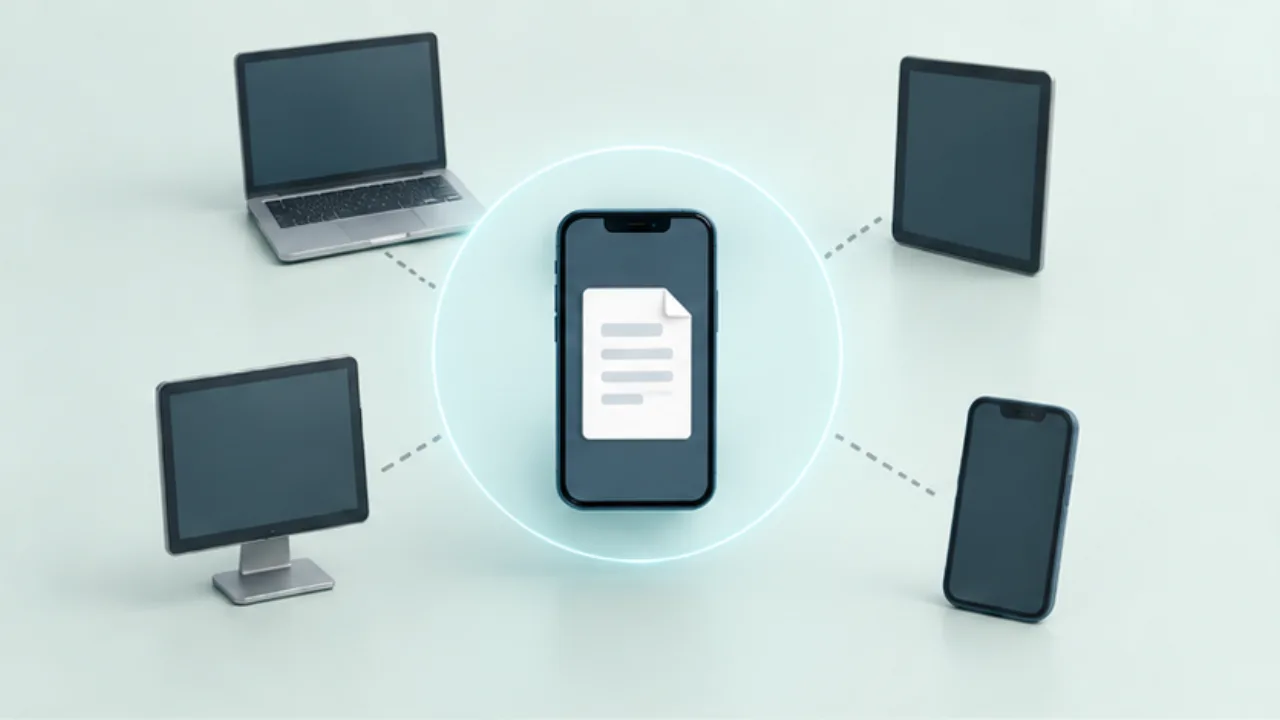 Phones and computersControl who can discover you for nearby sharing
Before using nearby sharing, check who can discover your device. A familiar device name is useful, but it does not by itself establish the recipient's identity.
2026-09-08
Phones and computersControl who can discover you for nearby sharing
Before using nearby sharing, check who can discover your device. A familiar device name is useful, but it does not by itself establish the recipient's identity.
2026-09-08
-
 Files, images, and PDFsCheck photo location information before sharing
A photograph may contain location metadata in addition to the visible scene. Inspect both before sharing a picture whose location should remain private.
2026-09-08
Files, images, and PDFsCheck photo location information before sharing
A photograph may contain location metadata in addition to the visible scene. Inspect both before sharing a picture whose location should remain private.
2026-09-08
-
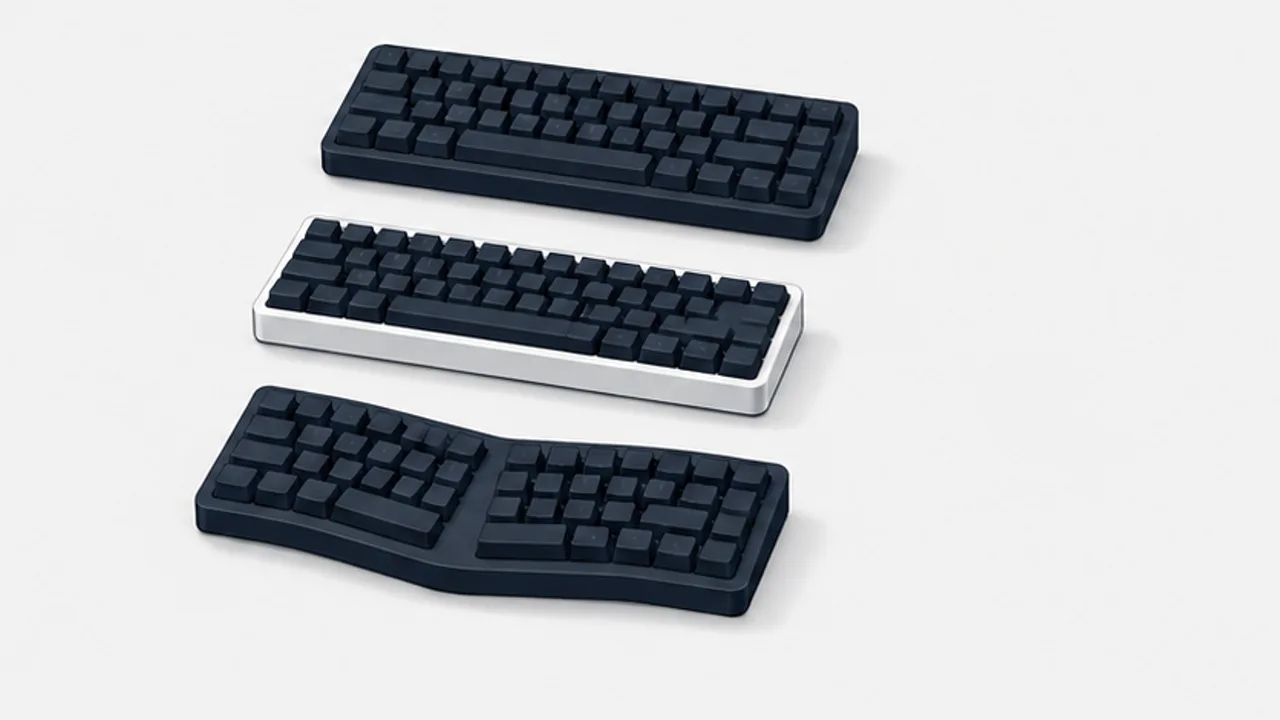 Keyboards and terminalsANSI, ISO, and JIS keyboard layouts explained
Recognize common physical keyboard arrangements and distinguish key shapes from the character mapping selected in your operating system.
2026-09-08
Keyboards and terminalsANSI, ISO, and JIS keyboard layouts explained
Recognize common physical keyboard arrangements and distinguish key shapes from the character mapping selected in your operating system.
2026-09-08
-
 Notes and writingBorrow what you need from a note-taking method
Compare the jobs done by structured note systems, then adopt only the parts that solve a problem in your own work.
2026-09-08
Notes and writingBorrow what you need from a note-taking method
Compare the jobs done by structured note systems, then adopt only the parts that solve a problem in your own work.
2026-09-08
-
 Shop signs and printingKeep sign text distinct from its background
Brand colors can still produce hard-to-read text. Review the text area and information structure before adding more colors.
2026-09-08
Shop signs and printingKeep sign text distinct from its background
Brand colors can still produce hard-to-read text. Review the text area and information structure before adding more colors.
2026-09-08
-
 Website basicsUnderstand canonical annotations and their limits
A canonical annotation suggests the representative URL for duplicate content. It does not redirect the browser or force the search engine's choice.
2026-09-08
Website basicsUnderstand canonical annotations and their limits
A canonical annotation suggests the representative URL for duplicate content. It does not redirect the browser or force the search engine's choice.
2026-09-08
-
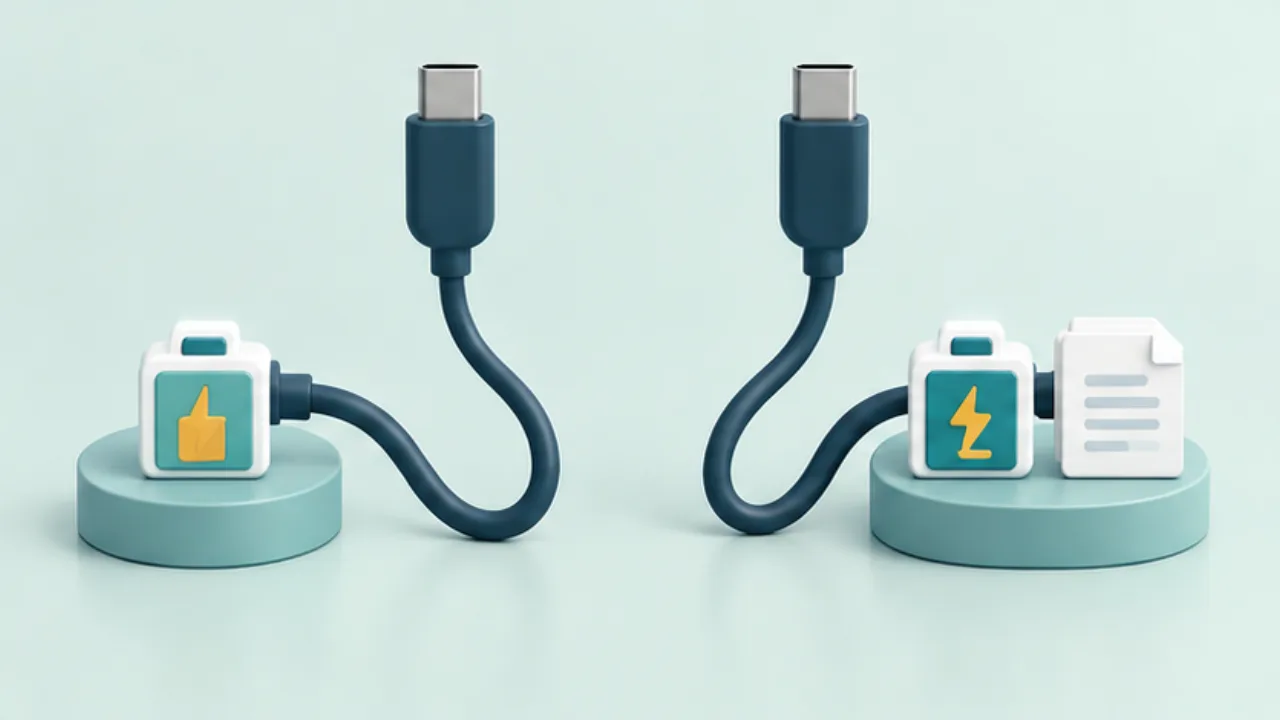 Phones and computersWhen a USB-C connection charges but does not transfer files
USB-C describes a connector, not a promise that every connected cable and port supports the same functions. Diagnose the cable and device settings separately when charging works but file transfer does not.
2026-09-08
Phones and computersWhen a USB-C connection charges but does not transfer files
USB-C describes a connector, not a promise that every connected cable and port supports the same functions. Diagnose the cable and device settings separately when charging works but file transfer does not.
2026-09-08
-
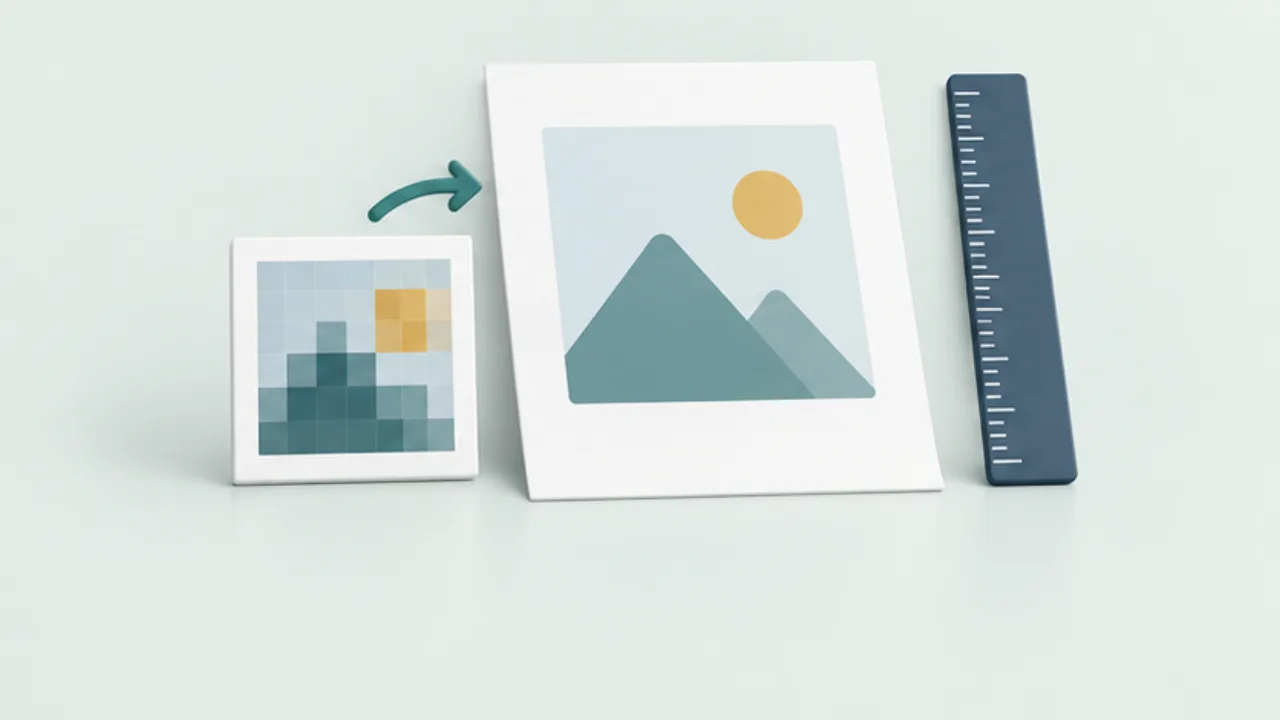 Files, images, and PDFsRelate image pixels to printed dimensions
An image that looks large on screen may appear coarse when printed across a larger area. Check pixel dimensions and intended physical size separately.
2026-09-08
Files, images, and PDFsRelate image pixels to printed dimensions
An image that looks large on screen may appear coarse when printed across a larger area. Check pixel dimensions and intended physical size separately.
2026-09-08
-
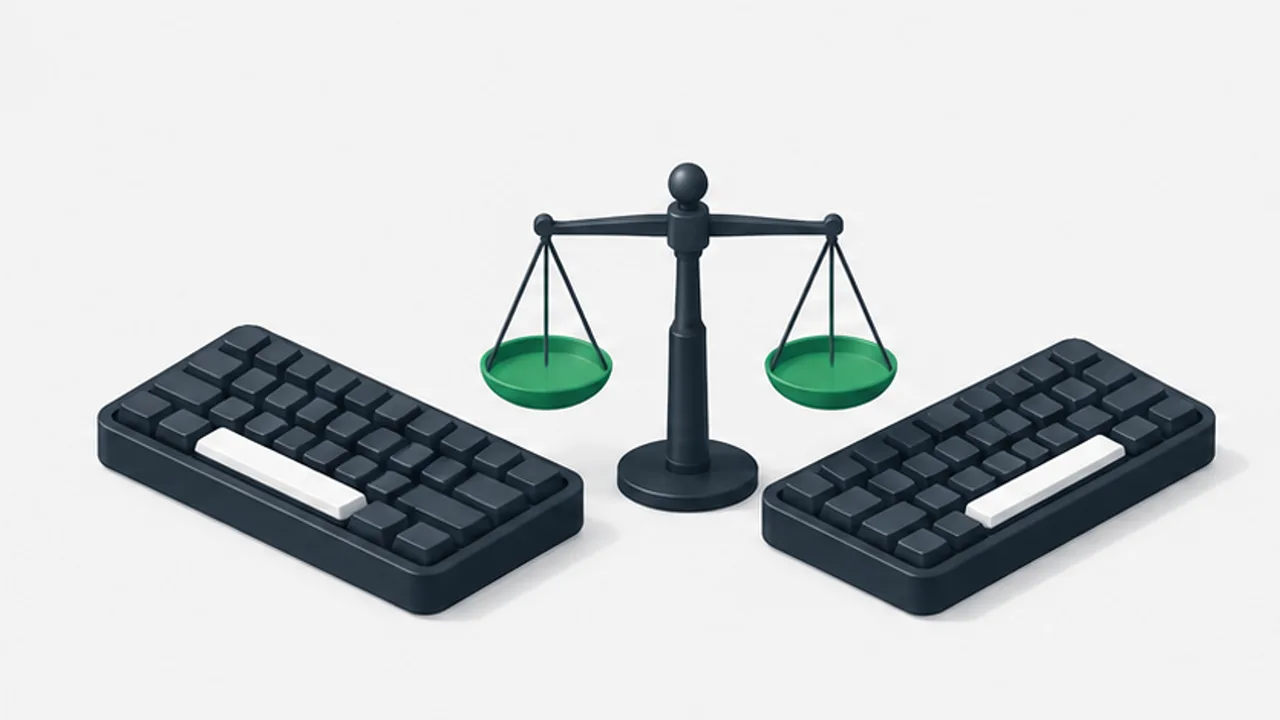 Keyboards and terminalsChoose a US or JIS keyboard for your work
Separate the physical keyboard, logical layout, and Japanese input method when comparing US and JIS keyboards.
2026-09-08
Keyboards and terminalsChoose a US or JIS keyboard for your work
Separate the physical keyboard, logical layout, and Japanese input method when comparing US and JIS keyboards.
2026-09-08
-
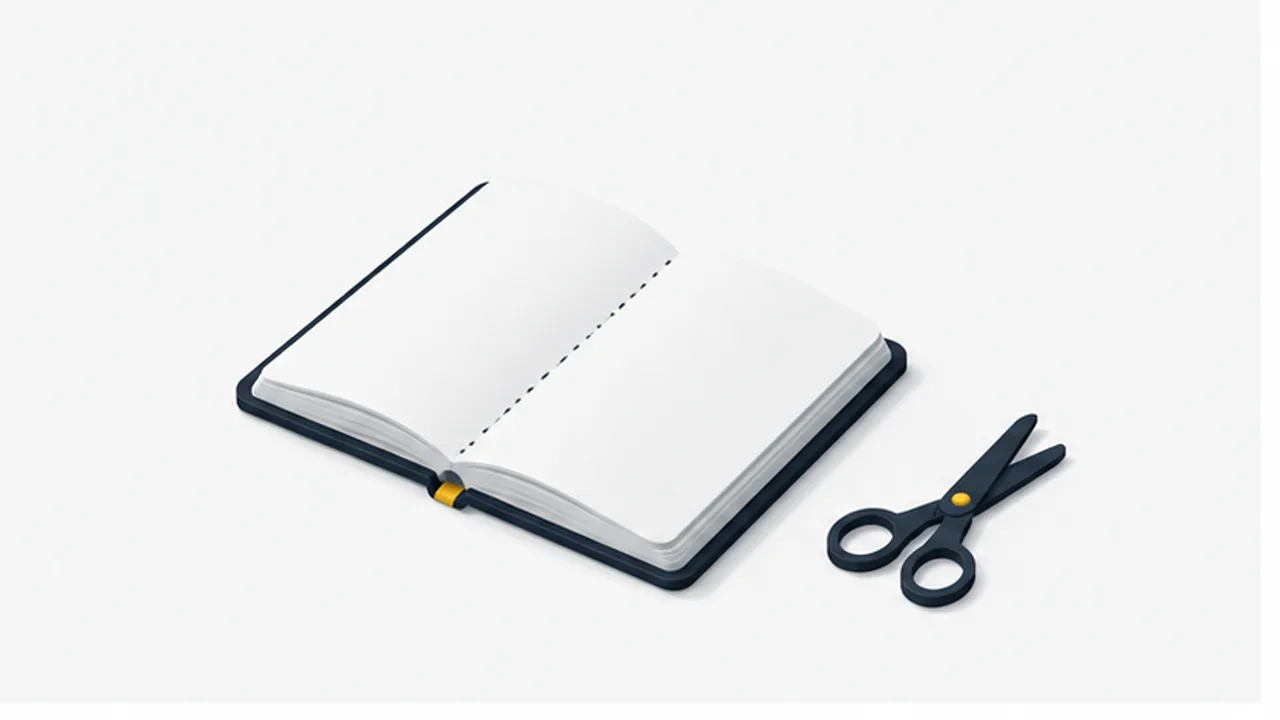 Notes and writingSeparate thoughts with a simple boundary
Use a line or note break when the topic changes, and add a short label so each piece remains understandable later.
2026-09-08
Notes and writingSeparate thoughts with a simple boundary
Use a line or note break when the topic changes, and add a short label so each piece remains understandable later.
2026-09-08
-
 Shop signs and printingCheck margins and scaling when a print is clipped
Clipped borders or text may come from a mismatch between the design and the printer's output area. Check paper setup before changing the artwork.
2026-09-08
Shop signs and printingCheck margins and scaling when a print is clipped
Clipped borders or text may come from a mismatch between the design and the printer's output area. Check paper setup before changing the artwork.
2026-09-08
-
 Website basicsConnect language editions with content, URLs, and hreflang
An EN button does not create an English article. A multilingual site needs language content, corresponding destinations, and search annotations.
2026-09-08
Website basicsConnect language editions with content, URLs, and hreflang
An EN button does not create an English article. A multilingual site needs language content, corresponding destinations, and search annotations.
2026-09-08
-
 Phones and computersUse a phone hotspot for a temporary computer connection
A phone hotspot can provide a temporary internet connection for a computer. Check the connection conditions, background traffic, and shutdown steps as part of the same task.
2026-09-08
Phones and computersUse a phone hotspot for a temporary computer connection
A phone hotspot can provide a temporary internet connection for a computer. Check the connection conditions, background traffic, and shutdown steps as part of the same task.
2026-09-08
-
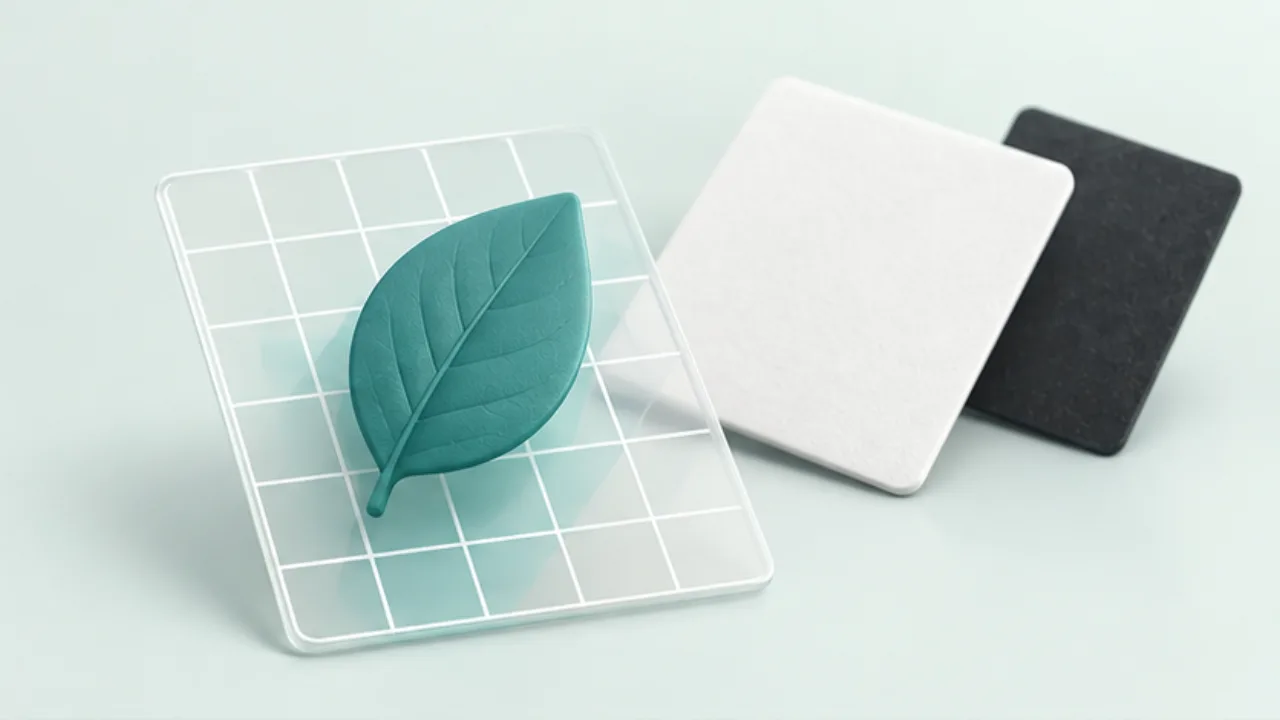 Files, images, and PDFsUnderstand an image's transparent background
A logo that appears on white may contain white pixels, or the viewer may simply be showing transparency against a white canvas. Test before editing.
2026-09-08
Files, images, and PDFsUnderstand an image's transparent background
A logo that appears on white may contain white pixels, or the viewer may simply be showing transparency against a white canvas. Test before editing.
2026-09-08
-
 Keyboards and terminalsTry remapping Caps Lock to Control
Evaluate a reversible key remap, understand where it applies, and check remote sessions and applications before making it your default.
2026-09-08
Keyboards and terminalsTry remapping Caps Lock to Control
Evaluate a reversible key remap, understand where it applies, and check remote sessions and applications before making it your default.
2026-09-08
-
 Notes and writingBack up your notes and check that you can restore them
Distinguish sync from backup, choose a tolerable loss interval, and keep an export you can read outside the original app.
2026-09-08
Notes and writingBack up your notes and check that you can restore them
Distinguish sync from backup, choose a tolerable loss interval, and keep an export you can read outside the original app.
2026-09-08
-
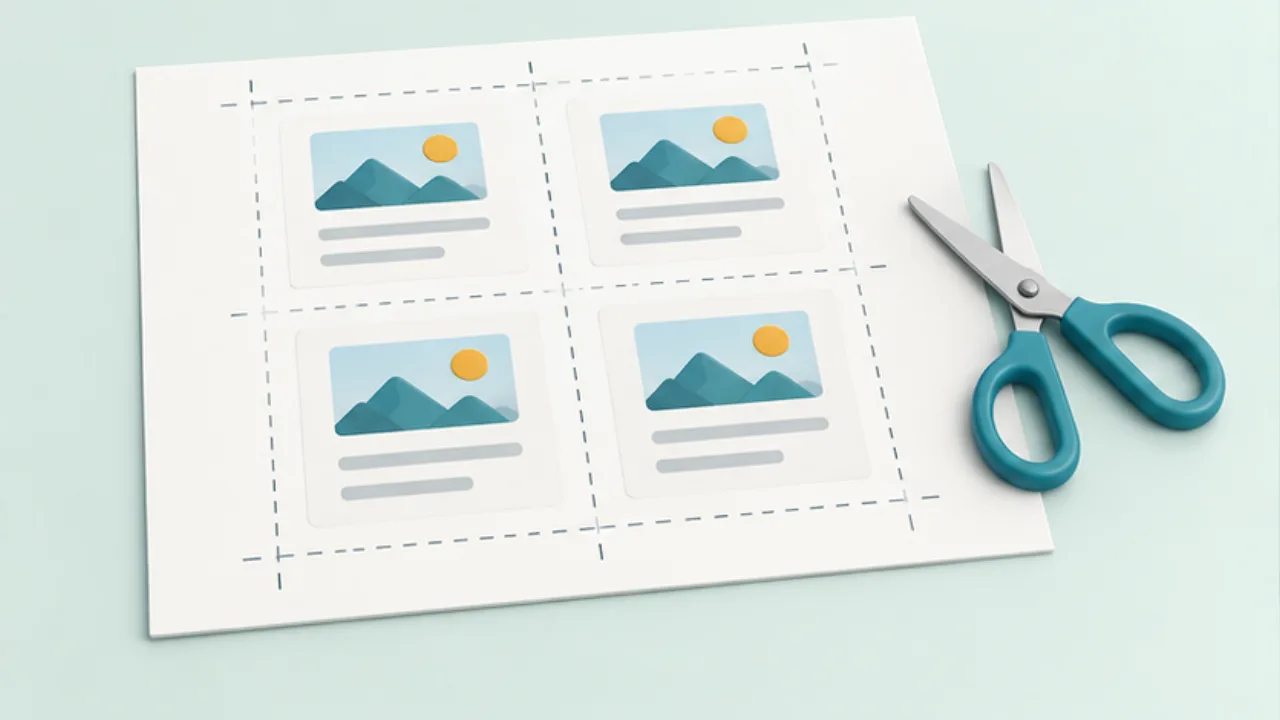 Shop signs and printingArrange multiple cards on an A4 sheet
An A4 sheet can hold several small cards, but packing in more copies is not the first decision. Start with the finished card dimensions.
2026-09-08
Shop signs and printingArrange multiple cards on an A4 sheet
An A4 sheet can hold several small cards, but packing in more copies is not the first decision. Start with the finished card dimensions.
2026-09-08
-
 Website basicsWrite page-specific titles and descriptions
Titles and descriptions should explain the individual page, rather than repeat the same site-wide promotion everywhere.
2026-09-08
Website basicsWrite page-specific titles and descriptions
Titles and descriptions should explain the individual page, rather than repeat the same site-wide promotion everywhere.
2026-09-08
-
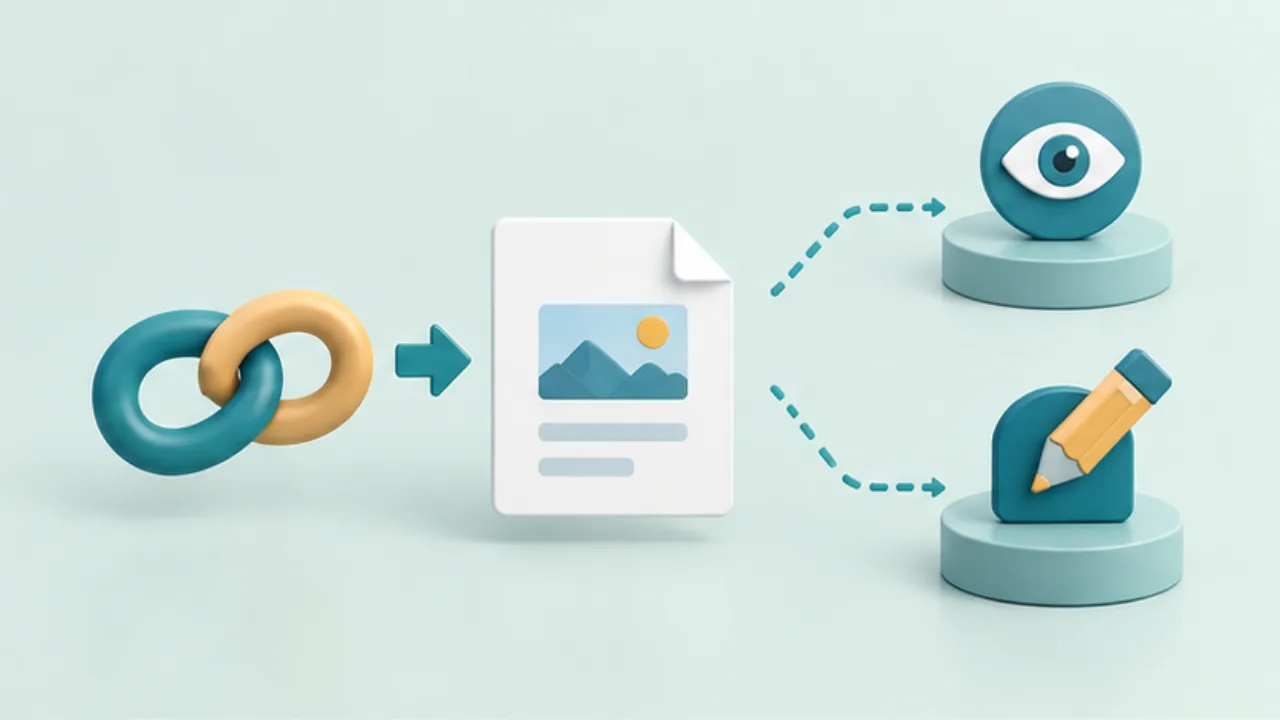 Phones and computersCheck a shared link's audience and permissions
A shared URL may work for anyone with the link or only for named accounts. Before sending it, decide who should open the file and what they should be able to do.
2026-09-08
Phones and computersCheck a shared link's audience and permissions
A shared URL may work for anyone with the link or only for named accounts. Before sending it, decide who should open the file and what they should be able to do.
2026-09-08
-
 Files, images, and PDFsReorder and rotate PDF pages deliberately
A scanned document may contain reversed pages or a cover at the end. Establish the intended sequence before deleting anything.
2026-09-08
Files, images, and PDFsReorder and rotate PDF pages deliberately
A scanned document may contain reversed pages or a cover at the end. Establish the intended sequence before deleting anything.
2026-09-08
-
 Keyboards and terminalsUse slash commands in a coding assistant
Distinguish an assistant's built-in commands from shell commands and ordinary prompts, and check the current tool's command list.
2026-09-08
Keyboards and terminalsUse slash commands in a coding assistant
Distinguish an assistant's built-in commands from shell commands and ordinary prompts, and check the current tool's command list.
2026-09-08
-
 Notes and writingWhat end-to-end encryption protects in a note app
Understand transport encryption, encryption at rest, key ownership, and recovery before choosing where to keep private notes.
2026-09-08
Notes and writingWhat end-to-end encryption protects in a note app
Understand transport encryption, encryption at rest, key ownership, and recovery before choosing where to keep private notes.
2026-09-08
-
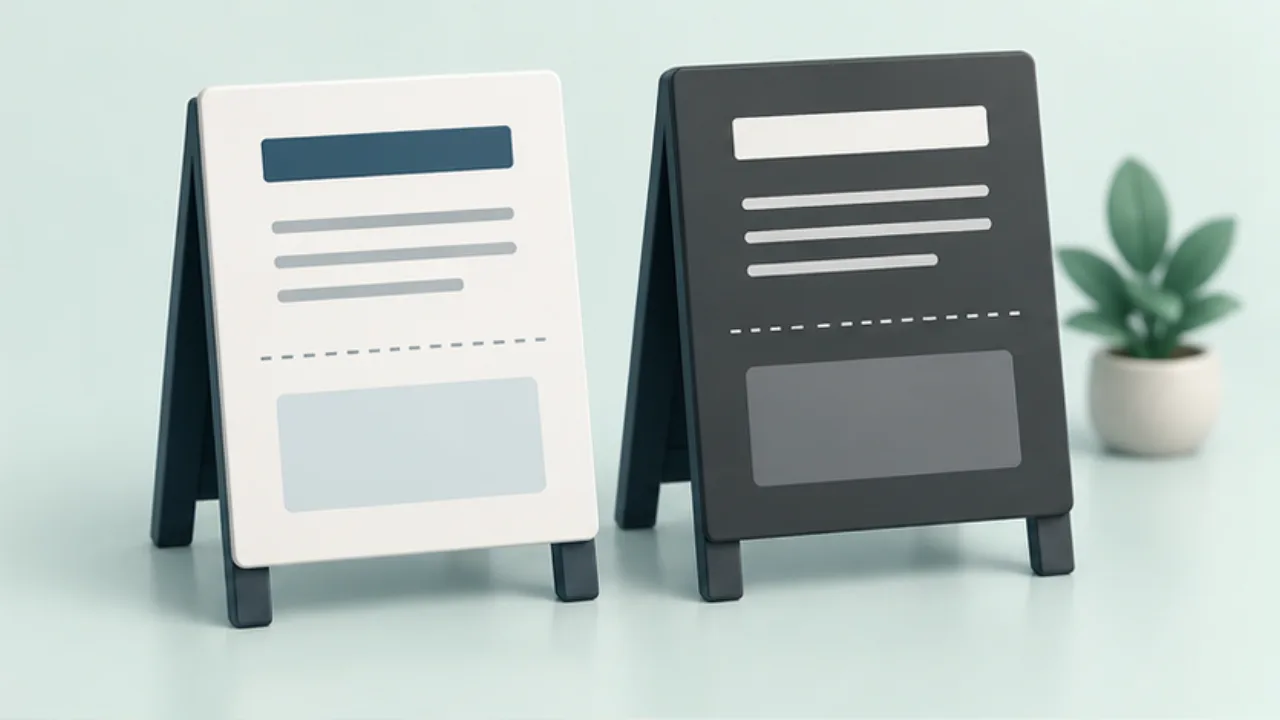 Shop signs and printingBuild a shop sign that works in monochrome
Colors can collapse into similar shades of gray. Design distinctions with words and layout before sending a color sign to a monochrome printer.
2026-09-08
Shop signs and printingBuild a shop sign that works in monochrome
Colors can collapse into similar shades of gray. Design distinctions with words and layout before sending a color sign to a monochrome printer.
2026-09-08
-
 Website basicsCheck the title and image used in a social preview
Social link cards may use metadata separate from the visible article. Check both Open Graph settings and the publicly available image.
2026-09-08
Website basicsCheck the title and image used in a social preview
Social link cards may use metadata separate from the visible article. Check both Open Graph settings and the publicly available image.
2026-09-08
-
 Phones and computersFind a file after downloading it
A completed download does not necessarily appear in the photo library. Start with the app that obtained the file before downloading it again.
2026-09-08
Phones and computersFind a file after downloading it
A completed download does not necessarily appear in the photo library. Start with the app that obtained the file before downloading it again.
2026-09-08
-
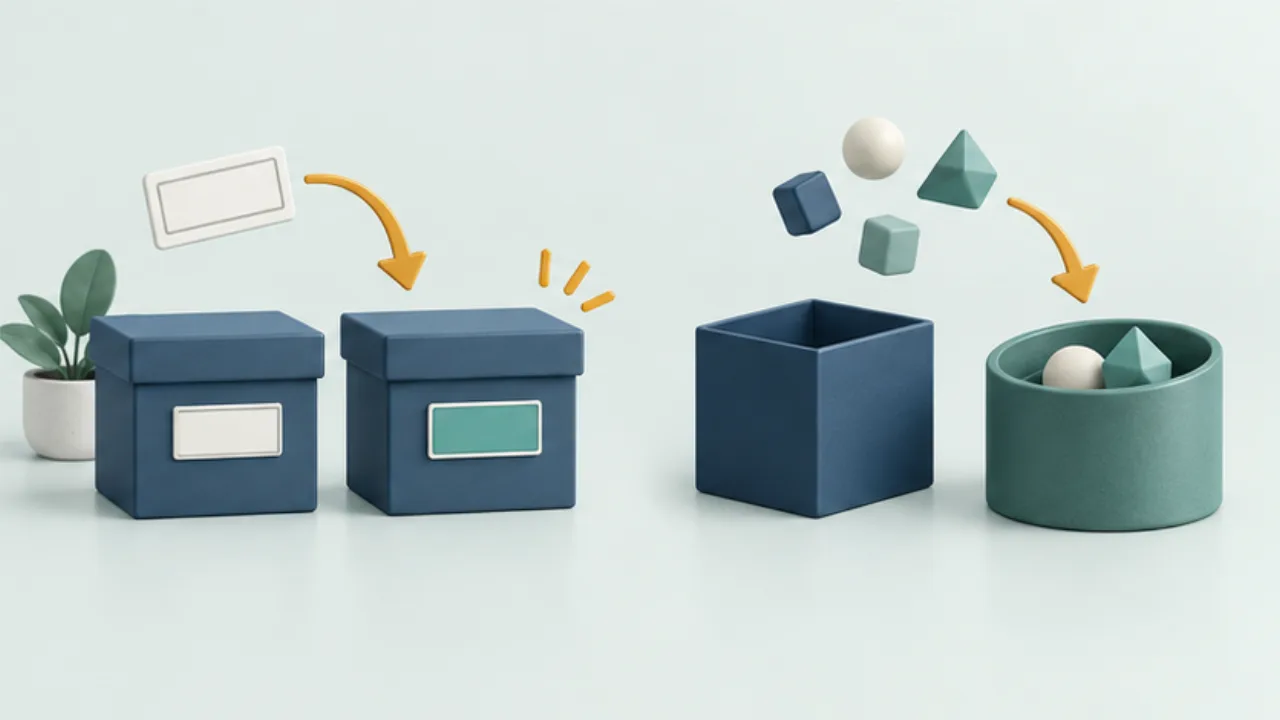 Files, images, and PDFsRenaming an extension does not convert a file
A filename extension is a clue about a format, not the format itself. Changing the suffix leaves the stored data unchanged.
2026-09-08
Files, images, and PDFsRenaming an extension does not convert a file
A filename extension is a clue about a format, not the format itself. Changing the suffix leaves the stored data unchanged.
2026-09-08
-
 Keyboards and terminalsUnderstand Shizuku before granting access
Learn why compatible Android apps use Shizuku, how startup methods differ, and what to check before authorizing a client.
2026-09-08
Keyboards and terminalsUnderstand Shizuku before granting access
Learn why compatible Android apps use Shizuku, how startup methods differ, and what to check before authorizing a client.
2026-09-08
-
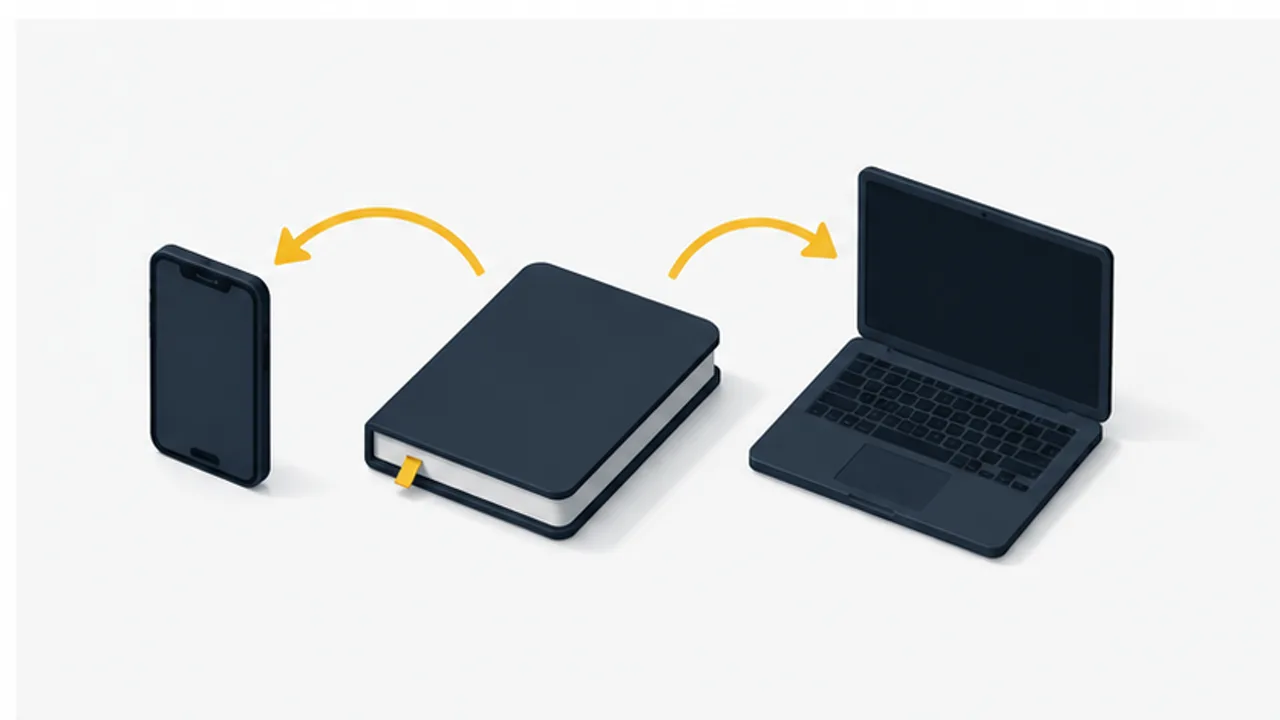 Notes and writingUnderstand how your notes sync
Compare server-based sync, file sync, and direct transfer, with checks for conflicts, offline work, and device changes.
2026-09-08
Notes and writingUnderstand how your notes sync
Compare server-based sync, file sync, and direct transfer, with checks for conflicts, offline work, and device changes.
2026-09-08
-
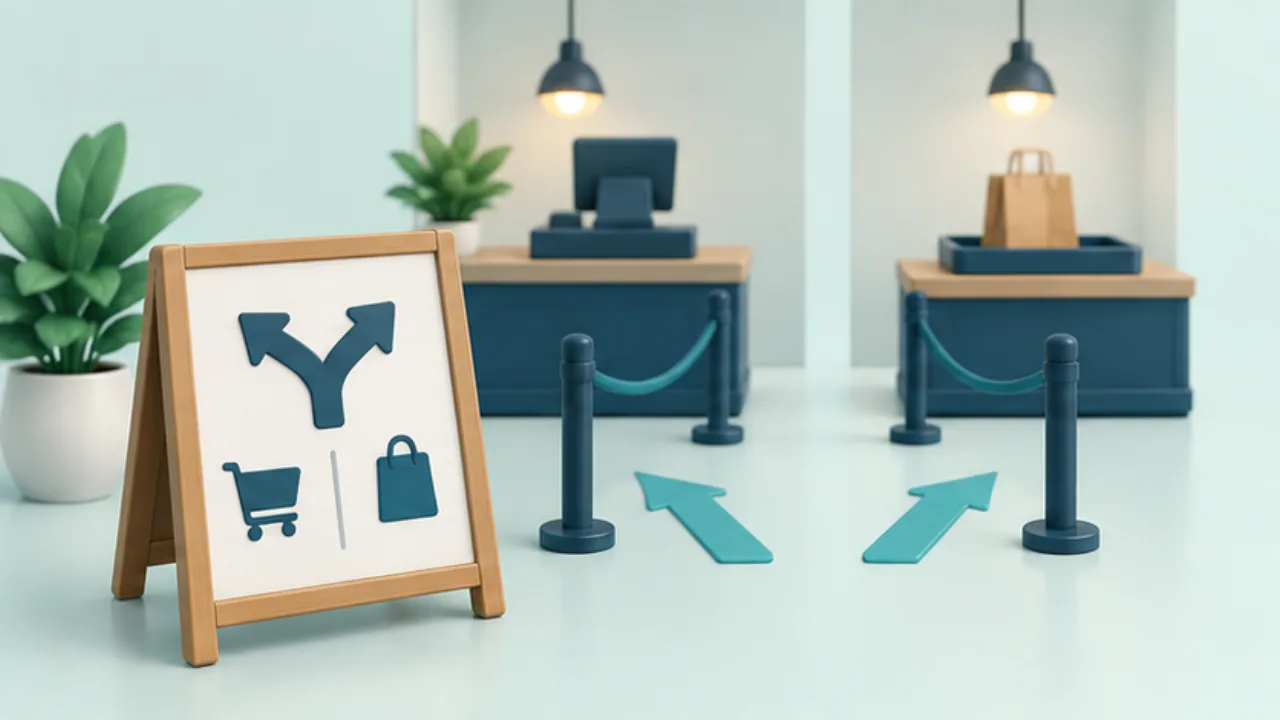 Shop signs and printingPlace a sign before the reader needs to decide
A clear sentence still fails if the reader sees it after passing the decision point. Walk the customer route before choosing a location.
2026-09-08
Shop signs and printingPlace a sign before the reader needs to decide
A clear sentence still fails if the reader sees it after passing the decision point. Walk the customer route before choosing a location.
2026-09-08
-
 Website basicsCheck a favicon's small-scale appearance and URL
A favicon must remain recognizable at a small size. Check the shape and the file reference rather than simply shrinking a detailed logo.
2026-09-08
Website basicsCheck a favicon's small-scale appearance and URL
A favicon must remain recognizable at a small size. Check the shape and the file reference rather than simply shrinking a detailed logo.
2026-09-08
-
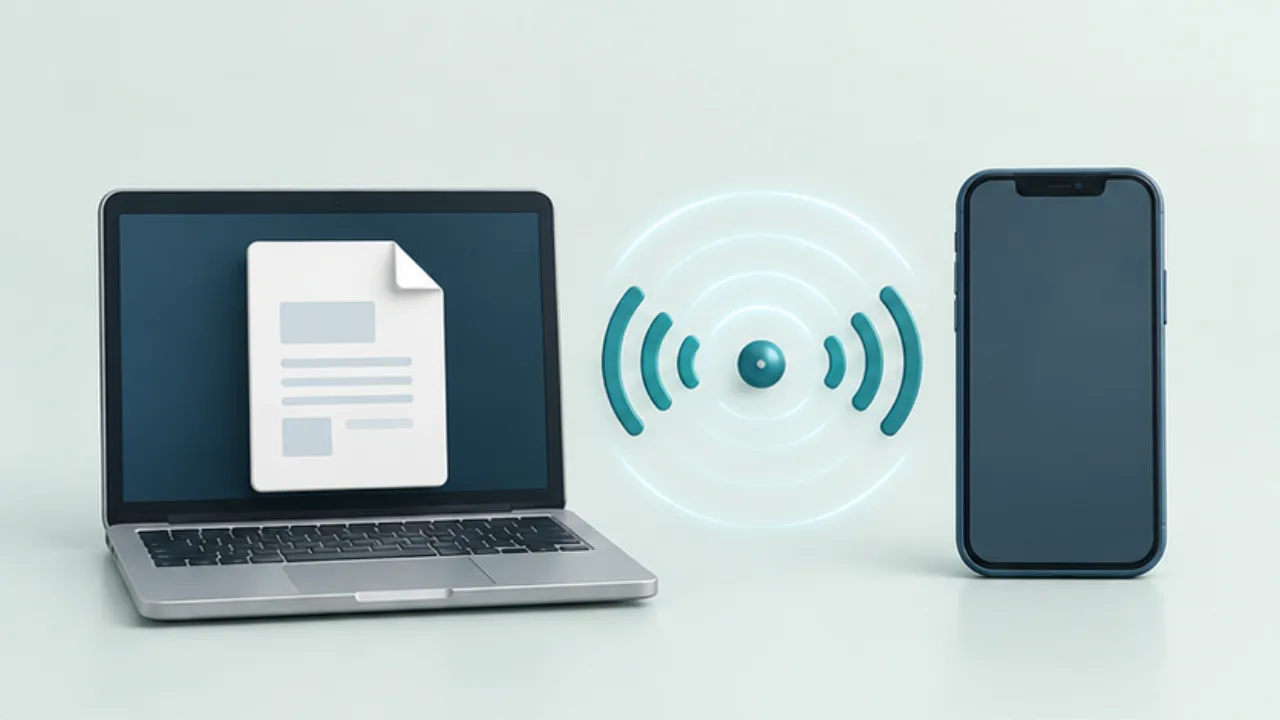 Phones and computersWhy Bluetooth pairing may not enable file transfer
A working Bluetooth headset or successful pairing does not prove that two devices can exchange files. File transfer requires compatible functionality at both ends.
2026-09-08
Phones and computersWhy Bluetooth pairing may not enable file transfer
A working Bluetooth headset or successful pairing does not prove that two devices can exchange files. File transfer requires compatible functionality at both ends.
2026-09-08
-
 Files, images, and PDFsImport a CSV with the correct text encoding
Garbled Japanese in a CSV may come from an encoding mismatch. Preserve the received file before saving anything from the corrupted-looking view.
2026-09-08
Files, images, and PDFsImport a CSV with the correct text encoding
Garbled Japanese in a CSV may come from an encoding mismatch. Preserve the received file before saving anything from the corrupted-looking view.
2026-09-08
-
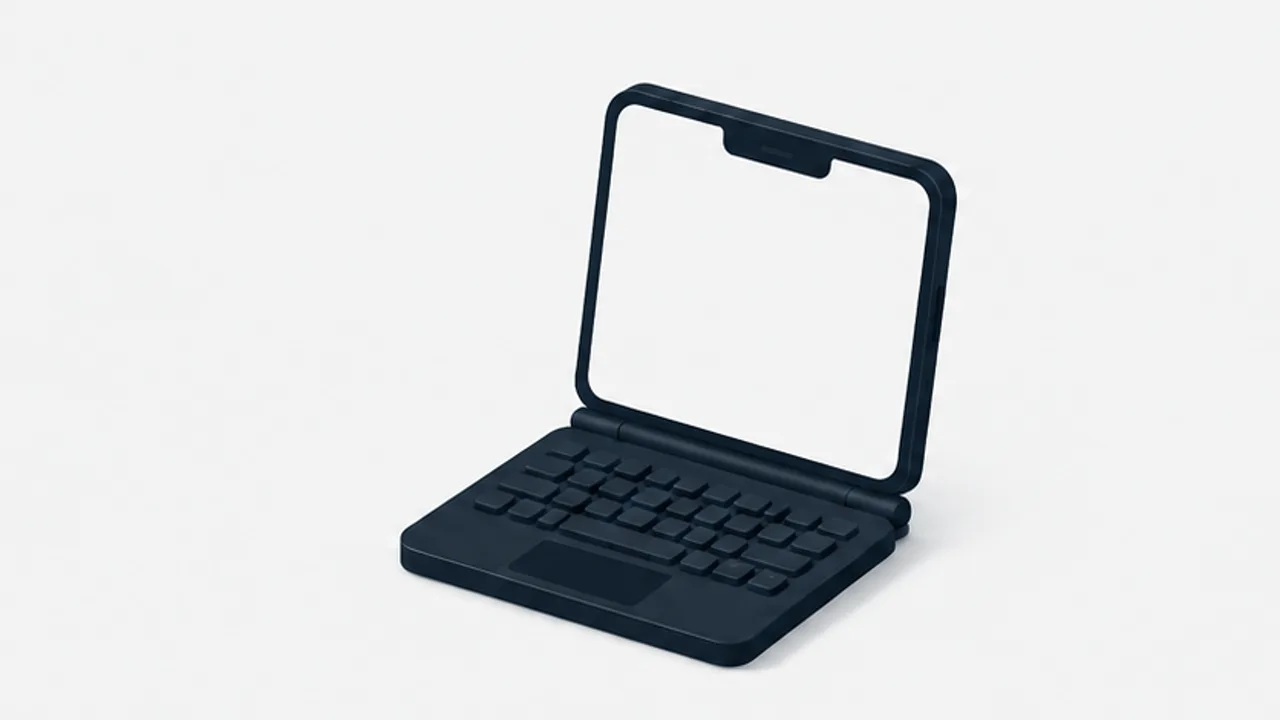 Keyboards and terminalsFind a keyboard layout for a foldable phone
Compare full-width, split, floating, and physical keyboards across folded, unfolded, and desk-based use.
2026-09-08
Keyboards and terminalsFind a keyboard layout for a foldable phone
Compare full-width, split, floating, and physical keyboards across folded, unfolded, and desk-based use.
2026-09-08
-
 Notes and writingA small morning journaling routine
Write down what is on your mind, distinguish concerns from actions, and choose a useful starting point for the day.
2026-09-08
Notes and writingA small morning journaling routine
Write down what is on your mind, distinguish concerns from actions, and choose a useful starting point for the day.
2026-09-08
-
 Shop signs and printingKeep Japanese and English shop signs consistent
Adding English means preserving the same action and conditions, not merely shortening Japanese copy. Use concise paired instructions.
2026-09-08
Shop signs and printingKeep Japanese and English shop signs consistent
Adding English means preserving the same action and conditions, not merely shortening Japanese copy. Use concise paired instructions.
2026-09-08
-
 Website basicsCheck both link availability and destination meaning
A 200 response does not prove that a link still supports its surrounding text. Check availability and meaning separately.
2026-09-08
Website basicsCheck both link availability and destination meaning
A 200 response does not prove that a link still supports its surrounding text. Check availability and meaning separately.
2026-09-08
-
 Phones and computersCopy a selected set of phone photos to a computer
You rarely need to transfer an entire photo library for one task. Select a defined set and verify the result before sharing it further.
2026-09-08
Phones and computersCopy a selected set of phone photos to a computer
You rarely need to transfer an entire photo library for one task. Select a defined set and verify the result before sharing it further.
2026-09-08
-
 Files, images, and PDFsPreserve leading zeros and identifiers in CSV data
An identifier such as “00123” is not interchangeable with the number 123. Decide which columns are identifiers before importing a CSV.
2026-09-08
Files, images, and PDFsPreserve leading zeros and identifiers in CSV data
An identifier such as “00123” is not interchangeable with the number 123. Decide which columns are identifiers before importing a CSV.
2026-09-08
-
 Keyboards and terminalsControl a desktop pointer from a phone
Compare direct touch, trackpad-style controls, and a physical mouse, then test clicks, dragging, scrolling, and keyboard combinations.
2026-09-08
Keyboards and terminalsControl a desktop pointer from a phone
Compare direct touch, trackpad-style controls, and a physical mouse, then test clicks, dragging, scrolling, and keyboard combinations.
2026-09-08
-
 Notes and writingStudy notes that help you check understanding
Turn explanations into questions, attempt an answer without looking, and record corrections with their source.
2026-09-08
Notes and writingStudy notes that help you check understanding
Turn explanations into questions, attempt an answer without looking, and record corrections with their source.
2026-09-08
-
 Shop signs and printingWrite menu descriptions around useful differences
“Recommended” does not tell a customer how two menu items differ. Write around details that help them choose and that the shop can verify.
2026-09-08
Shop signs and printingWrite menu descriptions around useful differences
“Recommended” does not tell a customer how two menu items differ. Write around details that help them choose and that the shop can verify.
2026-09-08
-
 Website basicsTest a contact form through to actual receipt
A success message does not prove that the responsible person received a contact request. Test the whole path on a form you manage.
2026-09-08
Website basicsTest a contact form through to actual receipt
A success message does not prove that the responsible person received a contact request. Test the whole path on a form you manage.
2026-09-08
-
 Phones and computersCheck device connections after replacing a phone or computer
Signing in on a replacement device does not prove that every previous workflow has returned. Test actual exchanges before retiring the old device.
2026-09-08
Phones and computersCheck device connections after replacing a phone or computer
Signing in on a replacement device does not prove that every previous workflow has returned. Test actual exchanges before retiring the old device.
2026-09-08
-
 Files, images, and PDFsIdentify duplicate files before deleting anything
Matching filenames do not prove matching contents, and different names can refer to identical data. Separate finding candidates from deciding a copy is unnecessary.
2026-09-08
Files, images, and PDFsIdentify duplicate files before deleting anything
Matching filenames do not prove matching contents, and different names can refer to identical data. Separate finding candidates from deciding a copy is unnecessary.
2026-09-08
-
 Keyboards and terminalsTerminal shortcuts and the context they depend on
Practice line editing and history search, and distinguish interrupting, ending input, and suspending a job.
2026-09-08
Keyboards and terminalsTerminal shortcuts and the context they depend on
Practice line editing and history search, and distinguish interrupting, ending input, and suspending a job.
2026-09-08
-
 Notes and writingMove between note apps without losing the details
Rehearse an export and import, check attachments and links, and keep the original until the new copy is verified.
2026-09-08
Notes and writingMove between note apps without losing the details
Rehearse an export and import, check attachments and links, and keep the original until the new copy is verified.
2026-09-08
-
 Shop signs and printingTrack when temporary signs should be removed
Temporary signs need an end-of-use process as well as a design file. Pair the editable source with a small display register.
2026-09-08
Shop signs and printingTrack when temporary signs should be removed
Temporary signs need an end-of-use process as well as a design file. Pair the editable source with a small display register.
2026-09-08
-
 Website basicsReview domain renewal dates and responsibility
A working website does not tell you whether its domain renewal is under control. Review the registrar, dates, notification route, and responsible person.
2026-09-08
Website basicsReview domain renewal dates and responsibility
A working website does not tell you whether its domain renewal is under control. Review the registrar, dates, notification route, and responsible person.
2026-09-08
-
 Phones and computersPrepare to transfer files without internet access
No internet connection does not necessarily mean no communication between devices. Test what your chosen transfer method actually requires before relying on it away from connectivity.
2026-09-08
Phones and computersPrepare to transfer files without internet access
No internet connection does not necessarily mean no communication between devices. Test what your chosen transfer method actually requires before relying on it away from connectivity.
2026-09-08
-
 Files, images, and PDFsVerify a file after copying it
A completed copy does not prove that you selected the intended file. Verify identity and usability, then compare content hashes when the task warrants it.
2026-09-08
Files, images, and PDFsVerify a file after copying it
A completed copy does not prove that you selected the intended file. Verify identity and usability, then compare content hashes when the task warrants it.
2026-09-08
-
 Keyboards and terminalsDecide which development tasks fit a phone
Separate local execution from remote control, and choose work that can be reviewed responsibly on a small screen.
2026-09-08
Keyboards and terminalsDecide which development tasks fit a phone
Separate local execution from remote control, and choose work that can be reviewed responsibly on a small screen.
2026-09-08
-
 Notes and writingUse writing to examine a thought
Separate observations, interpretations, and open questions so a vague concern becomes easier to inspect.
2026-09-08
Notes and writingUse writing to examine a thought
Separate observations, interpretations, and open questions so a vague concern becomes easier to inspect.
2026-09-08
-
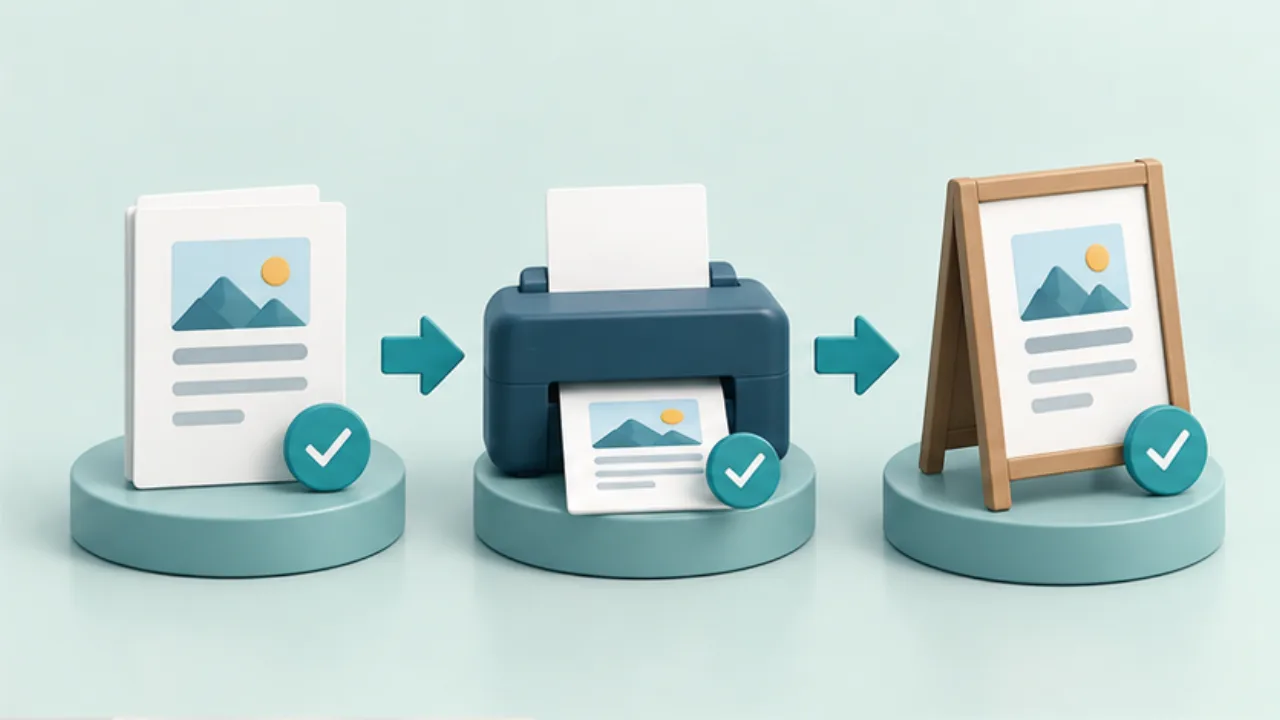 Shop signs and printingProof a sign before printing the full batch
Proofreading and checking a physical print catch different failures. Use separate checks for content, output, and placement.
2026-09-08
Shop signs and printingProof a sign before printing the full batch
Proofreading and checking a physical print catch different failures. Use separate checks for content, output, and placement.
2026-09-08
-
 Website basicsCheck a website before, during, and after launch
Publishing is complete only after visitors can use the intended production pages. Separate preparation, deployment, and post-launch checks.
2026-09-08
Website basicsCheck a website before, during, and after launch
Publishing is complete only after visitors can use the intended production pages. Separate preparation, deployment, and post-launch checks.
2026-09-08