Phones and computers
Choose a delivery method for a large file
Select a delivery route for the recipient's situation, not only the file size. Completed upload is not confirmed receipt.
On this page
Check recipient requirements
Ask about permitted services, accounts, device type, and timing. Use approved destinations for organizational data. Service and plan limits vary, so verify the actual limit.
Compare the routes
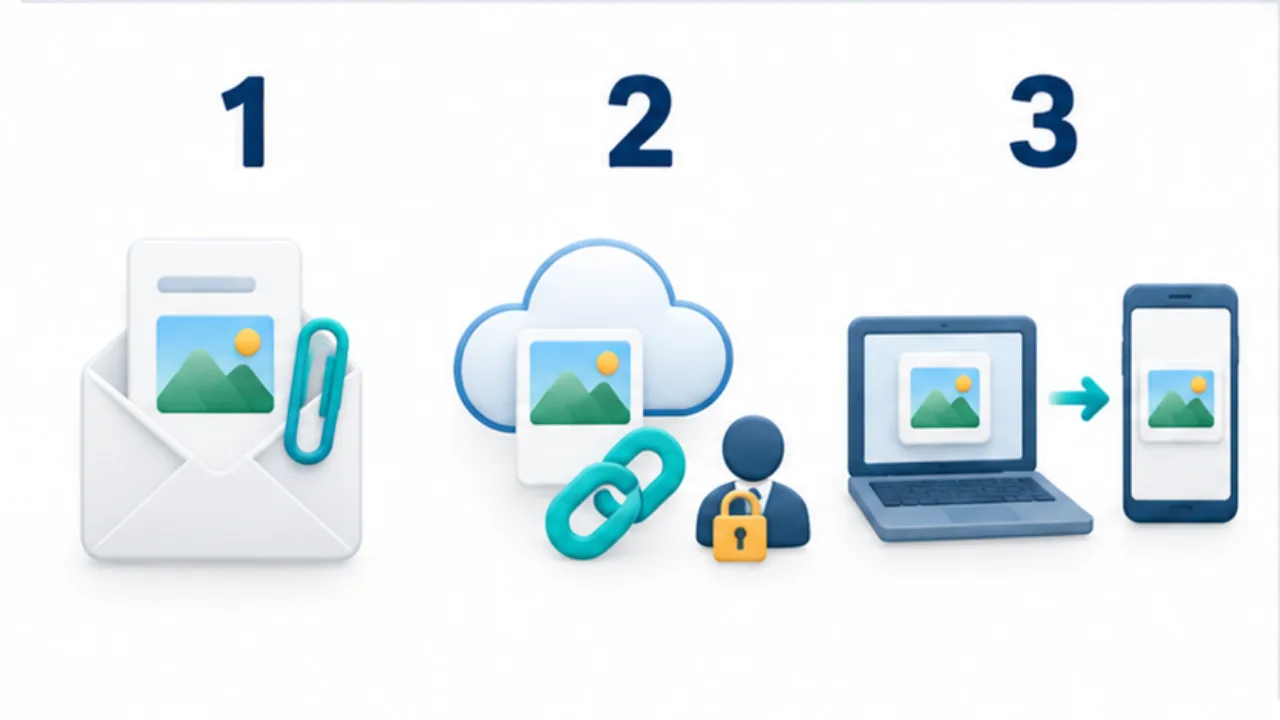
Attachments commonly deliver separate copies. Sharing links require audience and access management. Nearby transfer requires compatible devices available at the same time. Decide whether the recipient should view or edit.
Limit access appropriately
Google Drive distinguishes viewing, commenting, and editing. Sharing with named people differs from allowing anyone with the link. Test access from the recipient's perspective rather than only from the owner's account.
Plan the end of sharing
Confirm that the intended version opens, then decide when access should end. Revoking a link does not necessarily remove a copy already downloaded by a recipient. Record the delivered version so later changes can be communicated clearly.
Select the image to enlarge.
- For attachments, check supported size, format, and copy handling.
- For shared links, check permissions and availability limits.
- For direct transfer, confirm compatibility and that both devices are ready.
Decide how receipt will happen before comparing size
A recipient beside you now has different needs from someone downloading later elsewhere. Direct transfer requires both devices to be ready together. A link for later use requires an accessible service and suitable access for the needed period.
Before sending a large package, identify what the recipient actually needs. Editable source material and a finished PDF are different deliveries. Choosing the correct contents comes before trying to make an indiscriminate bundle smaller.
Example: deliver production material to an external colleague
Suppose the delivery consists of a completed PDF and reference images. Confirm a service the colleague can use, then gather the intended versions in a dedicated folder.
If using a sharing link, decide whether viewing is enough or editing is required. Check that the audience in the settings matches the person who should receive it.
Accompany the link with the contents, revision, and requested next action. If the recipient cannot open it, compare the invited account with the account they are using before widening access. Where later updates are expected, explain whether you will update the shared item or provide a separately identified revision.
Define completion at each stage
| Stage | Practical completion condition |
|---|---|
| Preparation | Required files and revisions are selected |
| Placement | Uploading or saving has finished |
| Access | The intended person can open the required material |
| Use | The material supports the recipient's next task |
Opening the first page of a shared location does not establish that every needed item is accessible or that the correct revision is present. Use specific filenames when confirming receipt.
Decide when to review the shared access after the work ends. Distinguish permission to your managed location from copies someone may already have saved. This keeps the delivery plan clear from initial selection through later updates and closure, instead of treating the upload progress bar as the entire task.