Files, images, and PDFs
Identify duplicate files before deleting anything
Matching filenames do not prove matching contents, and different names can refer to identical data. Separate finding candidates from deciding a copy is unnecessary.
On this page
Compare clues
Inspect name, size, modification information, and location. Also ask why each copy exists: editable source, delivered version, attachment, or backup. These roles can matter even when bytes match.
Compare content when useful
A hash tool can help compare file contents using the same algorithm. PowerShell provides Get-FileHash. Renaming alone does not change a content hash, while visually similar PDFs can differ internally.
Choose the retained location
Removing an identical copy can still break a reference from another app. Backups also have a reason to duplicate data and should not be treated as ordinary clutter.
Keep the decision reversible
Where appropriate, isolate reviewed candidates before permanent deletion and check dependent links. Understand how moves and deletions propagate in a synced folder. Do not erase history or original material merely because a duplicate finder reports the same name.
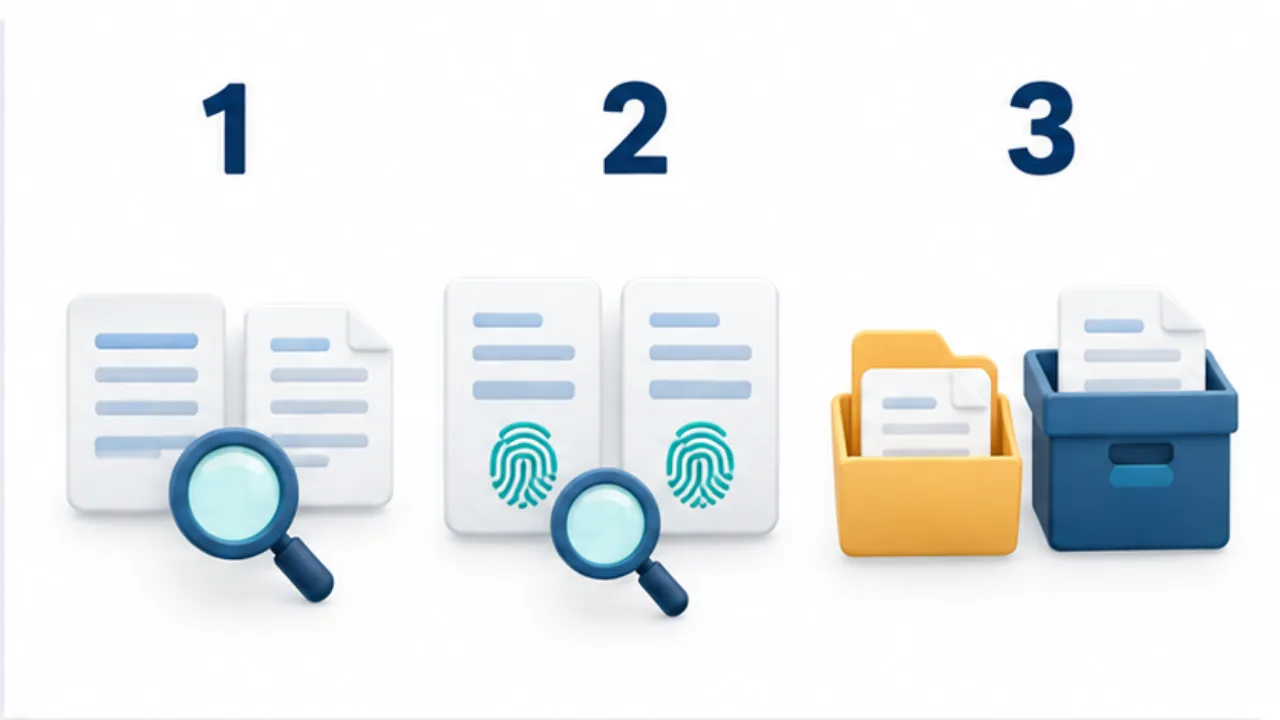
Select the image to enlarge.
- Narrow candidates using names, dates, sizes, and locations.
- Compare corresponding file contents using the same hash method when appropriate.
- Check whether a copy is needed as a backup or an application reference.
Identical content can serve different roles
Begin with the purpose of the cleanup. Finding the current working version, freeing space, and creating one delivery package are different goals. An editable source and a record of what was delivered may currently match, yet the delivery record still has a separate purpose if the source changes later.
Content equality also says nothing about whether a location is dispensable. An image referenced by a document or a file shared with another person can depend on its path. After comparing contents, investigate how each copy is used.
Example: compare a download with a project copy
Imagine identically named quotations in Downloads and a project folder. Open both and compare the recipient, document date, line items, and other details that distinguish revisions. Do not decide which is current solely from file size or modification time.
When useful, compare content hashes to help establish whether these are identical copies or different files. If you intend to retain the project-folder copy, check whether any ongoing work still references the downloaded version.
Where moving a candidate might disrupt a dependency, record it as awaiting review instead of treating deletion as urgent. A cleanup that creates a search for missing source material has not achieved its practical purpose.
Classify the decision, not just the match
| Comparison | Direction for the cleanup |
|---|---|
| Same content and same purpose | Choose a retained location and check references |
| Same content but different purposes | Preserve meaningful archive or backup roles |
| Same name but different content | Make the revisions distinguishable |
| Insufficient information | Keep pending and ask the creator or user |
You do not need to resolve every candidate in one pass. Separating retained, confirmed-unnecessary, and pending items keeps uncertainty visible.
After reorganizing, open the files through the actual workflow that needs them. The useful outcome is being able to find and use the right material reliably, rather than maximizing the number of deleted files.