Files, images, and PDFs
Convert, organize, print, and verify files while keeping a usable original.
20 articles
-
 Files, images, and PDFsChoose JPEG, PNG, or WebP
Choose an image format for its content and destination. A small file is not useful if a recipient cannot open it or read the text inside it.
2026-09-08
Files, images, and PDFsChoose JPEG, PNG, or WebP
Choose an image format for its content and destination. A small file is not useful if a recipient cannot open it or read the text inside it.
2026-09-08
-
 Files, images, and PDFsResizing and compression are different operations
“Make the image smaller” can mean fewer pixels or fewer bytes. Check which limit the destination actually imposes before editing.
2026-09-08
Files, images, and PDFsResizing and compression are different operations
“Make the image smaller” can mean fewer pixels or fewer bytes. Check which limit the destination actually imposes before editing.
2026-09-08
-
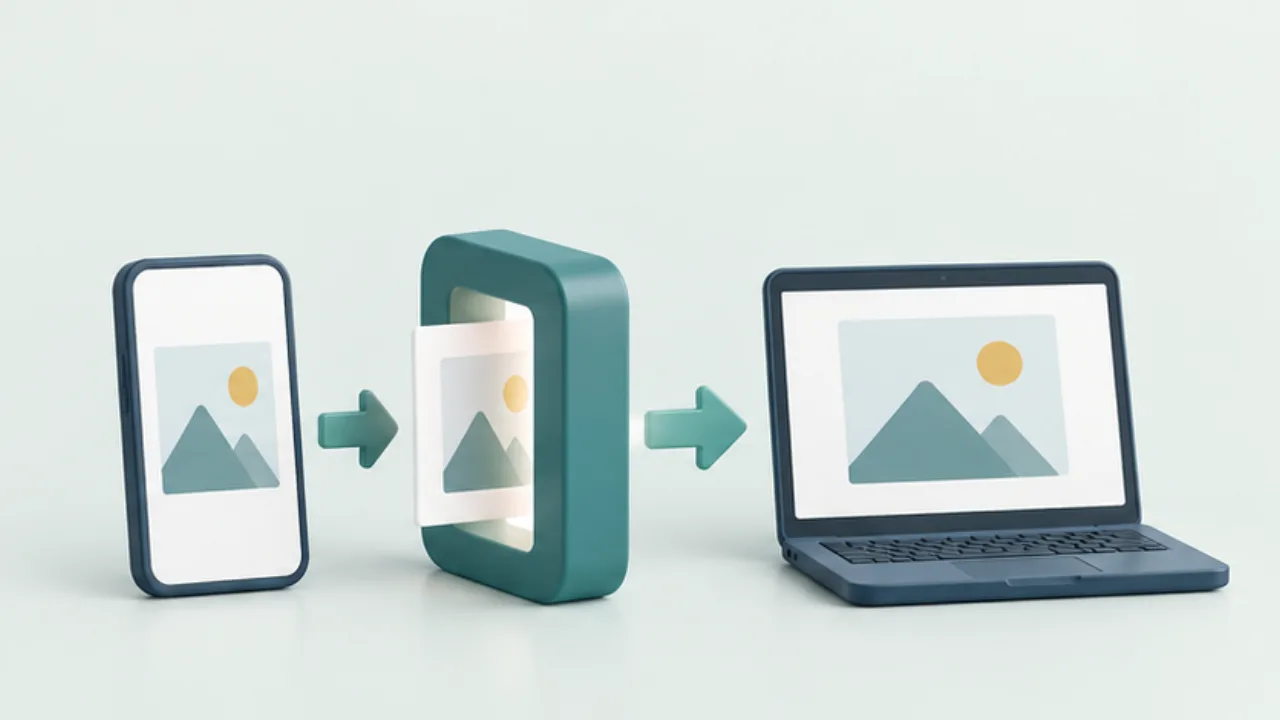 Files, images, and PDFsConvert an HEIC photo for a recipient
When a recipient cannot open a photo, first identify the format and the receiving application. A compatible delivery copy may solve the problem without replacing your original.
2026-09-08
Files, images, and PDFsConvert an HEIC photo for a recipient
When a recipient cannot open a photo, first identify the format and the receiving application. A compatible delivery copy may solve the problem without replacing your original.
2026-09-08
-
 Files, images, and PDFsKeep screenshot text readable
A screenshot is useful when the reader can identify the relevant control or error. Trace the loss of clarity through capture, editing, and delivery rather than repeatedly increasing the image size.
2026-09-08
Files, images, and PDFsKeep screenshot text readable
A screenshot is useful when the reader can identify the relevant control or error. Trace the loss of clarity through capture, editing, and delivery rather than repeatedly increasing the image size.
2026-09-08
-
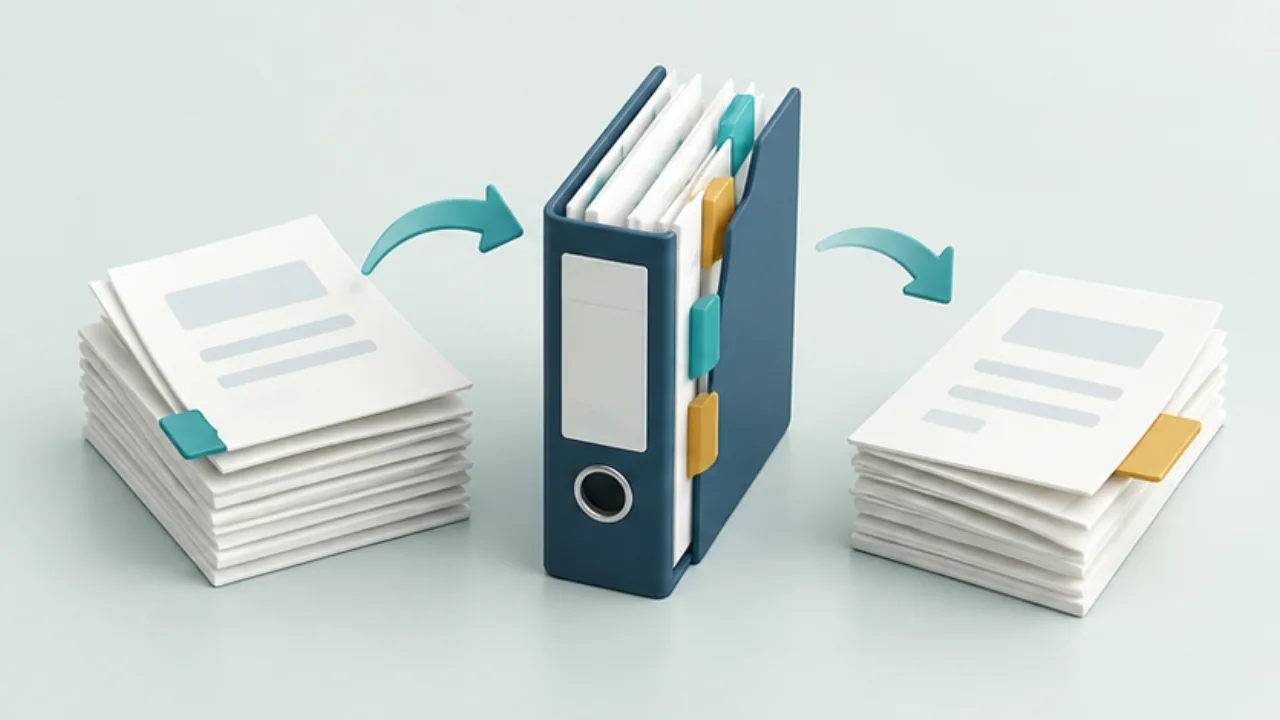 Files, images, and PDFsCombine or split PDFs without losing track of pages
Before combining PDFs, decide the final sequence. Keep the originals and work on copies, especially in applications that save edits automatically.
2026-09-08
Files, images, and PDFsCombine or split PDFs without losing track of pages
Before combining PDFs, decide the final sequence. Keep the originals and work on copies, especially in applications that save edits automatically.
2026-09-08
-
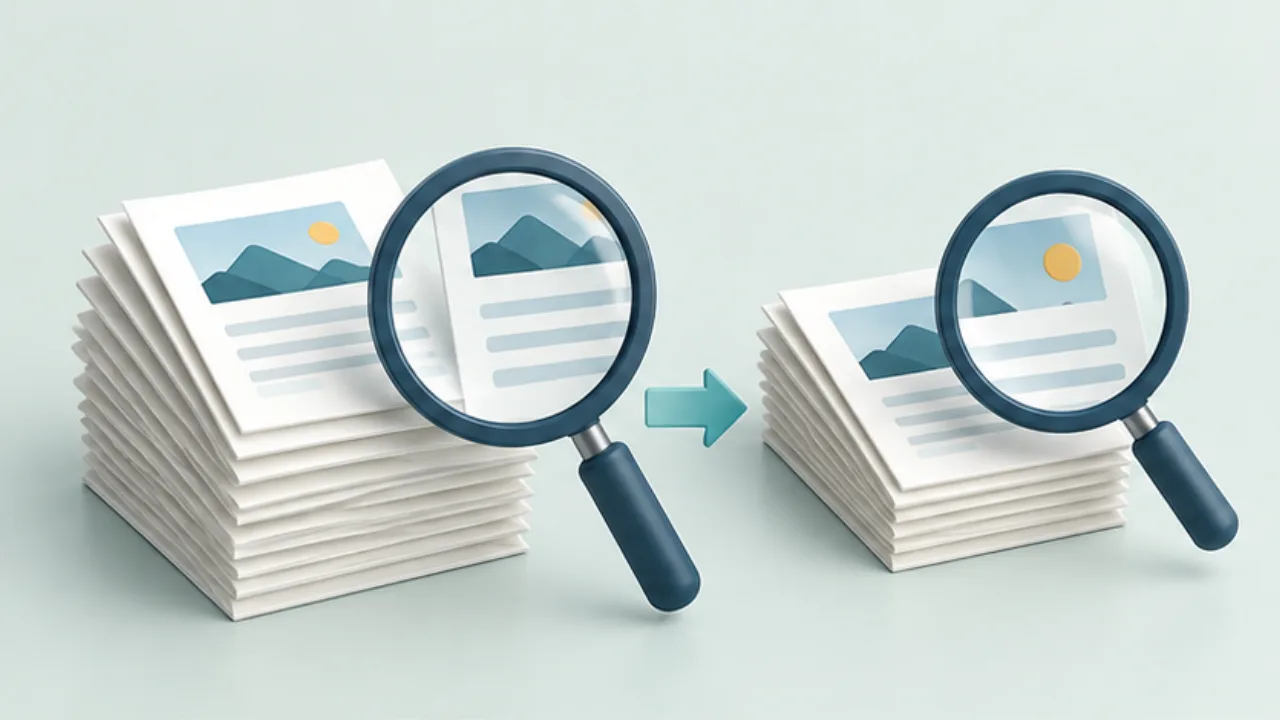 Files, images, and PDFsReduce a PDF without making it unreadable
Compressing a PDF can reduce detail as well as bytes. Keep the original and decide which content must remain usable.
2026-09-08
Files, images, and PDFsReduce a PDF without making it unreadable
Compressing a PDF can reduce detail as well as bytes. Keep the original and decide which content must remain usable.
2026-09-08
-
 Files, images, and PDFsWhy you cannot select text in a PDF
Visible letters in a PDF may be pixels rather than selectable text. First rule out selection settings and document restrictions before assuming OCR is needed.
2026-09-08
Files, images, and PDFsWhy you cannot select text in a PDF
Visible letters in a PDF may be pixels rather than selectable text. First rule out selection settings and document restrictions before assuming OCR is needed.
2026-09-08
-
 Files, images, and PDFsFix an A4 print that is cropped or unexpectedly small
Selecting A4 paper does not determine the document's final printed size. Check page dimensions, paper settings, orientation, and scaling separately.
2026-09-08
Files, images, and PDFsFix an A4 print that is cropped or unexpectedly small
Selecting A4 paper does not determine the document's final printed size. Check page dimensions, paper settings, orientation, and scaling separately.
2026-09-08
-
 Files, images, and PDFsWhy a ZIP archive may not become much smaller
ZIP is useful for packaging multiple files as well as compressing them. A small reduction in size does not necessarily mean the archive failed.
2026-09-08
Files, images, and PDFsWhy a ZIP archive may not become much smaller
ZIP is useful for packaging multiple files as well as compressing them. A small reduction in size does not necessarily mean the archive failed.
2026-09-08
-
 Files, images, and PDFsName files so the current version is identifiable
Names such as “final,” “final2,” and “really-final” do not explain which file should be sent. Give the name a small number of stable responsibilities.
2026-09-08
Files, images, and PDFsName files so the current version is identifiable
Names such as “final,” “final2,” and “really-final” do not explain which file should be sent. Give the name a small number of stable responsibilities.
2026-09-08
-
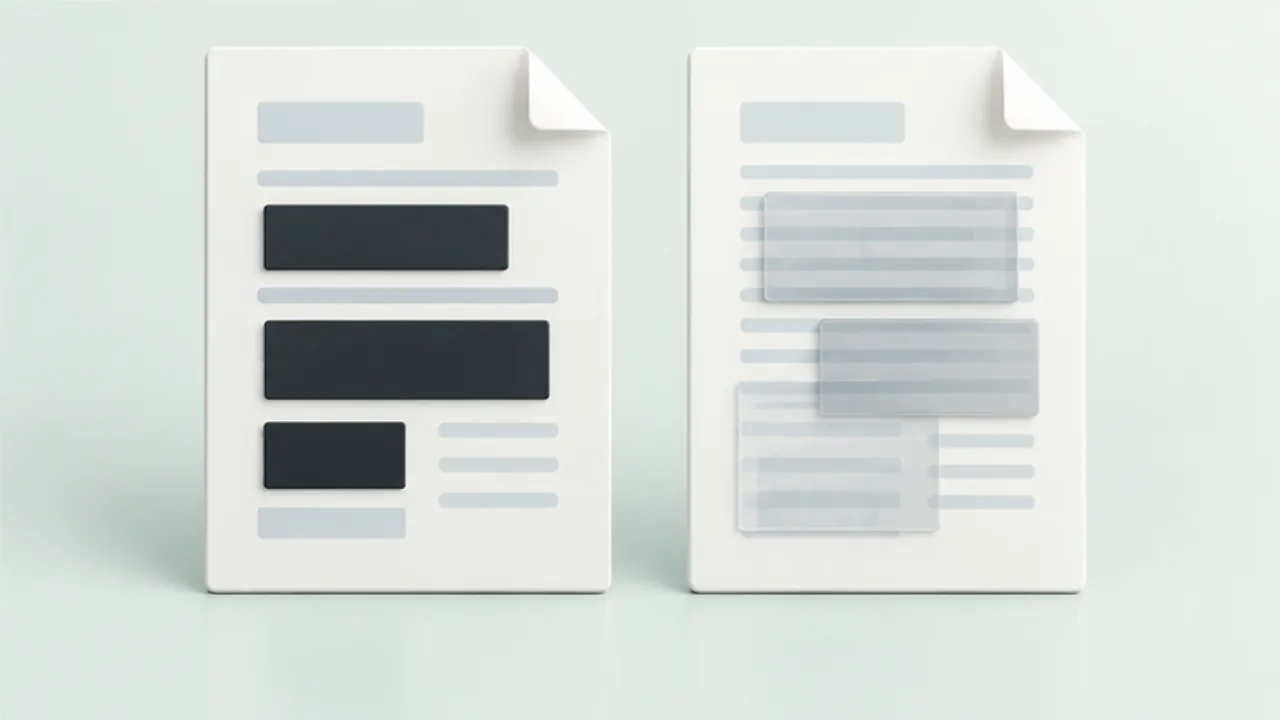 Files, images, and PDFsRedact a PDF rather than covering the text
A black rectangle can cover text visually while leaving underlying content in the PDF. For a document you will distribute, distinguish annotation from actual redaction.
2026-09-08
Files, images, and PDFsRedact a PDF rather than covering the text
A black rectangle can cover text visually while leaving underlying content in the PDF. For a document you will distribute, distinguish annotation from actual redaction.
2026-09-08
-
 Files, images, and PDFsCheck photo location information before sharing
A photograph may contain location metadata in addition to the visible scene. Inspect both before sharing a picture whose location should remain private.
2026-09-08
Files, images, and PDFsCheck photo location information before sharing
A photograph may contain location metadata in addition to the visible scene. Inspect both before sharing a picture whose location should remain private.
2026-09-08
-
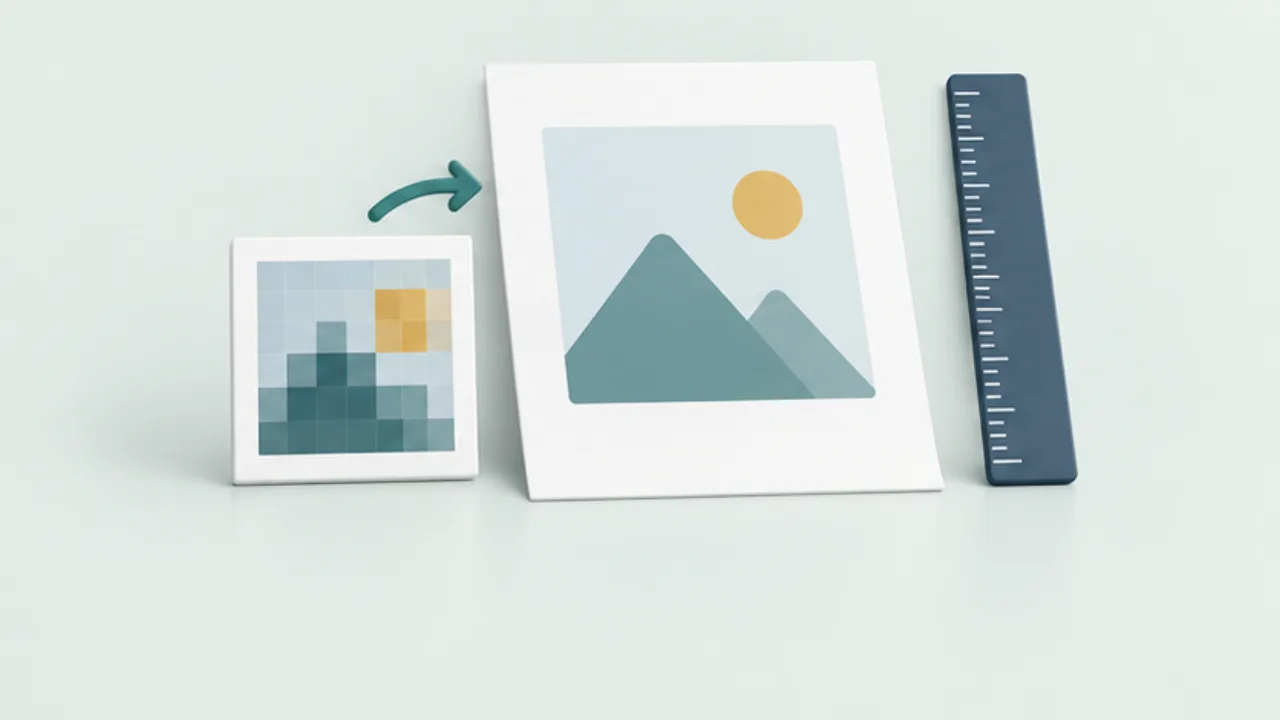 Files, images, and PDFsRelate image pixels to printed dimensions
An image that looks large on screen may appear coarse when printed across a larger area. Check pixel dimensions and intended physical size separately.
2026-09-08
Files, images, and PDFsRelate image pixels to printed dimensions
An image that looks large on screen may appear coarse when printed across a larger area. Check pixel dimensions and intended physical size separately.
2026-09-08
-
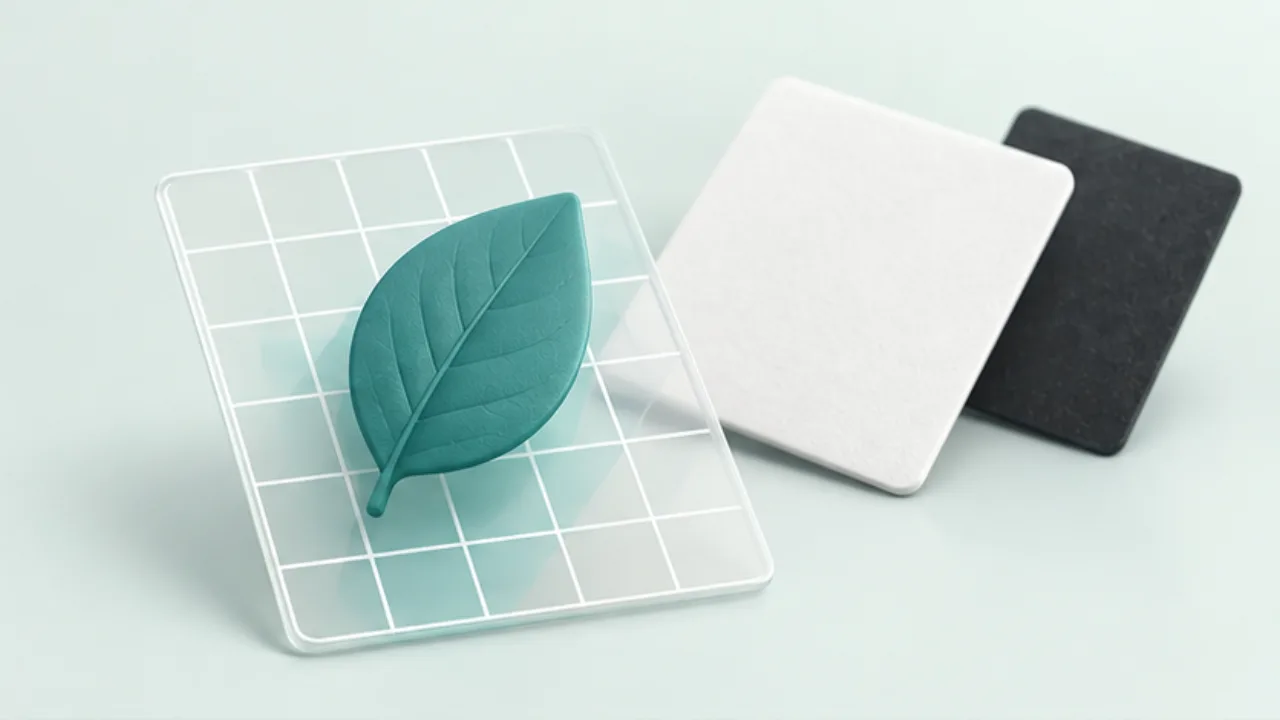 Files, images, and PDFsUnderstand an image's transparent background
A logo that appears on white may contain white pixels, or the viewer may simply be showing transparency against a white canvas. Test before editing.
2026-09-08
Files, images, and PDFsUnderstand an image's transparent background
A logo that appears on white may contain white pixels, or the viewer may simply be showing transparency against a white canvas. Test before editing.
2026-09-08
-
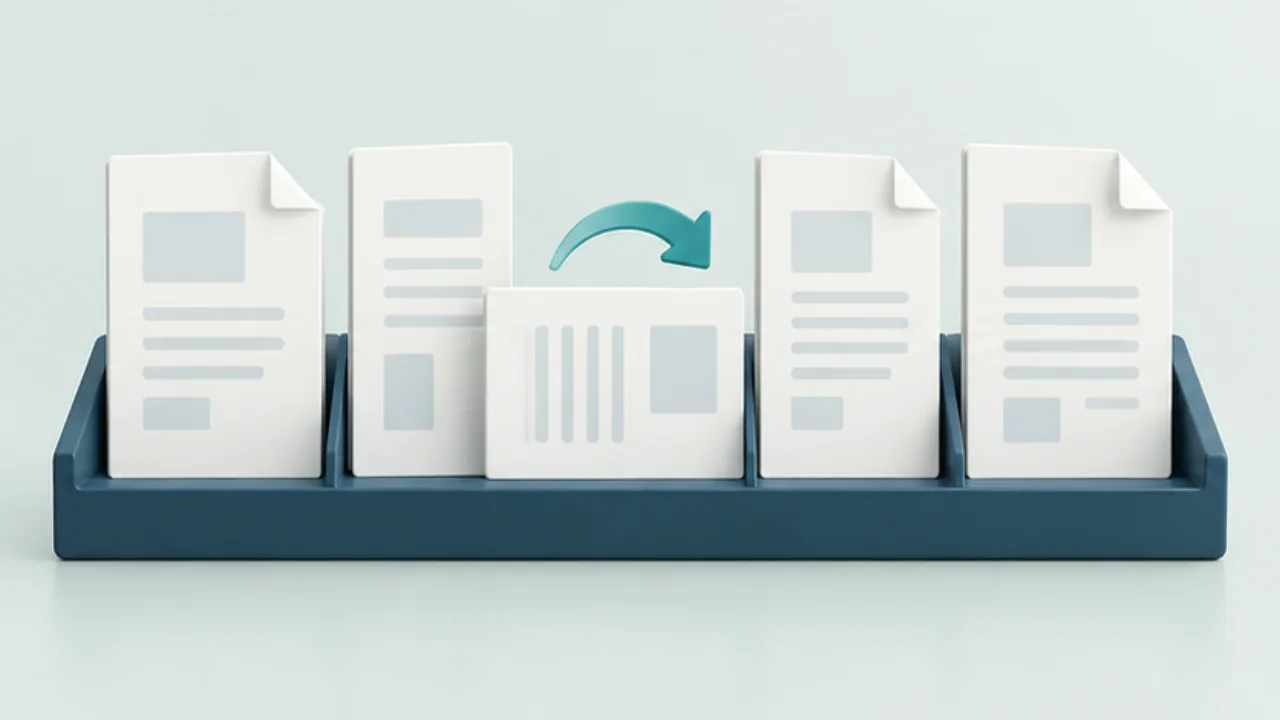 Files, images, and PDFsReorder and rotate PDF pages deliberately
A scanned document may contain reversed pages or a cover at the end. Establish the intended sequence before deleting anything.
2026-09-08
Files, images, and PDFsReorder and rotate PDF pages deliberately
A scanned document may contain reversed pages or a cover at the end. Establish the intended sequence before deleting anything.
2026-09-08
-
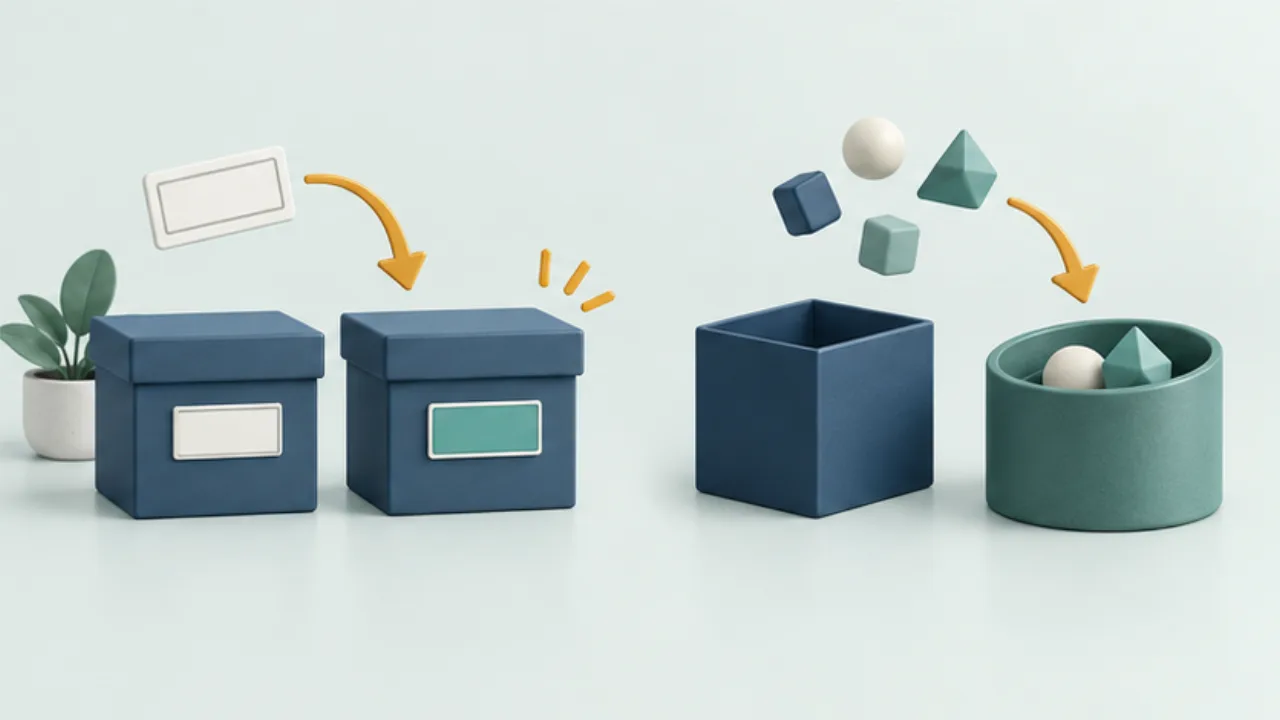 Files, images, and PDFsRenaming an extension does not convert a file
A filename extension is a clue about a format, not the format itself. Changing the suffix leaves the stored data unchanged.
2026-09-08
Files, images, and PDFsRenaming an extension does not convert a file
A filename extension is a clue about a format, not the format itself. Changing the suffix leaves the stored data unchanged.
2026-09-08
-
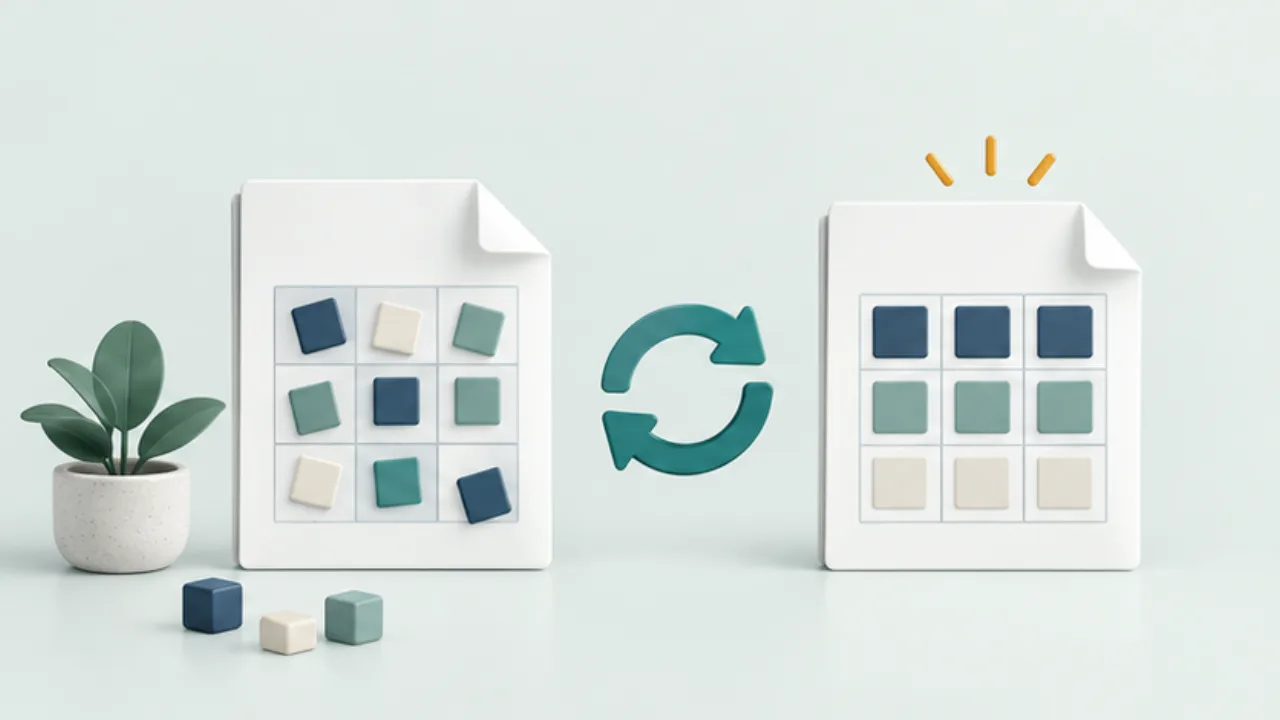 Files, images, and PDFsImport a CSV with the correct text encoding
Garbled Japanese in a CSV may come from an encoding mismatch. Preserve the received file before saving anything from the corrupted-looking view.
2026-09-08
Files, images, and PDFsImport a CSV with the correct text encoding
Garbled Japanese in a CSV may come from an encoding mismatch. Preserve the received file before saving anything from the corrupted-looking view.
2026-09-08
-
 Files, images, and PDFsPreserve leading zeros and identifiers in CSV data
An identifier such as “00123” is not interchangeable with the number 123. Decide which columns are identifiers before importing a CSV.
2026-09-08
Files, images, and PDFsPreserve leading zeros and identifiers in CSV data
An identifier such as “00123” is not interchangeable with the number 123. Decide which columns are identifiers before importing a CSV.
2026-09-08
-
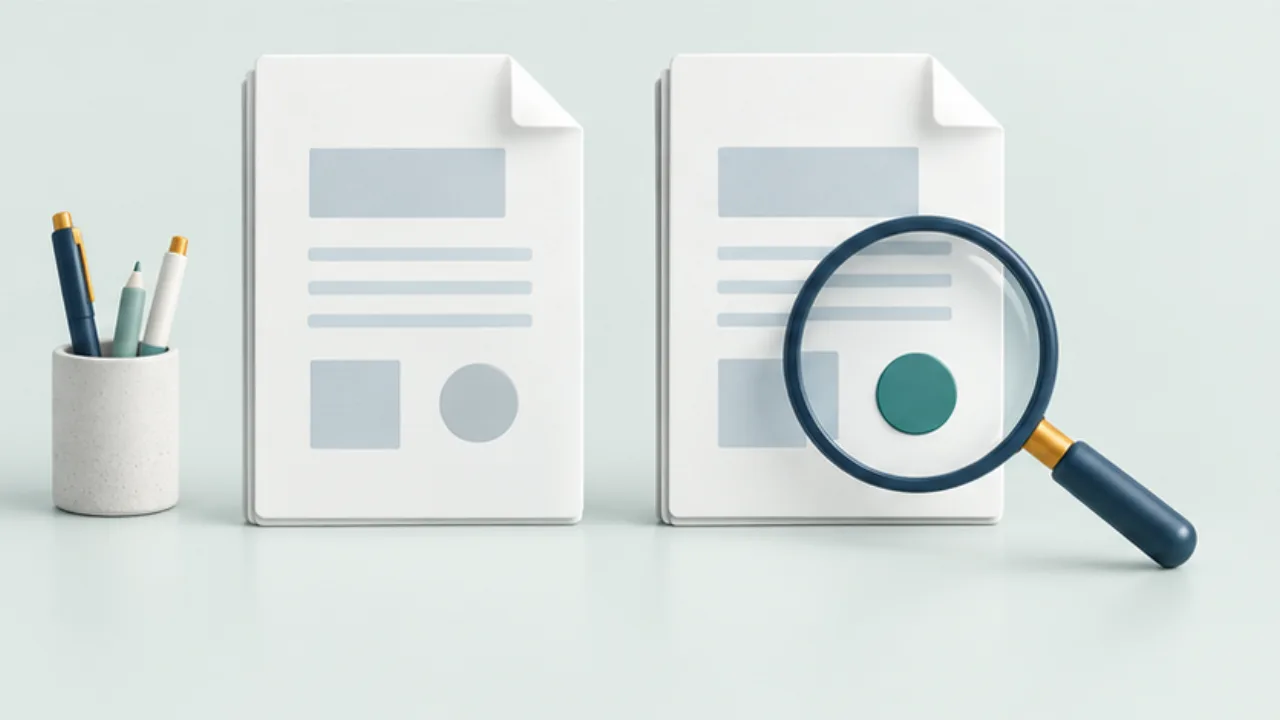 Files, images, and PDFsIdentify duplicate files before deleting anything
Matching filenames do not prove matching contents, and different names can refer to identical data. Separate finding candidates from deciding a copy is unnecessary.
2026-09-08
Files, images, and PDFsIdentify duplicate files before deleting anything
Matching filenames do not prove matching contents, and different names can refer to identical data. Separate finding candidates from deciding a copy is unnecessary.
2026-09-08
-
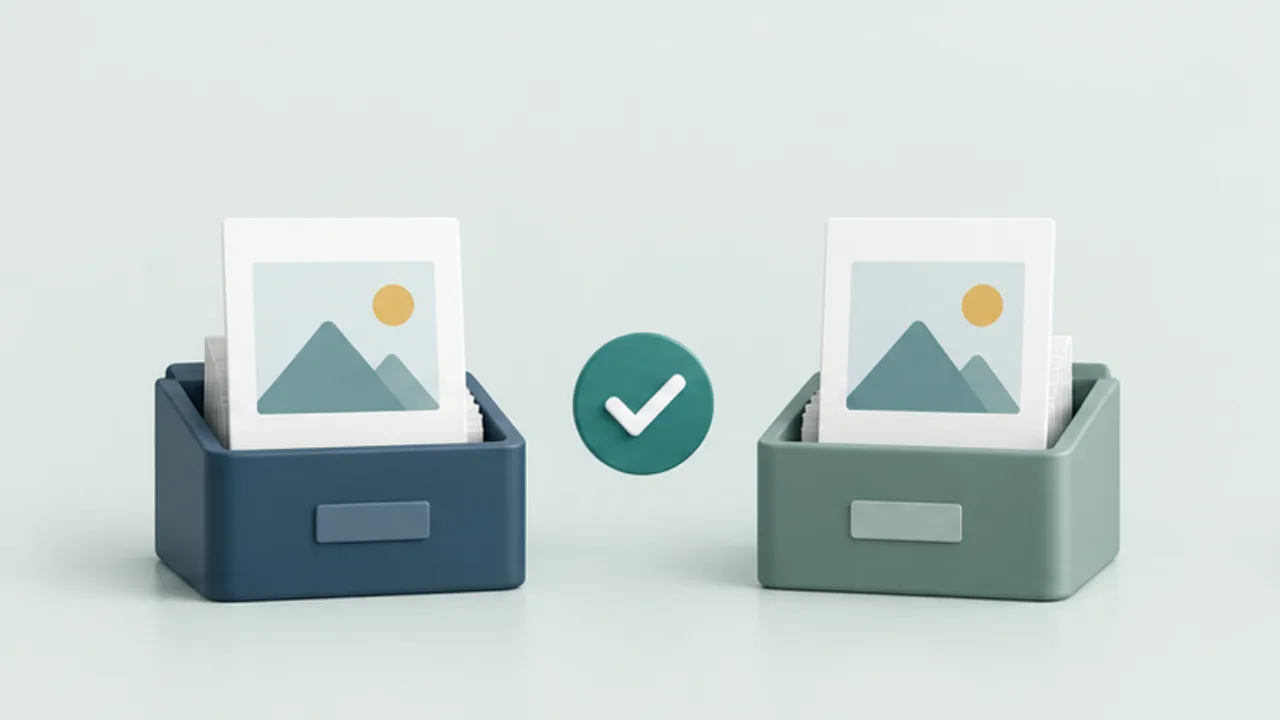 Files, images, and PDFsVerify a file after copying it
A completed copy does not prove that you selected the intended file. Verify identity and usability, then compare content hashes when the task warrants it.
2026-09-08
Files, images, and PDFsVerify a file after copying it
A completed copy does not prove that you selected the intended file. Verify identity and usability, then compare content hashes when the task warrants it.
2026-09-08