Files, images, and PDFs
Reduce a PDF without making it unreadable
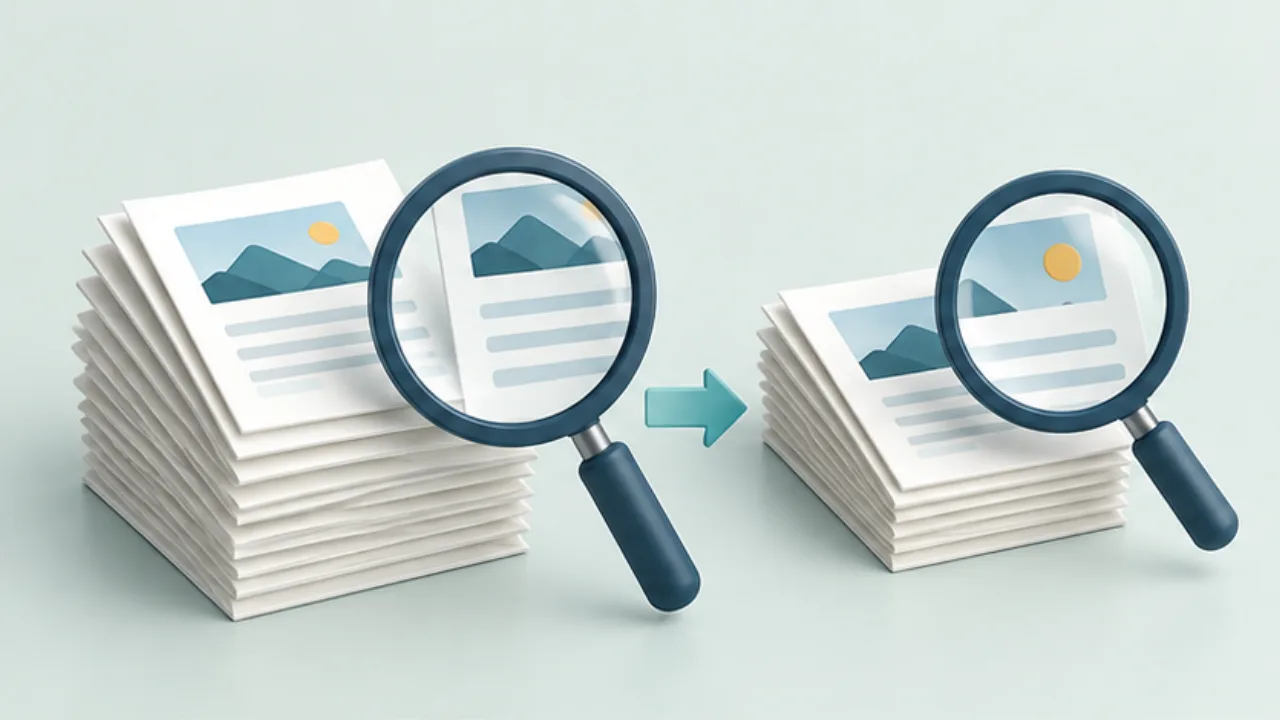
Compressing a PDF can reduce detail as well as bytes. Keep the original and decide which content must remain usable.
On this page
Inspect the contents
Look for photographs, scanned pages, and material the recipient does not need. Removing an unnecessary appendix may be more appropriate than degrading every page, but confirm that it can be omitted.
Export a separate copy
Preview on Mac offers a file-size reduction filter during export. The result depends on the document and is not a guarantee of a particular size. Save the delivery copy under a distinct name.
Check the hardest page
Inspect small numbers, fine rules, and labels inside photographs. Use the expected viewing size, and print a sample if printing is the intended use. Opening successfully is not the same as remaining readable.
Try another route if needed
Consider rebuilding from the source with appropriately sized images, splitting the document when allowed, or using another delivery method. For forms and signed documents, check the required functions after processing as well as the visual appearance.
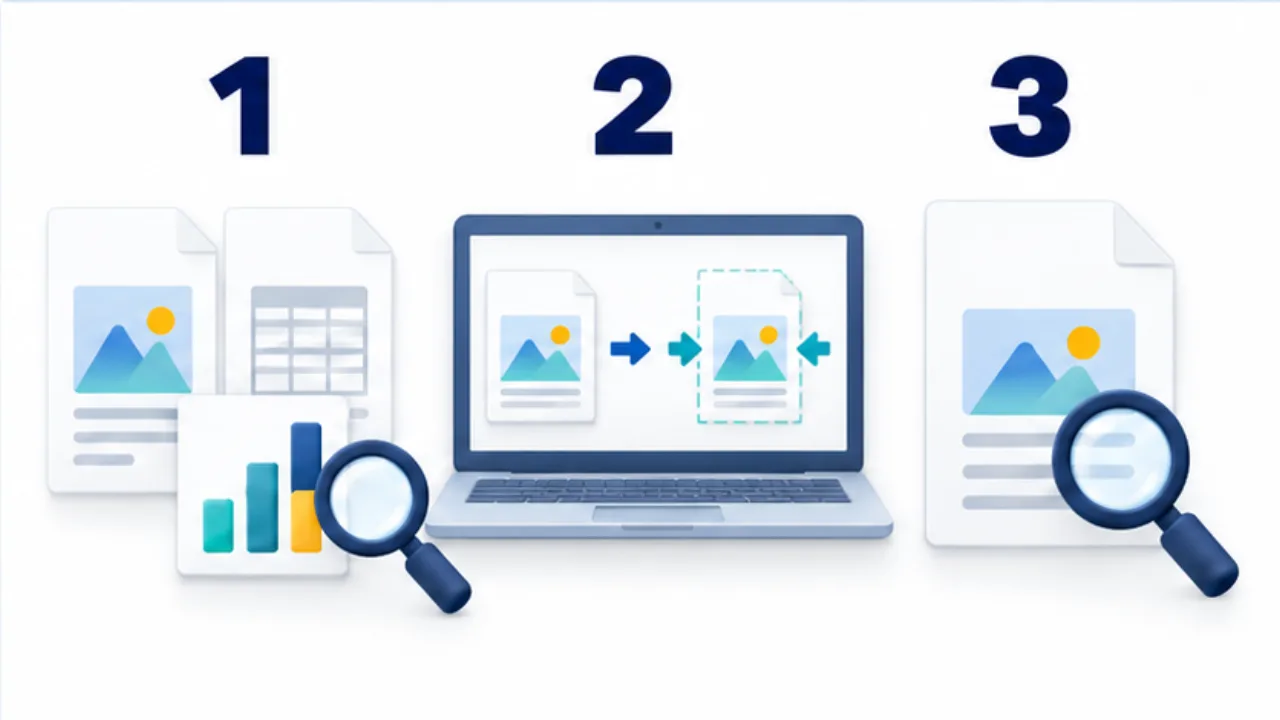
Select the image to enlarge.
- Inspect photos, scans, and page structure for size contributors.
- Compress a separately named output while retaining the source.
- Check small text, fine lines, and necessary photo detail.
Define what must survive
Write down how the recipient will use the document alongside the size limit. A report read for an overview and a form used to reconcile small amounts have different critical details.
Choose representative difficult pages before processing: a photograph with labels, a dense table, or pale annotations. A clean-looking cover is not enough evidence for the entire document. Compare the same locations before and after processing so source differences do not obscure the effect.
The relevant question is not whether the copy looks generally similar. It is whether the recipient can still perform the intended task with it.
Worked example: a photo report
Suppose a report exceeds a submission limit. First inspect the required page set. Remove a duplicated appendix only if you know it is unnecessary; otherwise keep the complete document and try another route.
Export a reduced copy and inspect its actual file size. Then read the product labels in photographs, table entries, and notes. If the document will be printed, print the difficult page. Reaching the byte limit is only one part of completion.
If a label has become unreadable, return to the original rather than repeatedly processing the degraded result. When an editable source exists, consider whether its image dimensions or page layout can be adjusted before generating the PDF again.
That approach may also reveal an overlarge photograph that contributes little to the report. The decision should follow the report's purpose, not a blanket instruction to lower every image's quality.
Know when to change the delivery route
| Situation | Option to investigate |
|---|---|
| Readability is acceptable but size is not | An approved link or split delivery |
| Compression destroys essential labels | Source layout, photograph selection, or recapture |
| The source is already unclear | Better scanning or source material |
| Signatures or fields are required | Separate checks of those functions |
If splitting is permitted, use understandable units such as the report and its appendix, and identify the reading order. The aim is a usable submission for the recipient, not merely a file your sending application will accept.