Files, images, and PDFs
Name files so the current version is identifiable
Names such as “final,” “final2,” and “really-final” do not explain which file should be sent. Give the name a small number of stable responsibilities.
On this page
Define the fields
An example is “2026-09-08_Acme-quote_v03_delivery.pdf”: date, subject, version, and purpose. Decide whether the date means creation, approval, or delivery. The example is a convention to adapt, not a universal requirement.
Keep sorting predictable
Fixed-width year-month-day dates support chronological filename sorting. Consistent version widths also make the sequence easier to inspect. Check the destination's filename restrictions before agreeing on separators or symbols.
Separate source and delivery copies
An editable document and its exported PDF have different jobs. Identify that distinction in the name or folder. When revising something already sent, record the new version and tell the recipient which one supersedes the previous delivery.
Inspect before sending
A filename is a clue, not proof of correctness. Check contents, attachments, and modification details. Even when a cloud service keeps history, retain a record of the exact version supplied externally.
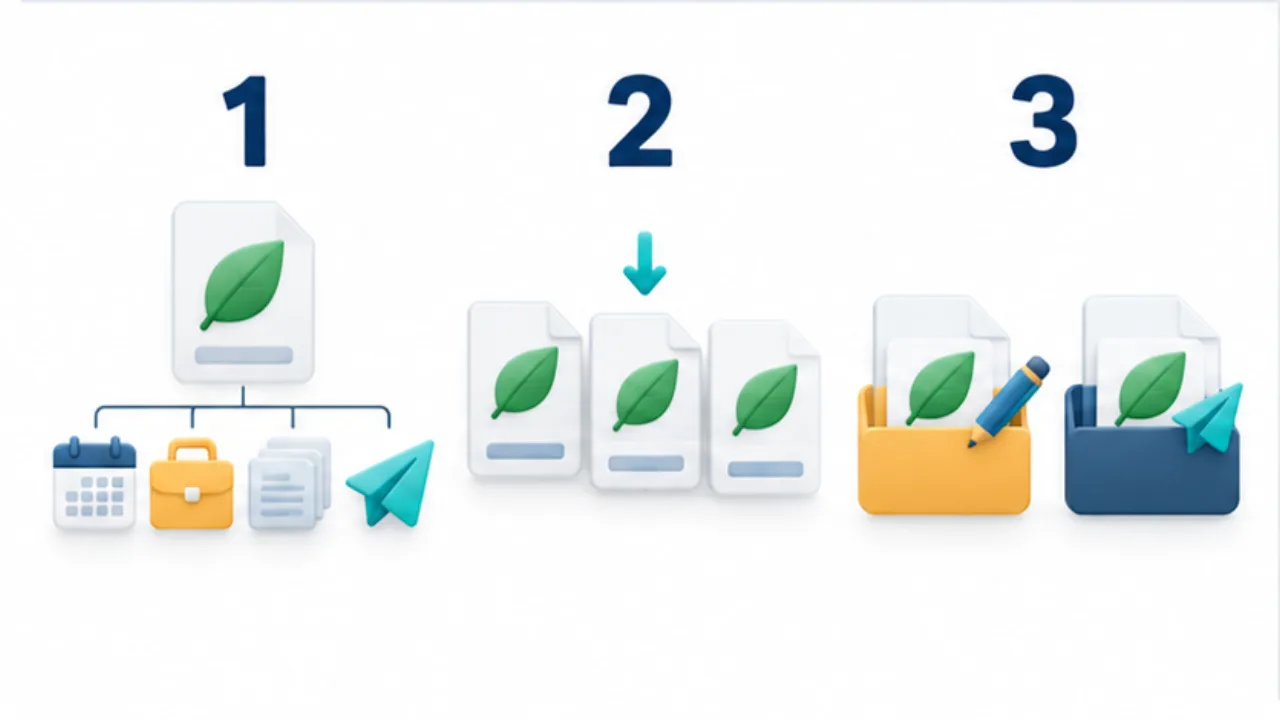
Select the image to enlarge.
- Choose fields such as date, subject, version, and purpose.
- Keep the order and width of date or version fields consistent.
- Manage the editable source separately from the distributed output.
Give dates and versions different jobs
A date can identify the relevant occasion, while a version identifies the revision stage. Several revisions on one day may need more than a date. Conversely, work spread over several days may still belong to one agreed version.
If a quote uses the submission date in its name, decide what happens when it is edited before submission. Agree on the meaning before standardizing punctuation or field widths. A neatly formatted but ambiguous date is still ambiguous.
Also consider what the filename reveals in attachment lists and shared links. A client name or other private detail may be visible without opening the document. Use enough information to identify the work without exposing details unnecessarily.
Worked example: review to delivery
A fictional quote might progress from “Acme-quote_v01_review” to “Acme-quote_v02_review,” with its approved PDF named “Acme-quote_v02_delivery.” This is an example convention; the useful property is a traceable relationship between the editable source and delivered copy.
If an amount changes after delivery, identify the new revision rather than silently replacing the file under the same name. Tell the recipient which version is now valid. Renaming your local file does not remove copies already held elsewhere.
Give storage locations distinct roles too. Working drafts and sent versions need not share one undifferentiated folder. Avoid forcing every piece of context into an extremely long filename when the folder already explains part of it.
Test the rule against common confusion
| Confusion | Decision to document |
|---|---|
| Creation and delivery dates are mixed | Which date the field means |
| Changes occur without version updates | What triggers a new version |
| The PDF cannot be matched to its source | Shared subject and version, distinct purpose |
| A sent copy gets overwritten | Where delivered versions are retained |
Start with one frequently used document type. Ask someone unfamiliar with the work to identify the correct delivery copy. Keep a short rule with concrete examples, then adjust only the fields that actually caused confusion.