Files, images, and PDFs
Why a ZIP archive may not become much smaller
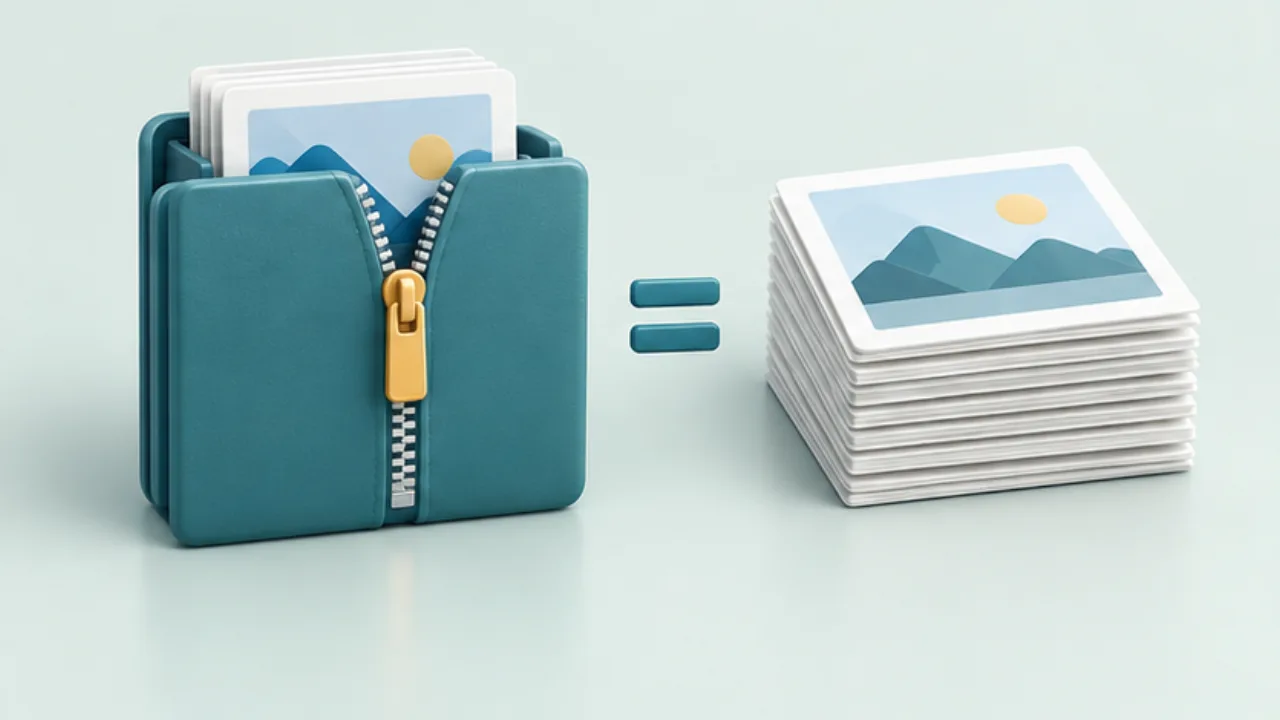
ZIP is useful for packaging multiple files as well as compressing them. A small reduction in size does not necessarily mean the archive failed.
On this page
Consider the source formats
Already compressed data, such as many JPEG images, may offer little additional compression. Plain text behaves differently. Very small inputs can even gain overhead from archive metadata.
Decide whether packaging helps
Keeping a folder structure in one attachment can be useful even without major savings. Confirm that the recipient can extract ZIP files and that the receiving service accepts them.
Test extraction
On a Mac, Finder provides compression and extraction commands. Extract the archive into a separate location before sending it. Check the expected files and names, and leave enough free space for the extracted contents.
Handle a remaining size limit
Prepare smaller delivery copies, omit material that is not needed, or use an appropriate sharing link. Creating a ZIP alone does not encrypt the contents. Access controls and secure delivery require a separate decision when the material is private.
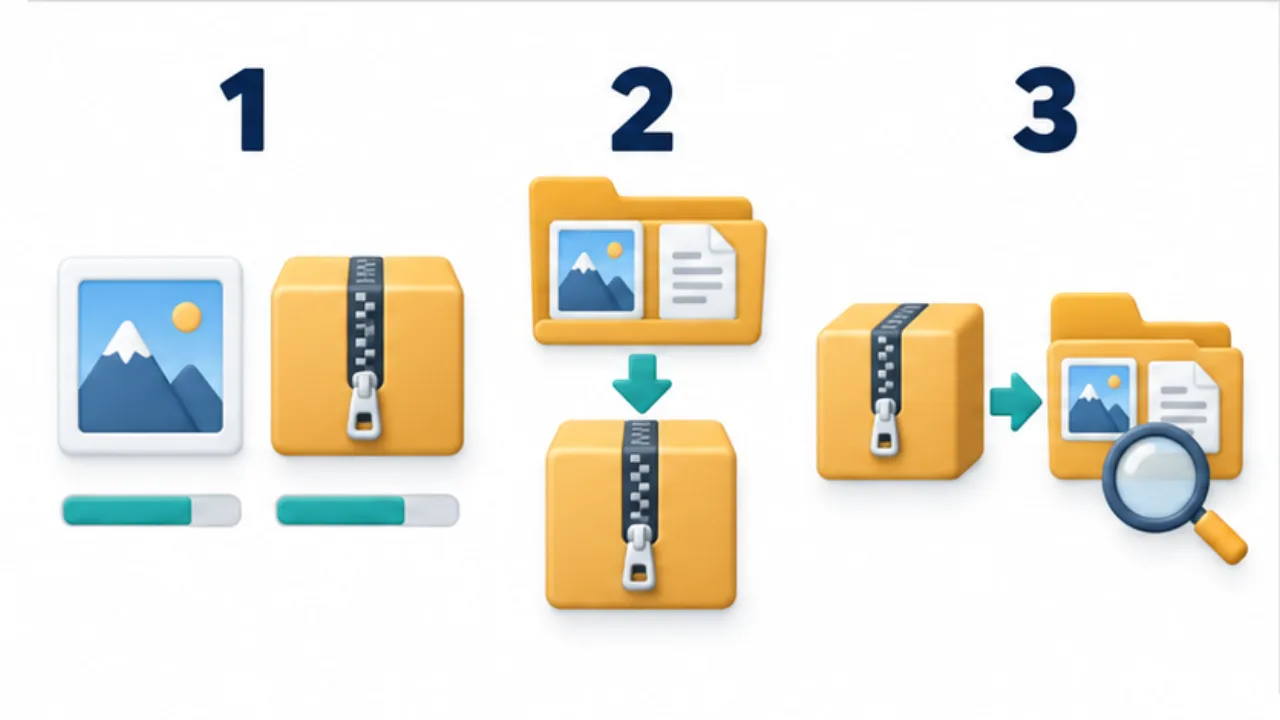
Select the image to enlarge.
- Already-compressed files may not shrink much further.
- Consider its role in packaging the folder structure.
- Extract elsewhere and check the expected names and contents.
Decide whether you need compression or packaging
If the task is to send one coherent package, a ZIP can be useful even when its byte size barely changes. A project folder containing images, instructions, and a list may be easier to receive as one archive.
If the sole problem is an attachment limit, repeatedly wrapping the same compressed media in new ZIP files may not help. Review the source selection or delivery route instead of adding layers the recipient must extract.
Likewise, packaging and confidentiality are separate concerns. A ZIP extension alone does not establish encryption. Review who can obtain the file and how the recipient will open it under the chosen delivery method.
Worked example: photos and instructions
Create a delivery folder and put only the intended photos and instructions inside. Inspect it for drafts, editable source material that is not required, and files containing unrelated private information.
After compression, extract that archive into a separate location. Do not verify the original working folder by mistake: it can contain files that never entered the archive. Inspect the extracted names, hierarchy, and document contents.
Consider the receiving device as well. A deeply nested package of many files may be inconvenient on a phone. Choose enough structure to identify the initial instructions and required images without making the recipient search through unnecessary levels.
Recognize when another route fits better
| Need or problem | Direction to investigate |
|---|---|
| Only photo viewing is required | Appropriately sized delivery copies |
| Original data must be preserved | A recipient-compatible large-file route |
| The receiving service rejects archives | Its supported attachment or sharing method |
| The recipient cannot identify the starting file | A clearer structure and short instructions |
Before discarding your sent package, retain a record of what was supplied and when. This makes a correction or resend easier to reconcile. Completion means the recipient can extract and use the intended set, not simply that an archive was created.