Files, images, and PDFs
Renaming an extension does not convert a file

A filename extension is a clue about a format, not the format itself. Changing the suffix leaves the stored data unchanged.
On this page
Separate name and content
Applications use extensions to help select a handler. Web delivery also uses a Content-Type value. A file called PDF whose contents are an image can confuse software expecting a PDF structure.
Convert through a compatible tool
Use an application's export or conversion function. Writing a PNG image as JPEG is different from changing its name. Save a separate output so the original remains available if a feature is lost.
Inspect hidden extensions
Operating systems may hide filename suffixes. Adding another suffix can create a double extension rather than replacing the original. Check the information view for the complete name and file type. A familiar-looking name is not proof that an unknown file is safe.
Verify the requirement
Follow the receiving application's format specification and open the converted result there. Check properties such as transparency or editability that may change during conversion. Decide whether the problem is an incorrect name or a genuinely unsupported data format before acting.
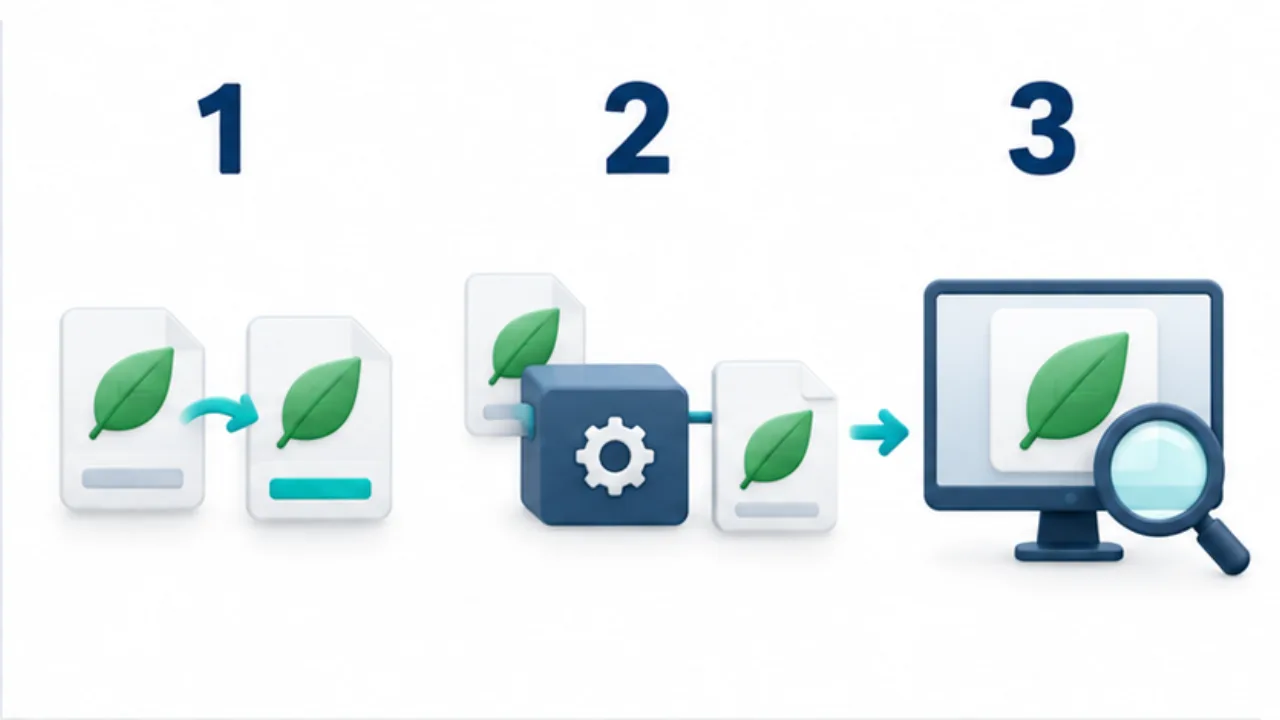
Select the image to enlarge.
- Changing the extension alone does not change the internal format.
- Use a supporting app’s export function for conversion.
- Save a separate output and inspect its type and content.
Separate the label from the structure
Think of an extension as a label on a box. Replacing “photographs” with “documents” does not change what the box contains. Similarly, renaming a suffix differs from opening the data in a compatible application and writing it in another format.
Conversion also involves deciding which properties the destination format can retain. That is why checking the output matters even when the export completes successfully.
A file can have valid contents and simply have the wrong suffix. Correcting that name is a different task from conversion. If you are unsure which problem you have, identify the creating application, how the file was exported, and what the recipient requires before trying a succession of names.
Example: submit a PNG image as JPEG
Suppose a submission form requires JPEG and you have a PNG. Open the source in a compatible image application and choose JPEG as the export format. If the PNG includes transparent areas, decide how those areas should appear and check the background used for the output.
Preserve the PNG and give the exported JPEG a distinct name. Reopen it and inspect the full composition, lettering, and outlines. Check dimensions and file size too if the form specifies them.
An accepted upload provides evidence about the form's acceptance checks. It does not establish that the picture communicates its intended content well. Review the actual delivery image rather than relying solely on the upload status.
Narrow the reason a file will not open
| Situation | Next question |
|---|---|
| The creating application opens it | Which export format does the recipient accept? |
| Compatible applications cannot open it | Did downloading or copying finish? |
| The name ends strangely | What is the complete filename, including its suffix? |
| It opens with a changed layout | Which properties survived conversion? |
When asking for help, include the source application, format, receiving application, and error message. Keep the original alongside a single conversion result so you can identify where the problem begins. Repeated conversions without a preserved source make that investigation harder.