Phones and computers
Prepare to transfer files without internet access
No internet connection does not necessarily mean no communication between devices. Test what your chosen transfer method actually requires before relying on it away from connectivity.
On this page
Identify the required connection
USB transfer, local network sharing, and nearby sharing have different requirements. Check the official requirements for the specific method instead of treating “offline” as a universal capability.
Prepare files and software first
Download cloud files to the device and confirm they open. Install any required transfer app and complete initial sign-in beforehand. Setup may require internet access even when the later transfer does not.
Reproduce the intended conditions
Use the actual devices, cable, and destination to transfer a small sample without internet access. Avoid accidentally disabling Wi-Fi or Bluetooth that the chosen local method still needs.
Test use after receipt
Open the received file offline and check whether its viewer requires an additional sign-in. A previously tested alternative, such as a suitable cable connection, can help if conditions at the destination differ from your rehearsal.
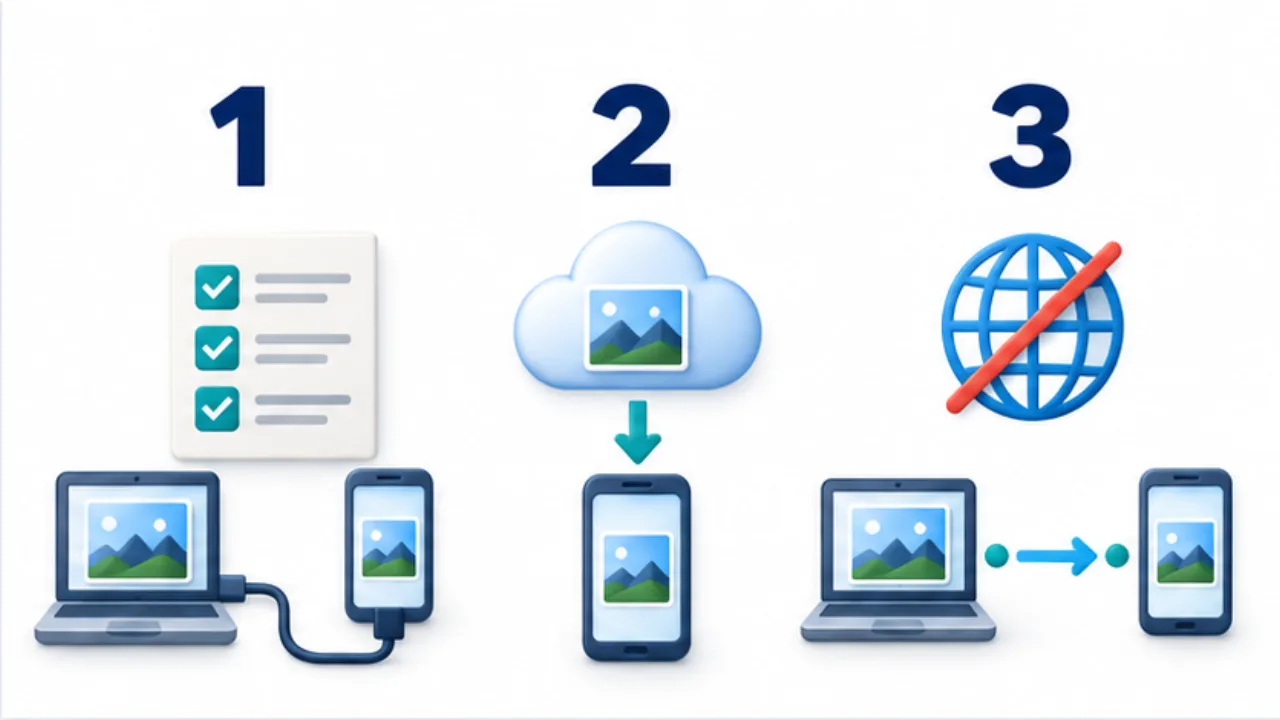
Select the image to enlarge.
- Check the cable or local connection the method needs.
- Save the data locally and complete app setup.
- Test a small transfer under the intended no-internet conditions.
Prepare three separate parts of offline use
You need the source data, a transfer route, and an application that can use the result. A transfer method cannot deliver a source that exists only in inaccessible cloud storage. Successful receipt also does not establish that a viewer can finish opening the file without another online step.
Verify those parts separately: open the source, transfer it through the intended route, and use it on the destination. This gives “works offline” a specific meaning instead of leaving the scope unclear.
Example: deliver a guide and photographs on site
Suppose you must provide a PDF guide and reference photographs to another computer at a location without internet access. Save the selected package on the sending device and open every required type without relying on an internet connection.
Use the intended cable or sharing method to copy it to the receiving computer. There, inspect the PDF's ending and the photographic detail needed for the job.
Check that the rehearsal did not quietly depend on a home network folder or another service unavailable on site. Record the devices and destinations used. If the guide is updated afterward, verify the new delivery package too; a successful test of an earlier revision does not establish that today's files are ready.
Match the rehearsal to the destination
| Condition | Question to verify |
|---|---|
| Device pair | Can the actual devices perform the workflow? |
| Connection route | Are the required cable or local radios available? |
| Source material | Are the files present, beyond a cloud listing? |
| Viewing | Can the needed content open without additional retrieval? |
Test an alternative route rather than merely knowing that one exists. A spare cable is useful only if the actual pair can use it for the required transfer.
Keep the final filenames and expected contents alongside the plan. If you change routes at the destination, those references help establish that you still delivered the same intended package. Preparation is complete when transfer and practical use both work under the conditions you expect.