Phones and computers
Copy a selected set of phone photos to a computer

You rarely need to transfer an entire photo library for one task. Select a defined set and verify the result before sharing it further.
On this page
Choose photos by purpose
For a product page, select views that serve different roles: an overall view, a detail, and a sense of scale. Record the selected count as one reference for checking the transfer.
Decide between originals and edits
Choose whether the receiver needs an edited image or the original. iPhone sharing options vary by transfer method, so inspect the available format and photo-data options for the route you actually use.
Inspect associated information
Photos may include capture dates and location information. Also examine the visible background for people, documents, or screens that should not be distributed.
Reconcile the received set
Check the first and last items, similar burst shots, and edited versions on the computer. Supporting video or image components can make file counts differ from the photo selection count. Keep the phone originals until you have confirmed that all required content arrived.
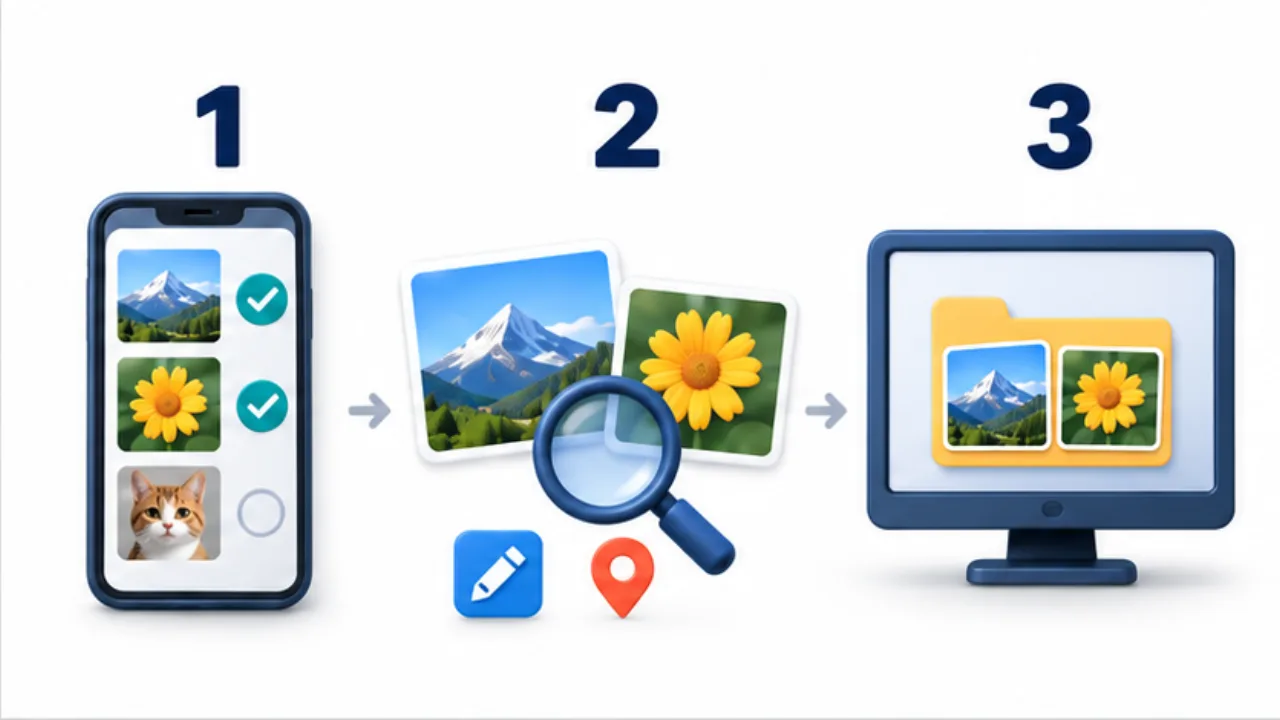
Select the image to enlarge.
- Choose photos for the intended use and record the selection count.
- Distinguish originals from edits and review accompanying information.
- Compare the received photos on the computer with the selection.
Decide the role before counting photographs
Instead of looking only for the single most attractive image, identify what each picture must explain: the whole product, a close detail, or its use. Different roles can justify several images. Repeated shots serving the same purpose may simply move the selection burden to the recipient.
If you want the recipient to compare alternatives, say so and send a defined candidate set. If you are delivering an approved selection, keep unreviewed alternatives outside it. This distinction clarifies how the computer-side files should be organized.
Example: select material for a product description
Suppose a small item's description needs an overall view, a material detail, and a sense of scale. Compare candidates for each role on the phone and inspect blur and unwanted background content.
Record the selected count and decide whether the transfer should contain edited versions or source images. On the computer, review the received photographs by the same roles.
For similar consecutive shots, check that a required view was not replaced by another burst frame. If you create a new publication crop, preserve the received source separately and identify the approved output in the publication folder.
Trace discrepancies back to the selection
| Situation | What to inspect |
|---|---|
| More files than selected photos | Associated video, supporting files, or repeated receipt |
| A required view is missing | Correspondence between selected candidates and received items |
| Color or crop differs | Original-versus-edited selection |
| Unrelated pictures appear | The selected range and sharing scope |
Counts provide clues, but the practical goal is a complete set of views serving the intended explanation. Review each required role rather than only one representative image.
Before redistributing outside your own devices, inspect visible backgrounds and accompanying information again. Moving material to your computer and publishing it to another audience are separate decisions. Keep the chosen set aligned with the purpose of each stage.