Website basics
Check both link availability and destination meaning

A 200 response does not prove that a link still supports its surrounding text. Check availability and meaning separately.
On this page
Inventory internal and external references
Include navigation, article links, and image references. For internal links, check the intended file or replacement. For external links, look for the provider's current documentation and the correct language edition.
Classify failures
A 404, 403, and timeout suggest different conditions. If an automated check receives 403, inspect browser access and authentication requirements without repeatedly overwhelming the site.
Read the destination
Compare its title and relevant section with the link's promise. Verify fragment targets and whether the instructions still concern the intended product.
Fix the source
For a generated site, edit the source document and rebuild. Open the replacement link before publishing. Use descriptive link text so the reader can understand the destination before following it.
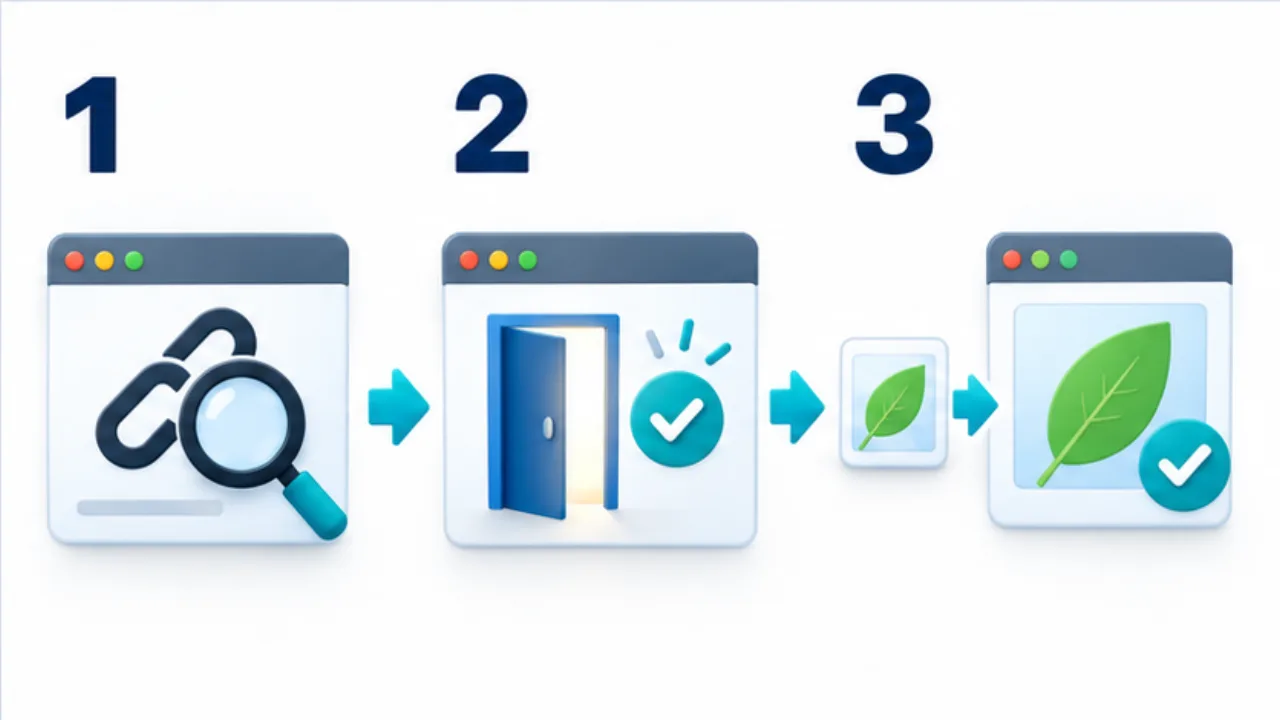
Select the image to enlarge.
- Identify the link and what its description promises.
- Check the response and browser display to establish whether the page opens.
- Read the destination and verify that its content matches the link’s description.
State what the link promises
Before reviewing a destination, identify what the surrounding text promises: a procedure, specification, or contact channel. A working page for the same product may no longer provide that information.
Combine automated availability checks with reading. Automation can locate candidates, while semantic review establishes whether a link still serves its purpose. For a cited reference, inspect the section that supports the article's claim.
Example: an official help address changes
Suppose an official help page linked from your article has moved. Follow the old address and inspect the final destination.
If it reaches the corresponding current guide, consider updating the source to that address. If it reaches only the product homepage, locate the relevant replacement guidance.
Read the applicable section before substituting the link. A guide for another operating system is not automatically equivalent because it shares the product name. Revise the article's conditions where needed so a new reference does not sit beside obsolete instructions.
Classify the result before choosing a correction
| Result | Response |
|---|---|
| Available and relevant | Record the successful review |
| Available but no longer relevant | Reconsider the reference and surrounding claim |
| Redirected | Inspect final address and content |
| Refused only to automation | Review browser access and applicable conditions |
| Missing | Investigate official replacement material |
For a fragment link, verify the actual section destination as well as the containing page. A page can work while its old anchor does not.
On a generated site, edit the source and inspect the regenerated reference. Record where the link is used, not only which address failed. That connects the next review directly to the editable material.
The completed correction should restore the reader's route to the promised information. Merely replacing one nonworking URL with another that returns a success status is not enough to establish that relationship.