Website basics
Check the title and image used in a social preview
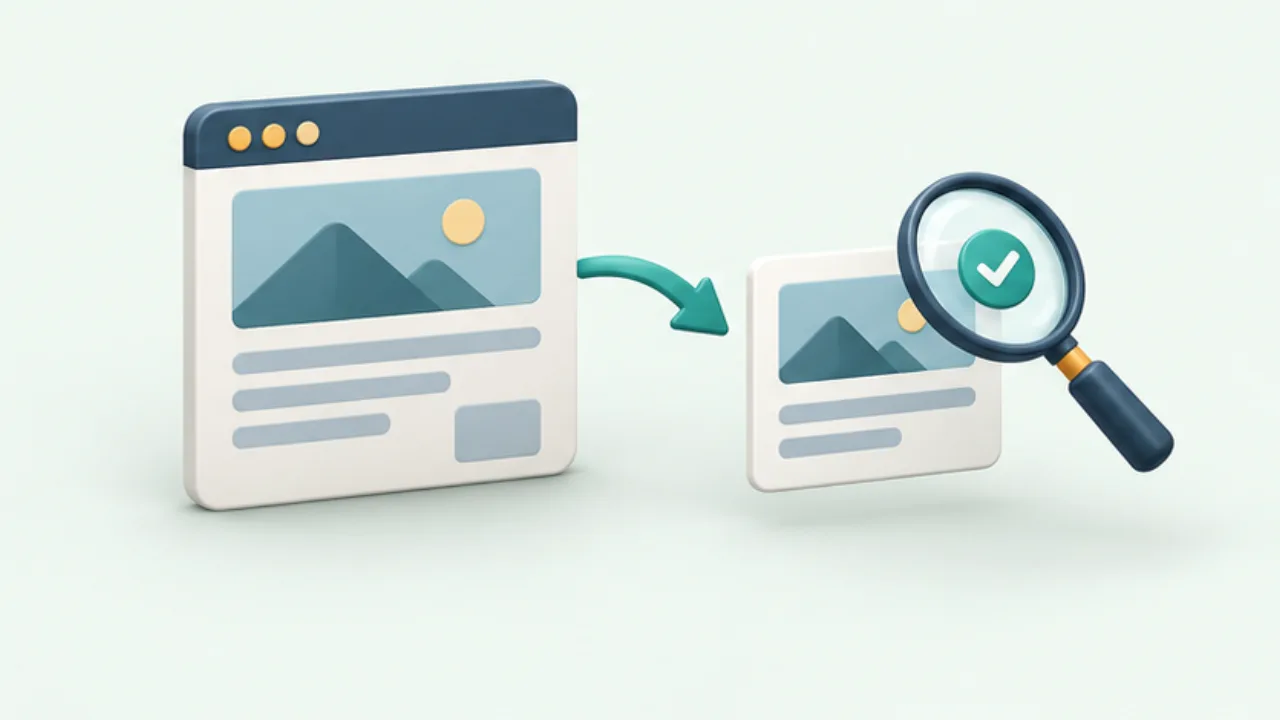
Social link cards may use metadata separate from the visible article. Check both Open Graph settings and the publicly available image.
On this page
Match the core fields
Open Graph defines title, type, image, and URL as basic properties. Verify that each page describes its own content instead of retaining another page's template values.
Open the image directly
Check that its URL returns the intended image without authentication. A working HTML page does not prove the preview image is available.
Allow for different crops
Sharing services can display different dimensions or crops. Keep important text away from fragile edges and compare a few compositions rather than assuming one layout appears identically everywhere.
Account for cached previews
An updated page can still have an older preview at the sharing service. Consult that service's inspection or refresh guidance where available. Use an authorized test space instead of sending test posts to unrelated recipients.
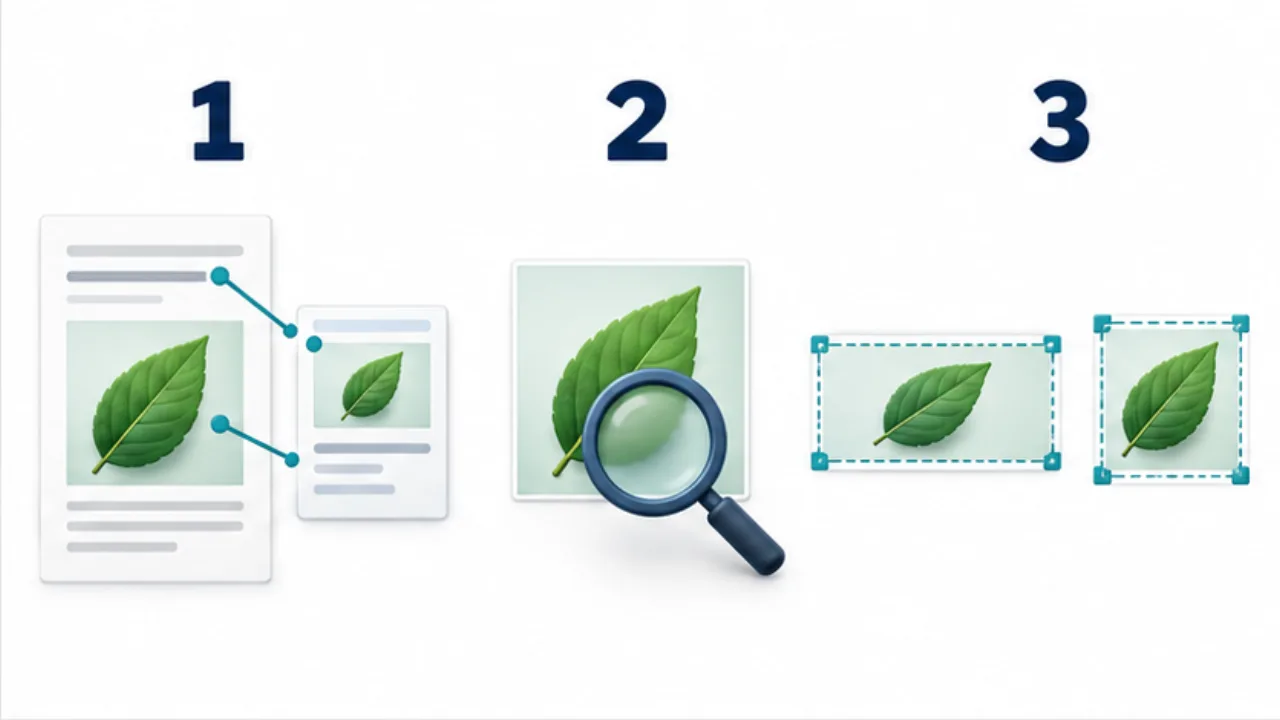
Select the image to enlarge.
- Align the article’s title, image, URL, and related metadata.
- Open the image URL and verify public retrieval.
- Inspect the destination preview for unwanted cropping.
Compare the article with the card
A visible article heading can be updated while separate social metadata retains an old title. Review the heading, HTML title, and sharing title and image together. They need not use identical wording, but they should describe the same article.
A card image also has a different role from an in-article photograph. It may appear small or cropped. Preserve a recognizable subject rather than packing fine explanation into the image.
Example: revise an article's title
Suppose you narrow the article's scope and change its name. Review the sharing title and description as part of that edit. If the preview image contains the former wording, reconsider it too.
After publication, inspect the page's actual metadata and open the image address directly. If another service still displays the previous card, separate its retained preview from the current public page.
Once the source is verified, consult that service's inspection or refresh workflow. Repeatedly rewriting the article does not directly address a card retained elsewhere. Test only in an authorized location and follow the card through to its destination.
Review the card as an entry point
| Perspective | What to verify |
|---|---|
| Title | It describes the destination's subject |
| Image | Publicly retrievable and associated with the correct article |
| Crop | Subject and necessary lettering remain usable |
| Destination | Opening the card reaches the intended article |
Attach the tested service, address, and time to a production screenshot. Different services can then be compared under known conditions rather than from memory.
For an English edition, inspect the card generated from its English URL separately. The language relationship in the articles does not automatically prove that the social metadata is also correct.
Treat the article and its sharing introduction as related publication surfaces. This catches mismatches that are invisible when reviewing only the body text.