Website basics
Write page-specific titles and descriptions

Titles and descriptions should explain the individual page, rather than repeat the same site-wide promotion everywhere.
On this page
Identify the subject in the title
Name the object and scope, such as checking a PDF before and after reducing its size. Avoid adding unrelated keywords.
Summarize what the page delivers
A description can explain the conditions or steps covered. Do not promise a comprehensive comparison when the article does not contain one.
Do not optimize only for a character count
Display varies by query and screen. Put the topic early, and recognize that Google may generate a different title link or snippet.
Inspect the published HTML
Verify the actual title and meta description, including differences between pages and language editions. After a change, separate the successful publication from later search-result updates.
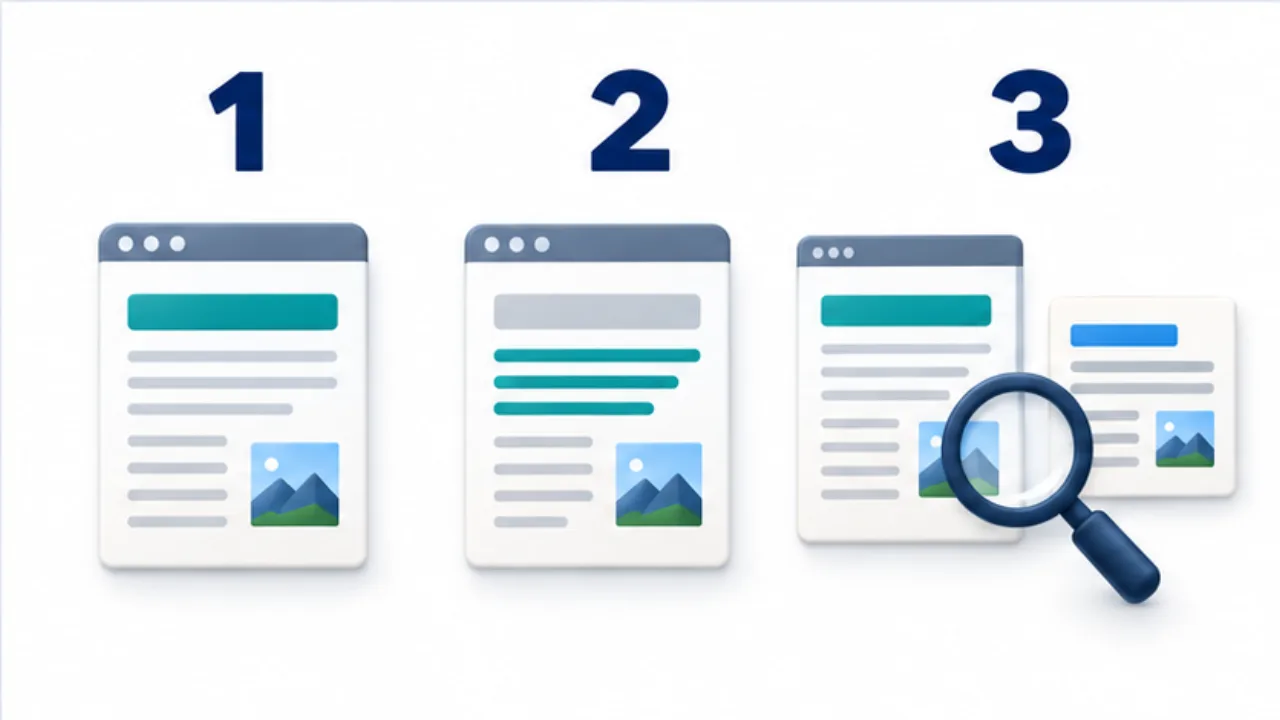
Select the image to enlarge.
- Use the title to identify the page’s subject.
- Use the description to summarize its actual content and conditions.
- Check both against the article and the published display.
Check whether the title still fits after reading
A title should set an expectation the article fulfills. For one procedure, identify its object and scope. Adding comparisons or measurements that the body never provides creates a mismatch between entry and content.
Use the description to add the situation and useful outcome rather than merely restating the title. Select the central point instead of compressing every heading into one sentence.
Example: edit metadata for a PDF-size article
Suppose the body explains checks before and after reducing a PDF's size, including what to reconsider if text becomes unreadable. A title promising the ultimate way to make every PDF as small as possible exceeds that scope.
A more faithful draft could identify the checks around reducing PDF size. The description can explain that the article covers file size and legibility before delivery.
These are drafting approaches to adapt to the actual text. Compare title, introduction, and headings together. They should describe the same reader problem rather than three different promises.
Review metadata across the article list
| Symptom | What to inspect |
|---|---|
| Every article has the same title | Whether generation uses page-specific values |
| Titles are hard to distinguish | Each article's actual object and scope |
| A title promises more than the body | What the article really explains or demonstrates |
| Languages are mixed | Language-specific source and output mapping |
A correct source field can still be replaced by a site-wide default during generation. Verify the production HTML, not only the editing form.
Keep a record of the published revision so later search displays can be compared with a known state. If search uses different wording, first review consistency of the public content rather than repeatedly changing the same title without a clear diagnosis.
The objective is metadata that accurately introduces a distinct page and remains useful even when external display systems choose a different presentation.