Website basics
Check a favicon's small-scale appearance and URL

A favicon must remain recognizable at a small size. Check the shape and the file reference rather than simply shrinking a detailed logo.
On this page
Simplify the mark
Choose a distinctive outline or character instead of long wording and fine decoration. Inspect it in a real tab against light and dark surroundings.
Verify the reference
Compare the HTML icon declaration with the deployed image. Open the image URL directly and ensure it is not an error page or an unrelated asset. A wide social-preview image serves a different purpose.
Review search-specific guidance
Google documents requirements such as shape, crawlability, and a stable URL. Consult its current guidance for search use; browser display and search adoption are separate outcomes.
Check each surface
Tabs, bookmarks, and search results may refresh at different times. Verify the published file first when an old icon remains. A correct setup does not guarantee appearance in search.
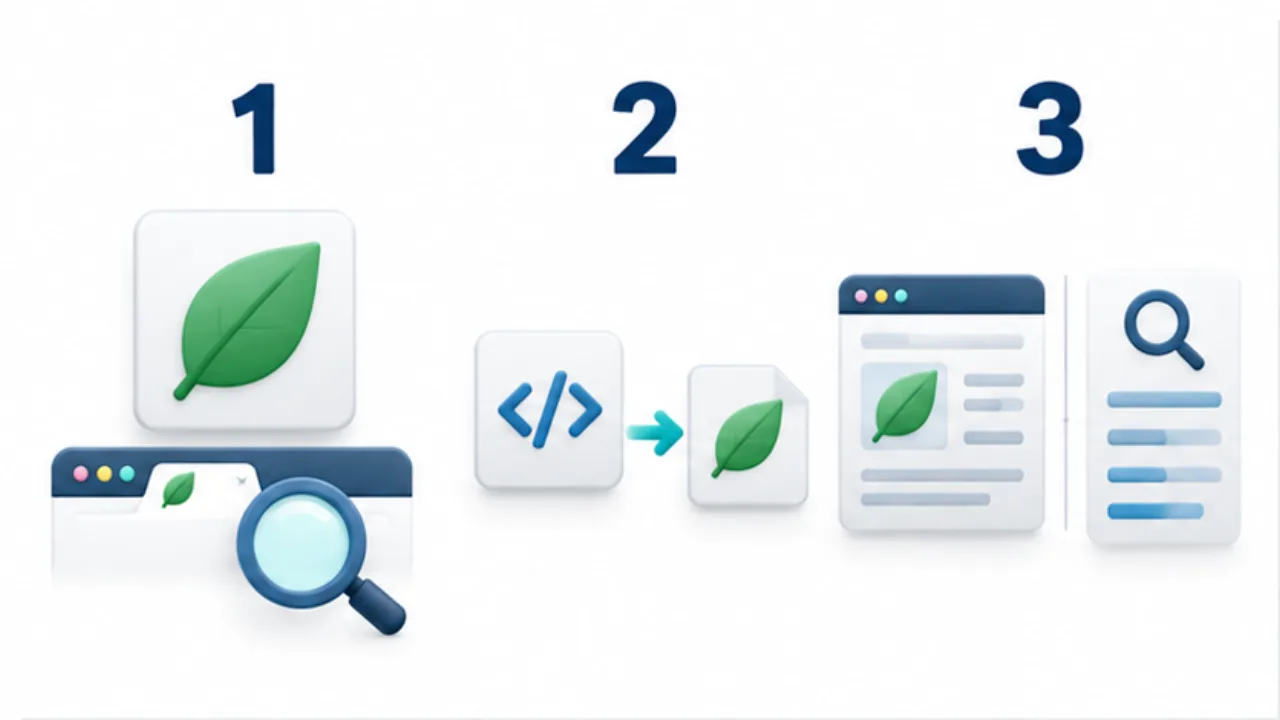
Select the image to enlarge.
- Inspect whether the shape remains recognizable in a small browser tab.
- Match the HTML reference to the public image file.
- Check search requirements and actual display separately.
Judge the small mark, not only the familiar logo
Lettering readable in a large logo may become an indistinct shape in a tab. Choose the feature that should remain recognizable: a letter's form or a distinctive outline.
Compare several open tabs and identify your site among them. Review light and dark surroundings. A polished large source and an identifiable small mark are different design outcomes.
Example: update a site's mark
Suppose the homepage logo changes but the browser tab still shows the old mark. Inspect the icon address declared in the production HTML and open that file directly.
If it refers to the old artwork, correct the reference or published asset. If the file is current, separate the surfaces where the old mark remains: ordinary tabs, saved bookmarks, and search results are not one observation.
Record what appears at each. Review current search-specific requirements independently; browser display alone is not evidence that a search engine has adopted the asset.
Divide the favicon review
| Review | Target |
|---|---|
| Design | A recognizable shape at small size |
| Reference | The public file declared by the page |
| Retrieval | The image address returns the intended asset |
| Display | Actual appearance in each relevant surface |
If articles and English pages share the favicon, inspect representative lower-level pages too. A homepage update can coexist with an older declaration in another template.
Keep the editable source associated with its published output so a future revision has a clear starting point. Consider the search guidance on URL stability as part of that plan, rather than repeatedly changing filenames solely to chase an old display.
The useful result combines correct asset delivery with a mark that works in its small visual context. Those checks should remain distinct from later adoption or refresh by external surfaces.