Shop signs and printing
Proof a sign before printing the full batch
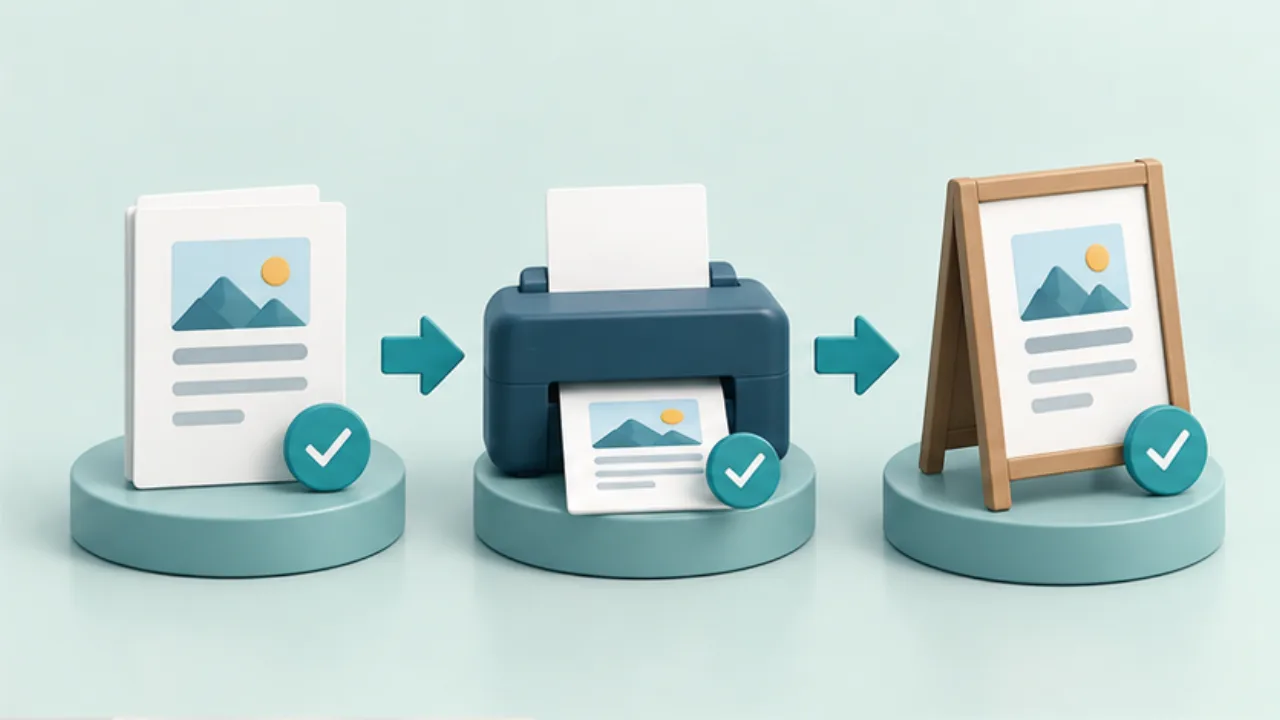
Proofreading and checking a physical print catch different failures. Use separate checks for content, output, and placement.
On this page
Reconcile the content
Compare names, prices, dates, and contacts with their approved sources. Check weekdays and differences between language versions. Reviewing numbers independently can expose errors that fluent reading misses.
Reopen the exported PDF
Inspect text, images, page count, and unintended blank pages. Verify that the selected file is the current approved version.
Print one production proof
Use the actual paper, printer, and scale. Inspect scaling settings, measure dimensions where needed, and scan any QR code through to its destination.
Review the installed result
Check orientation, glare, reading distance, and conflicting nearby notices. After approval, print the remaining quantity and replace old copies. Record the reviewed version and date, especially when another person performs the final check.
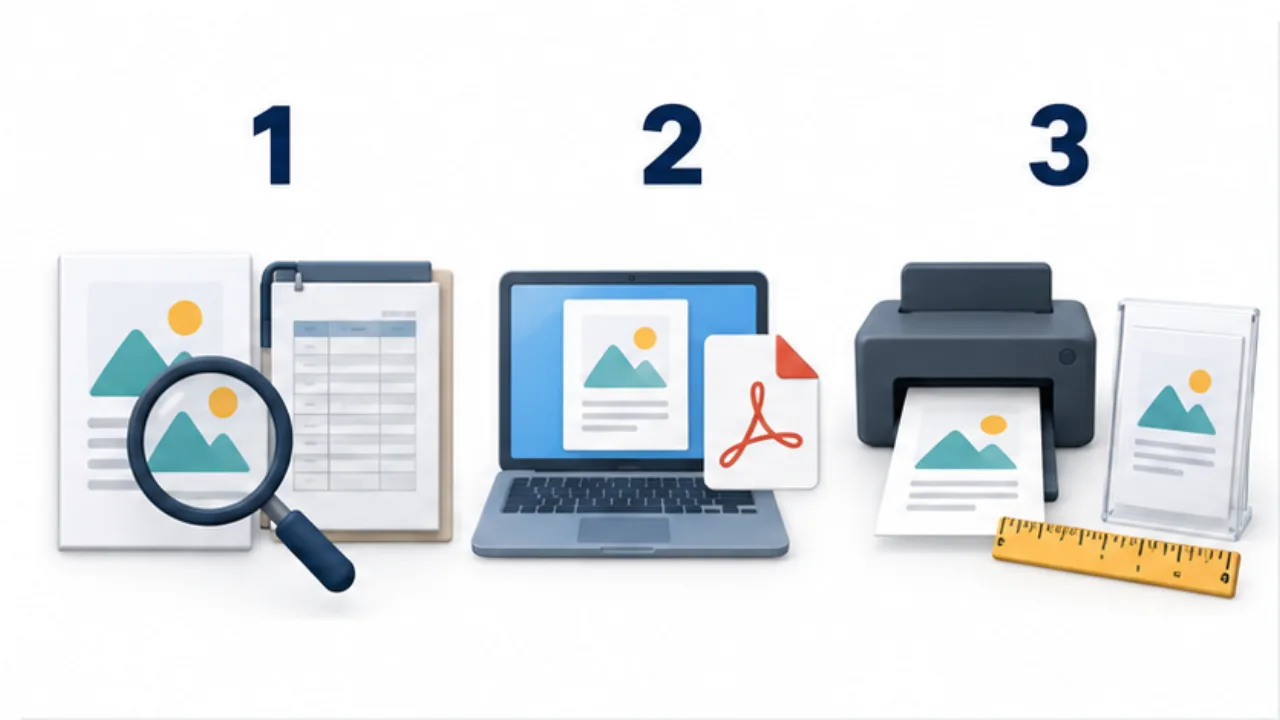
Select the image to enlarge.
- Compare names, dates, and other details with the authoritative records.
- Reopen the exported PDF and check its content and version.
- Print one copy with the intended paper and scale, then inspect its placement.
Give the reviewer a specific job
“Please take a look” leaves the review scope unclear. One person may judge appearance while another assumes the prices were already checked. Divide the task into information, output, and placement, and state what should be compared.
Even without another reviewer, use separate passes for those perspectives. Check facts against their maintained source rather than memory. A sentence reading smoothly does not establish that its numbers are correct.
Example: print a replacement set of price cards
Suppose several product cards need updating. Compare the draft with the price source, reviewing product name, variant, selling unit, and amount together.
After corrections, export the PDF and open that actual file. Inspect ordering and missing text, and establish that it is the revision you intend to print.
Produce one sheet using the final setup, cut the cards, and place them on the shelf. Check product association and reading distance. If an issue requires another edit, revisit the affected output checks before printing the batch.
This prevents a common handoff problem: a correct source paired with an outdated PDF still selected for printing.
Record completion against a specific version
| Record | Example |
|---|---|
| Target | Which notice or product and which revision |
| Scope | Source, PDF, physical proof, or installed result |
| Outcome | Accepted, correction needed, or awaiting recheck |
| Next action | Batch printing, replacement, or old-copy cleanup |
A completed checkbox applies to the version reviewed. If something changes afterward, reconsider the affected checks. You need not repeat unrelated work automatically; identify whether the change affects text, layout, code destination, dimensions, or another property.
Finally, pair putting up the new notice with removing the superseded one. Record both. The replacement is complete when the location communicates the intended version consistently, not simply when a new stack has left the printer.