Shop signs and printing
Write menu descriptions around useful differences

“Recommended” does not tell a customer how two menu items differ. Write around details that help them choose and that the shop can verify.
On this page
Pick the useful comparison
For drinks, temperature or sweetness may matter. For food, main ingredients or serving format may matter. Select the relevant differences instead of listing every feature.
Replace vague wording
An original editing exercise is to replace “refreshing drink” with verified fruit and sweetening details, or “convenient takeaway” with the actual packaging arrangement. These are prompts, not claims about a real product.
Review consequential claims
Do not invent health effects, origins, or allergy assurances for appealing copy. Establish who verifies such information and where the approved answer comes from.
Compare with the actual item
Review the text against the product and its formal information. Check that photographs match what is served. Assign an update step when ingredients or seasonal availability change. The linked design guide concerns presentation; product facts must come from the shop's verified information.
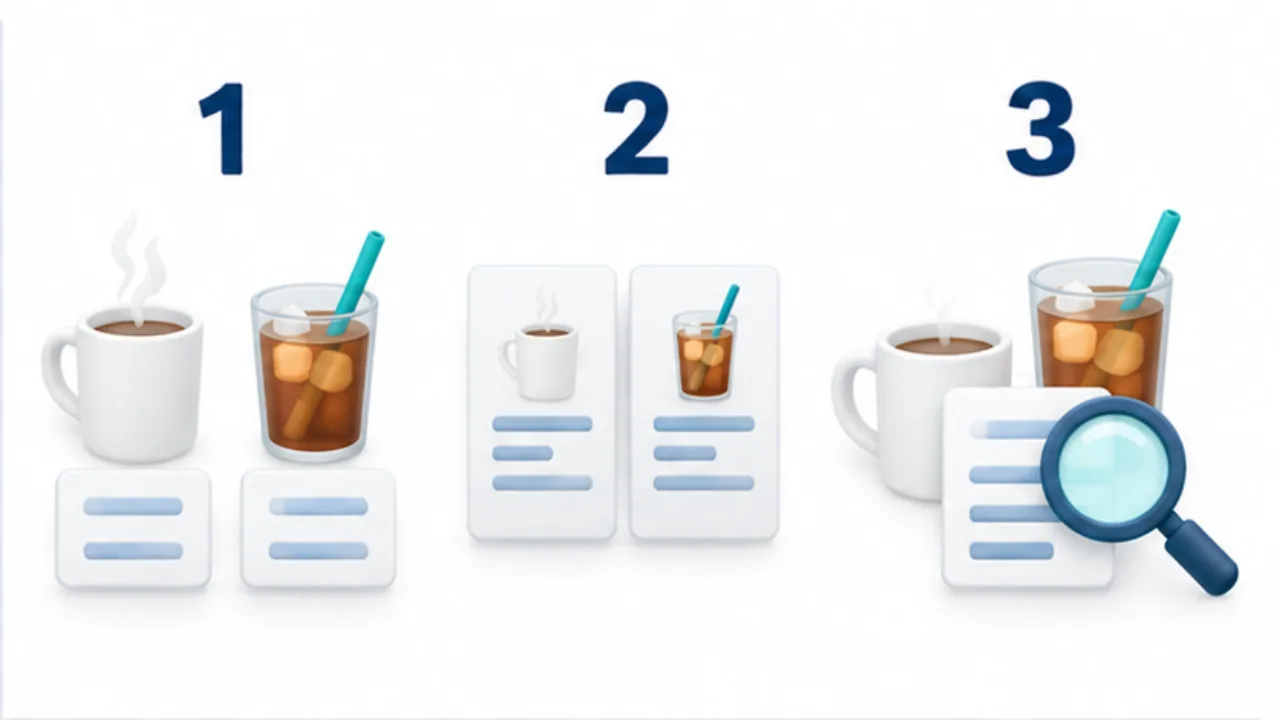
Select the image to enlarge.
- Identify the differences customers need to make a choice.
- Describe concrete features such as ingredients or serving temperature.
- Check the description against the actual product and service.
Turn praise into useful selection information
“Popular” and “Recommended” communicate a shop's evaluation but do not explain flavor or serving format. If you retain them, add details that help the reader distinguish the item from alternatives.
Use comparable fields for similar products. One description about sweetness and another about a development story may leave the actual choice unanswered. Start by addressing a shared decision question, then add each item's distinctive feature.
Example: describe two drinks
Imagine a hot drink and a cold drink listed together. Verify the actual offering, then choose relevant comparison fields such as temperature, principal ingredients, and available adjustments.
An adaptable drafting frame is: “A cold drink made with [ingredient], served [verified serving detail].” Fill it from the shop's information.
Do not add appealing but unverified claims about sweetening, origin, or suitability. If ingredients can change, assign responsibility for updating the description rather than using vague wording to avoid maintaining it.
Where a photograph appears, compare the pictured container and presentation with what the customer receives.
Review a sentence in a deliberate order
| Perspective | What to check |
|---|---|
| Comparison | Does it explain a difference between choices? |
| Evidence | Can the shop verify the statement? |
| Scope | Does the wording apply to the offering it describes? |
| Maintenance | Will changes in ingredients or serving trigger an edit? |
As an editing exercise, remove descriptive adjectives and read what remains. If product identity and verified facts still provide useful selection information, the explanation has a concrete core.
When restoring expressive language, avoid making the factual statement stronger than the evidence. Review the description with the people responsible for the product. Recurring customer questions can then inform a later revision.
The aim is a short description that earns its space by helping a person choose, rather than accumulating praise that could apply equally to every item on the menu.