Phones and computers
Control who can discover you for nearby sharing
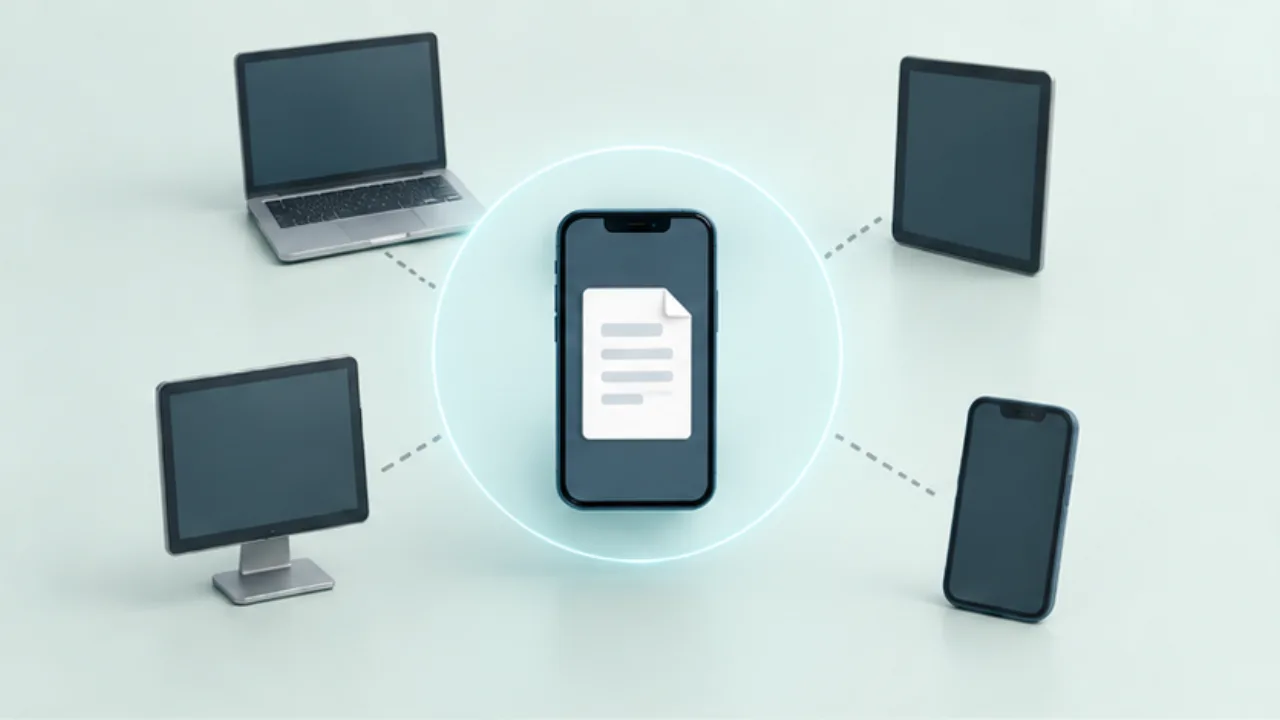
Before using nearby sharing, check who can discover your device. A familiar device name is useful, but it does not by itself establish the recipient's identity.
On this page
Match visibility to the task
Sharing between your own devices and receiving from someone new require different visibility settings. Choose the narrowest audience that supports the current transfer.
Compare the receiving screen
If several devices have similar names, compare the name shown on the recipient's screen. When the service displays a confirmation code, compare that too. An unexpected request should not be accepted simply because the sender is nearby.
Check timing and confirmation behavior
Read whether broader visibility expires automatically. Some services simplify transfers between devices using the same account, so do not assume that every transfer always shows a manual approval step.
Restore your usual settings
Open the received file, check its location, and restore any visibility setting you temporarily widened. Even with a regular contact, inspect the selected files and destination each time.
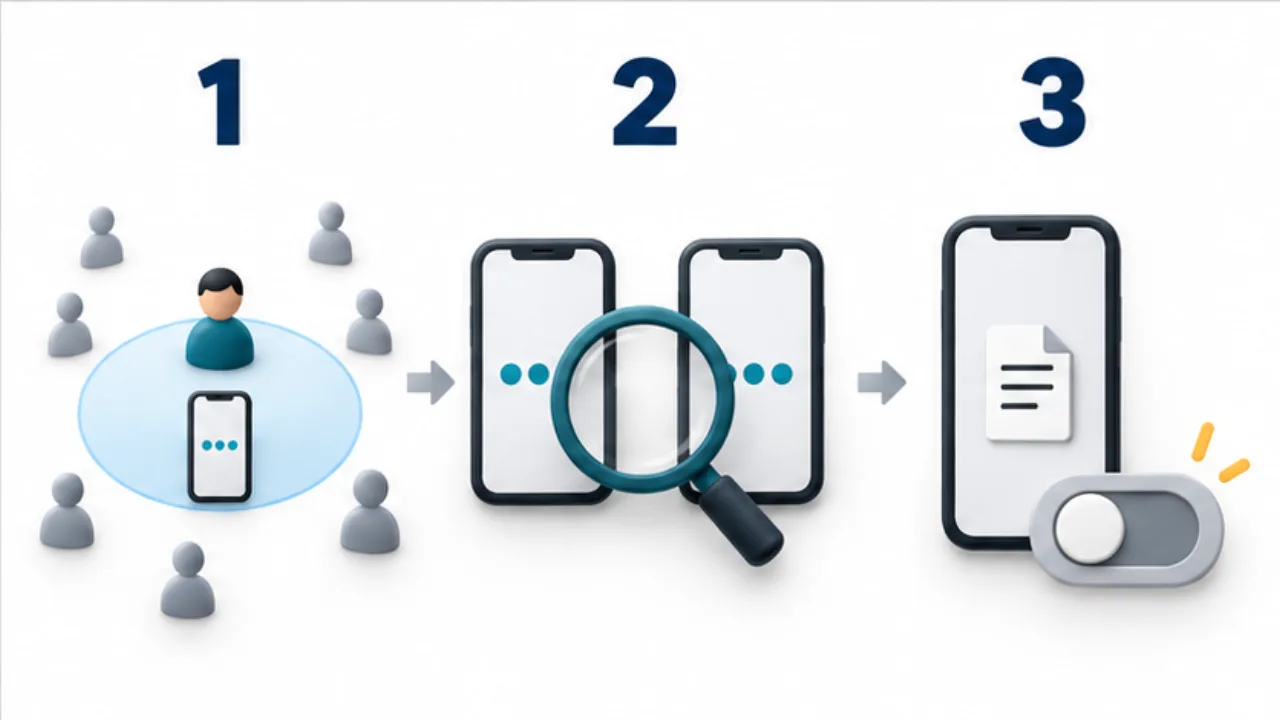
Select the image to enlarge.
- Make the device visible only as widely as the transfer requires.
- Compare the device name and any displayed verification details.
- After receipt, check that temporary visibility has ended as intended.
Separate discoverability from recipient identification
Visibility controls who can discover your device for receiving. Identifying the participant in this particular exchange remains a separate task. Appropriate visibility does not correct selecting the wrong entry from a list.
Compare the name with the device in front of the intended person instead of treating a name as proof of identity. Where a confirmation code is part of the service's workflow, compare it as instructed. A brief check before sending is easier to manage than investigating a mistaken delivery afterward.
Example: receive a handout at an event
Suppose an organizer is sharing an event PDF with you. Establish the expected document and sender, then choose the visibility required for that exchange.
Compare the receiving device with the organizer's selected destination. If a request appears, check that it belongs to the expected exchange. After receipt, open the PDF and inspect identifying details such as the event name.
Restore your usual visibility after that review. Treat receiving and restoring as one sequence so the temporary setting does not become an overlooked part of packing up. An unrelated request arriving at the same time should not be assumed to come from the organizer.
Choose settings for the actual situation
| Situation | Question before choosing visibility |
|---|---|
| Transfer between your own devices | Is a scope limited to your devices sufficient? |
| One exchange with a person present | What temporary receiving condition is necessary? |
| A crowded venue | How will you match the listed name to the device? |
| No exchange in progress | What receiving state should remain active? |
Read the current application's labels and any automatic-expiry conditions. Familiar-looking screens do not substitute for checking what is selected now.
Also establish where the received document was saved. Restoring visibility should not leave you dependent on a vanished notification to find the material. The complete workflow covers the participant, the file, and the state in which the device is left afterward.