Phones and computers
Check a shared link's audience and permissions

A shared URL may work for anyone with the link or only for named accounts. Before sending it, decide who should open the file and what they should be able to do.
On this page
Choose the audience
For a document intended for one recipient, consider account-specific access rather than the same setting used for a public handout. Work or school accounts may also have organization-wide sharing restrictions.
Choose the role
Reading, commenting, and editing are different needs. Inspect the file's access list and any relevant folder settings instead of assuming that creating a link gives it the intended permissions.
Test under recipient conditions
An owner being able to open a file proves little about recipient access. Test a public link in a signed-out browser context. For restricted sharing, use an authorized test account. Avoid sending unsolicited test notifications to real recipients.
Review access after use
Schedule a review when the document's purpose ends. Removing access does not necessarily remove copies already downloaded, so choose appropriate material before distribution.
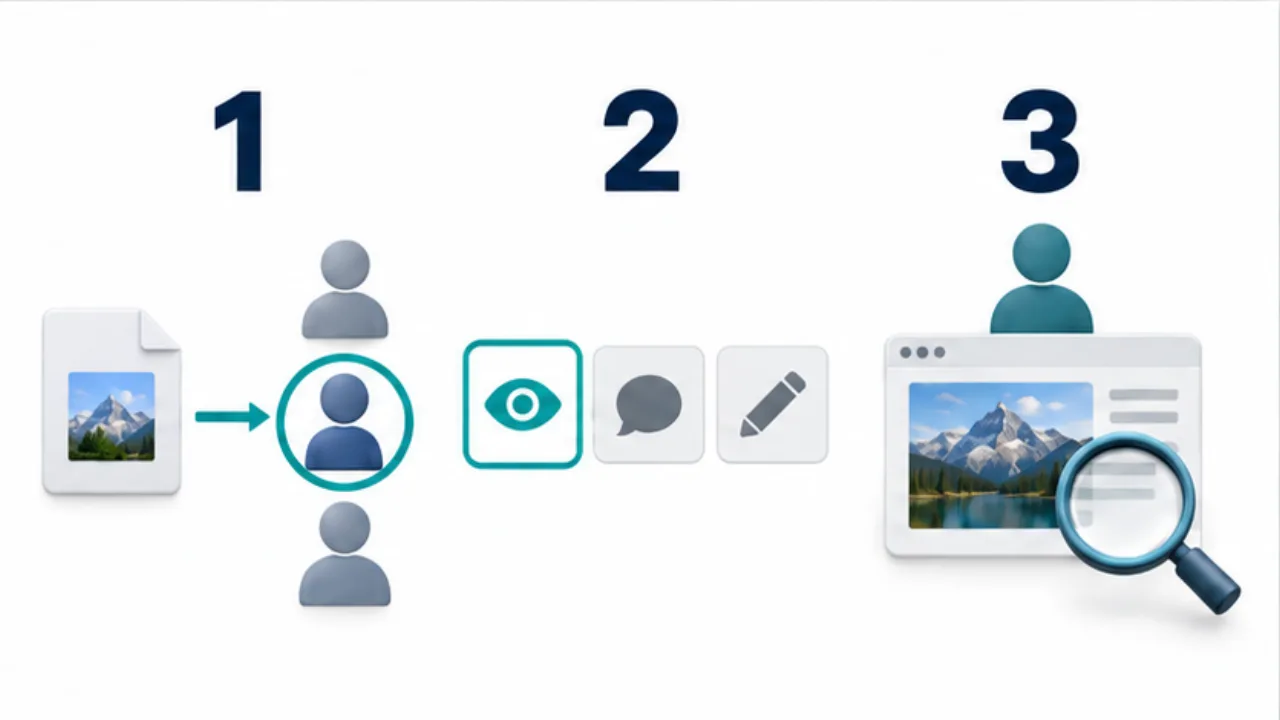
Select the image to enlarge.
- Decide between specified recipients and a more broadly usable link.
- Choose the needed view, comment, or edit role.
- Test under recipient conditions rather than relying on owner access.
A copied URL and an access grant are different operations
Copying a link communicates a location. Sharing settings determine who may access that location. Keeping those operations distinct helps diagnose both “the recipient cannot open it” and “the audience is broader than intended.”
The audience and its role are also separate. Decide whether someone should read, comment, or change the content before selecting permissions. Choose a role from the requested task instead of enabling editing simply because the requirement is unclear.
Example: request feedback on a proposal
Suppose an external colleague should review a proposal and provide suggestions. Confirm the account they intend to use and inspect the document's current access list. Choose an available role suited to the requested review.
In the accompanying instructions, identify the revision and where feedback belongs. If access fails, compare the invited account with the signed-in account. An account mismatch may be resolved without expanding the link's audience.
Inspect relevant folder and organizational conditions as well as the individual file. The useful question is what access the document actually has in its current location.
Review two axes: audience and ability
| Question | Example check |
|---|---|
| Can the intended person enter? | The named account opens the target document |
| Is the audience unnecessarily broad? | Review the access list and link scope |
| Can the person do the required task? | Requested viewing or commenting is available |
| Are unnecessary abilities granted? | Reconsider editing when collaboration is not required |
One successful test account does not establish every recipient's conditions. Keep the scope of your test clear, and identify the document specifically when confirming actual receipt.
At the end of the review period, distinguish continuing participants from people who only needed temporary access. Revisit the access list accordingly. Treat already distributed copies separately from permissions on the location you control, so closing a shared review does not imply a broader removal than you actually performed.