Notes and writing
Back up your notes and check that you can restore them
Distinguish sync from backup, choose a tolerable loss interval, and keep an export you can read outside the original app.
On this page
Seeing a note on two devices does not establish that you can recover it after deletion or account loss. A useful backup plan answers two questions: which earlier state can you return to, and can you access that copy without the original service?
Separate the failure scenarios
| Problem | A possible recovery path | Limitation |
|---|---|---|
| Accidental edit | Version history | Retention may be limited |
| Deleted note | Trash or earlier backup | Deletion may sync to other devices |
| Lost account | Independently accessible export | A copy in the same account may be inaccessible |
| App discontinued | Export in a usable format | Attachments and links may need separate handling |
Choose the interval from the loss you can accept
If you export monthly, the latest export does not contain subsequent changes. Decide how much work you could afford to recreate, then choose a schedule and storage method that fit. The app's history can help with editing mistakes, but it does not necessarily protect you when the account itself is unavailable.
Automate what your tools support and record anything that still requires manual work. There is no universal backup interval or fixed annual time requirement.
Inspect the export
Check whether it includes all notebooks, images, PDFs, dates, and links. Open representative files in another compatible app. Include a long note, an attachment, and a note containing non-English text. Keep older copies until you understand your recovery needs and available storage.
Protect access to the backup
An export from an encrypted app may be readable plain text. Store it with appropriate access controls and keep the recovery information needed for encrypted backups. Do not publish private notes while testing a transfer.
Write down where the backup lives and how to restore it. Revisit those instructions when you change devices, accounts, or note apps.
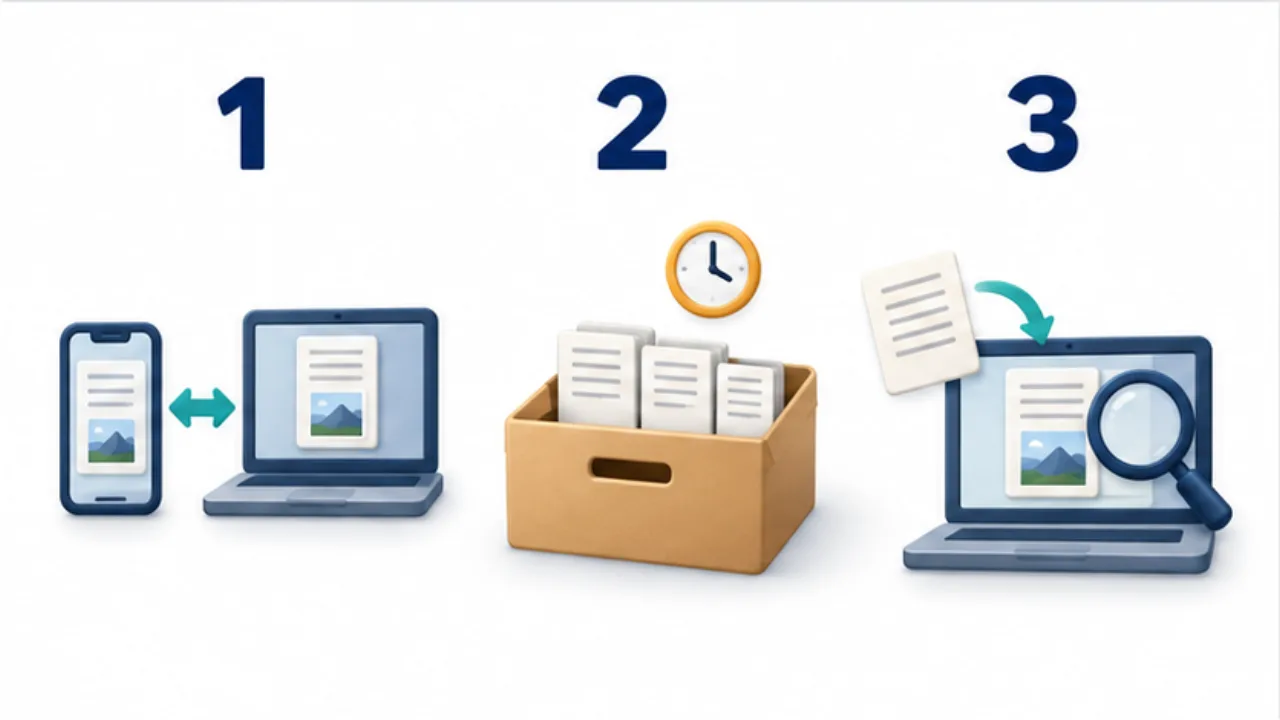
Select the image to enlarge.
- Remember that synced copies may receive edits and deletions.
- Keep separate backups that retain earlier states.
- Open exported data and test whether it supports recovery or migration.
Practice restoring without overwriting current notes
The goal is not only to open an old file. It is to understand how the needed material can return to a usable environment. Start with a test note containing text, an attachment, and a link. Export it and restore into a separate folder or test destination rather than rolling back your live collection.
| Item | What to verify |
|---|---|
| Text | The end of the note is present as well as the beginning |
| Attachment | The original file opens, not just its thumbnail |
| Dates | Original dates are distinguishable from import dates |
| Related notes | Links work or the source can be located another way |
| Recovery procedure | You know the route when the original account is unavailable |
One successful note does not prove the completeness of an entire collection. Choose representative formats and inspect counts, export errors, and attachment coverage. If a particular type is missing, address that specific gap rather than assuming another identical export will solve it.
Match the interval to the work you cannot recreate
Imagine someone adding meeting records every day. A month-end export does not contain changes made later. If the original account becomes inaccessible midway through the next month, history inside that account may be unavailable too.
First decide how far back you could return and still resume your work. If daily changes cannot reasonably be reconstructed, look for a way to make independent copies more frequently. A rarely changed reading archive may instead benefit from exporting when its contents change. A quarterly schedule is not inherently sufficient.
Alongside each backup, record the content date, export date, format, and the location of recovery instructions. For encrypted copies, document where the recovery information is managed without putting the secret itself in a public instruction file. Clear retrieval instructions reduce the number of decisions you must make during an incident.