Shop signs and printing
Distinguish opening hours from service cutoffs

If closing time differs from the last order or reception cutoff, label each time explicitly. Numbers alone do not explain which service remains available.
On this page
Draft the regular schedule
An original template is: opening hours, regular closed day, and last order or reception time. Fill in the actual conditions before styling the sign.
Separate different schedules
Use separate rows for a midday break or different weekend hours. Check holiday exceptions instead of hiding them in a small note.
Reconcile other listings
Compare the entrance sign with booking pages and map listings. Google Business Profile provides regular and special-hours settings, so include those surfaces in the review.
Handle exceptions separately
A temporary schedule needs its applicable date and a removal owner. Keep the normal schedule distinguishable and record the last content review in the editable source's production notes.
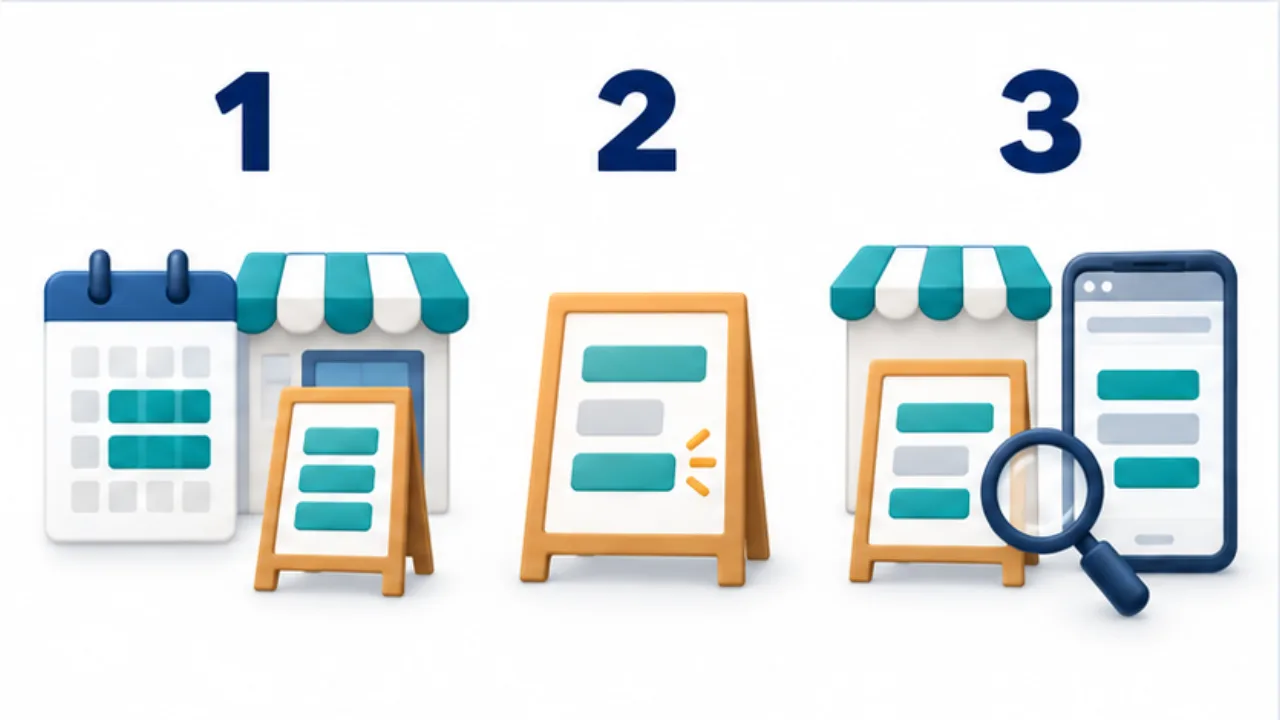
Select the image to enlarge.
- Pair opening hours with the applicable days.
- Distinguish breaks, day-specific changes, and service cutoffs.
- Compare the entrance sign with the website and booking pages.
Explain what each time allows
Hours describe a service, not just a span of numbers. If staying in the shop, placing an order, and collecting a purchase have different cutoffs, label those meanings.
Review the sign from the perspective of someone arriving near closing. Would they reasonably expect to place an order that is no longer accepted? That question can reveal a missing distinction.
There is no need to list every internal working time at the entrance. Select information relevant to visiting or booking, give the regular schedule priority, and keep any condition near the service it qualifies.
Example: write hours for a midday closure
Imagine a shop that opens in separate morning and afternoon periods. Draft those periods on separate rows using placeholders for the confirmed start and end times. If reception ends earlier within one period, place that cutoff beside the corresponding service.
For day-specific differences, associate each day with its actual time range. If the draft needs several layers of footnotes to explain the schedule, consider a clearer table or separate regular and exceptional notices.
Compare what staff would explain aloud with what a visitor could infer from the sign alone. The two should describe the same operating arrangement.
Maintain an inventory of published hours
| Surface | What to review |
|---|---|
| Entrance | Visiting hours and relevant service cutoffs |
| Booking or ordering page | Available times and their meaning |
| Map listing | Regular and exceptional hours |
| Other shop notices | Superseded schedules still displayed |
List these surfaces before making a change so replacing the paper notice does not become the only update.
Do not fill undecided holiday hours by guess. Identify who will decide and where the confirmed information belongs. Give a one-day exception an explicit date so it does not look like a permanent change. Include restoration of the regular notice in the update plan, as well as publication of the exception.