Shop signs and printing
Keep a price card's product, price, and unit together

A price card should explain what its amount applies to. Keep the product, selling unit, and relevant conditions together.
On this page
Identify the exact product
Add the size or variant when similar products share a shelf. Use the same name as the shop's other materials instead of relying only on the card's physical position.
Draft the fields before styling
An original working template has four fields: product and variant, verified selling price, selling unit, and applicable conditions. Confirm the actual pricing content under the rules relevant to your shop before entering it.
Align related amounts
For multiple sizes, keep each size and its price on the same row. Remove color temporarily to check whether those relationships remain obvious.
Reconcile the final card
Compare the draft with the price source used at checkout. After placing it, compare it again with the actual product and remove superseded cards. This article offers layout guidance rather than a determination of pricing-law compliance.
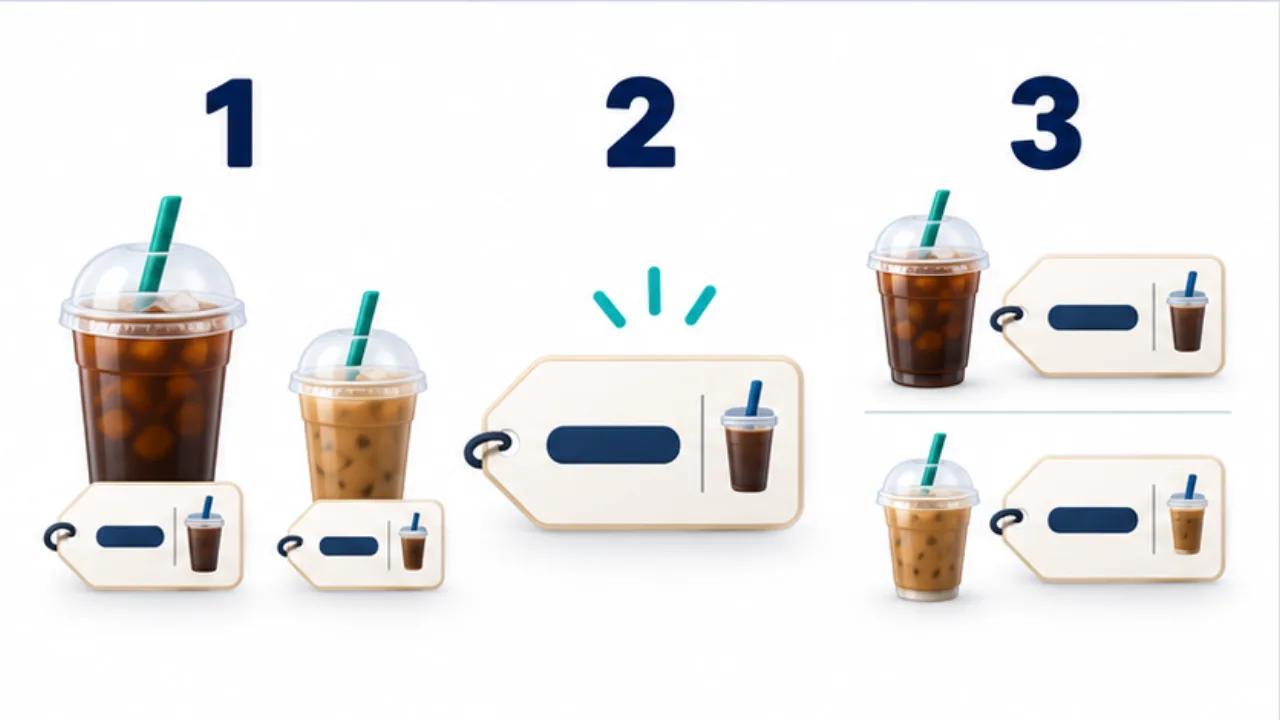
Select the image to enlarge.
- Identify the product with its relevant type or size.
- Place the price near its unit so the amount has a clear meaning.
- For multiple sizes, align each option with its own price row.
Build a complete group before emphasizing the amount
A prominent amount still needs an unmistakable product association. Group the product name, variant, selling unit, and verified price. Then emphasize the amount within that group.
Across neighboring cards, keep the order of fields consistent. If one card places a price under the name while another places a quantity there, comparison requires extra interpretation. Consistency concerns information placement as well as decoration.
Example: display two sizes of one product
Suppose an item comes in small and large sizes. Use the shared product name as a heading, then place each size, its selling unit, and its verified price on one corresponding row.
Match the size names to the packaging and checkout terminology. If one combined card leaves the associations unclear, consider a separate card for each product. Choose according to the shelf spacing and how the display behaves when customers move items.
As a practical review, pick up a product and put it back, then inspect the association again. A layout that works only while every item is perfectly aligned may not communicate reliably during normal use.
Reconcile a price change across locations
| Location | Relationship to verify |
|---|---|
| Price source | Actual offering and approved price |
| Checkout or ordering screen | Product, unit, and amount in use |
| Printed card | Input accuracy and outdated conditions |
| Shelf placement | Product-to-card association |
Compare the same fields at each location. Matching amounts alone can miss a different selling unit.
Keep production notes identifying the changed item and revision separately from the customer-facing design. After replacement, review old cards on other shelves and in spare-print stacks so an obsolete card is not reintroduced during restocking.
These are editing and review choices for keeping related information together. Use the shop's confirmed pricing details and applicable requirements when completing the actual card.