Shop signs and printing
Write a temporary closure notice with clear dates

A notice saying only “Closed today” becomes ambiguous if it remains posted tomorrow. Start with exact dates and confirmed reopening information.
On this page
Name the affected date
An original template is: “Temporary closure — Closed on [date]. We plan to reopen on [date and time].” Verify weekdays against the calendar before publishing.
Distinguish plans from certainty
If reopening is undecided, provide an update channel rather than inventing a date. Keep any explanation focused on information visitors need.
Handle existing bookings separately
A public sign does not replace contact with customers whose bookings are affected. Establish the shop's response process and publish only contact channels that someone can actually monitor.
Assign the update and removal
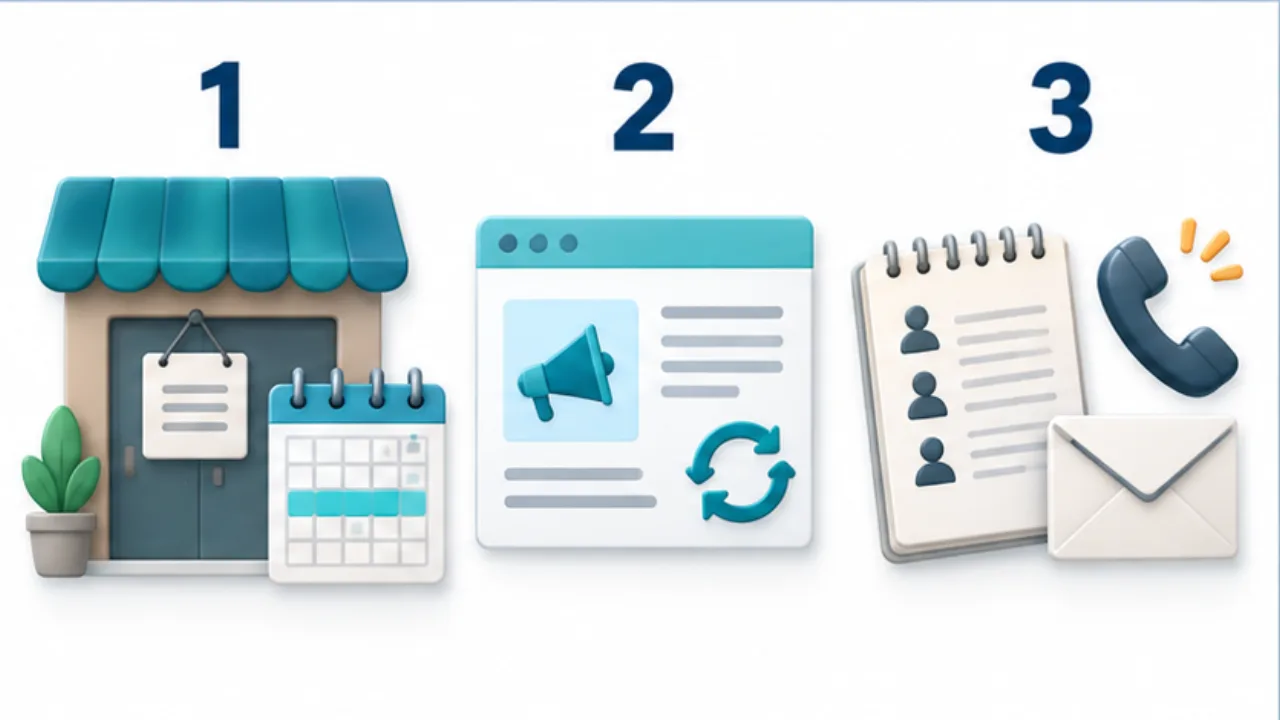
Review online hours as well as the entrance. Google Business Profile offers special-hours settings for exceptions. Assign someone to remove the notice when the shop reopens and check for outdated copies elsewhere.
Select the image to enlarge.
- Show confirmed closure dates and weekdays.
- If reopening is undecided, provide a source for updates.
- Handle existing reservations separately from the public door notice.
Write for readers who may see the notice later
A closure sign may be photographed and read after the day it was posted. “Today” and “tomorrow” become harder to interpret when the reading time changes. Use explicit dates, including the year where needed, and verify any stated weekday.
Separate a confirmed reopening schedule from an uncertain expectation. If no date is established, provide a concrete update channel instead of inventing one. Someone must also be responsible for keeping that channel current.
Compare a one-day closure with an undecided reopening
For a confirmed one-day closure, group the affected date, closure status, and next operating plan. When displayed beside regular hours, label it clearly as a dated exception.
If you include a contact channel, establish whether anyone can monitor it during the closure. A visible address without an operating response process may not help a visitor.
For an undecided reopening, an adaptable wording example is: “We will announce the reopening date at [update channel] once confirmed.” Use this only when that channel will actually be maintained. Prepare handling of existing bookings separately from the general notice for prospective visitors.
Define the end of the notice's life
| Decision | What to establish |
|---|---|
| Scope | Date, location, and affected service |
| Next information | Reopening plan or maintained update channel |
| Publication locations | Entrance, booking page, map listing |
| Closure of the task | Removal and online updates at reopening |
Check the map service's appropriate setting for the actual duration. A short exception, a longer closure, and an unknown reopening period may require different handling; do not assume one special-hours option covers every case.
Finally, compare the printed and online wording. They should not communicate conflicting reopening plans. Managing a closure notice includes keeping it accurate while posted and removing or replacing it when its meaning changes.