Keyboards and terminals
Choose a US or JIS keyboard for your work

Separate the physical keyboard, logical layout, and Japanese input method when comparing US and JIS keyboards.
On this page
A US keyboard can enter Japanese through an input method, and a JIS keyboard can enter English. The choice concerns key positions, available keys, switching habits, and the computers you use.
Separate three layers
The physical keyboard determines which keys exist and where they sit. The operating system's layout maps key events to characters. The input method handles composition and conversion, such as turning a Japanese reading into kanji.
A mismatch between the first two can produce unexpected symbols even when the keyboard itself works correctly.
Compare the operations you repeat
Look at punctuation, brackets, the space bar, Enter, and language-switch keys. If you write code, test the symbols used in your language. If you frequently change between Japanese and Latin input, test that transition too.
Do not choose from photographs alone. If possible, type a representative paragraph and a command using the target layout.
Consider shared and remote computers
Moving between layouts can require conscious adjustment. A remote desktop adds another keyboard-mapping layer, so verify symbol entry there as well. Decide whether consistency with your workplace matters more than a particular key arrangement.
Change settings before replacing hardware
When a symbol appears in the wrong place, inspect the operating system's keyboard type and input source. On macOS, keyboard identification distinguishes supported hardware types, while input sources are managed separately.
For the physical distinction between ANSI, ISO, and Japanese keyboard shapes, see keyboard standards.
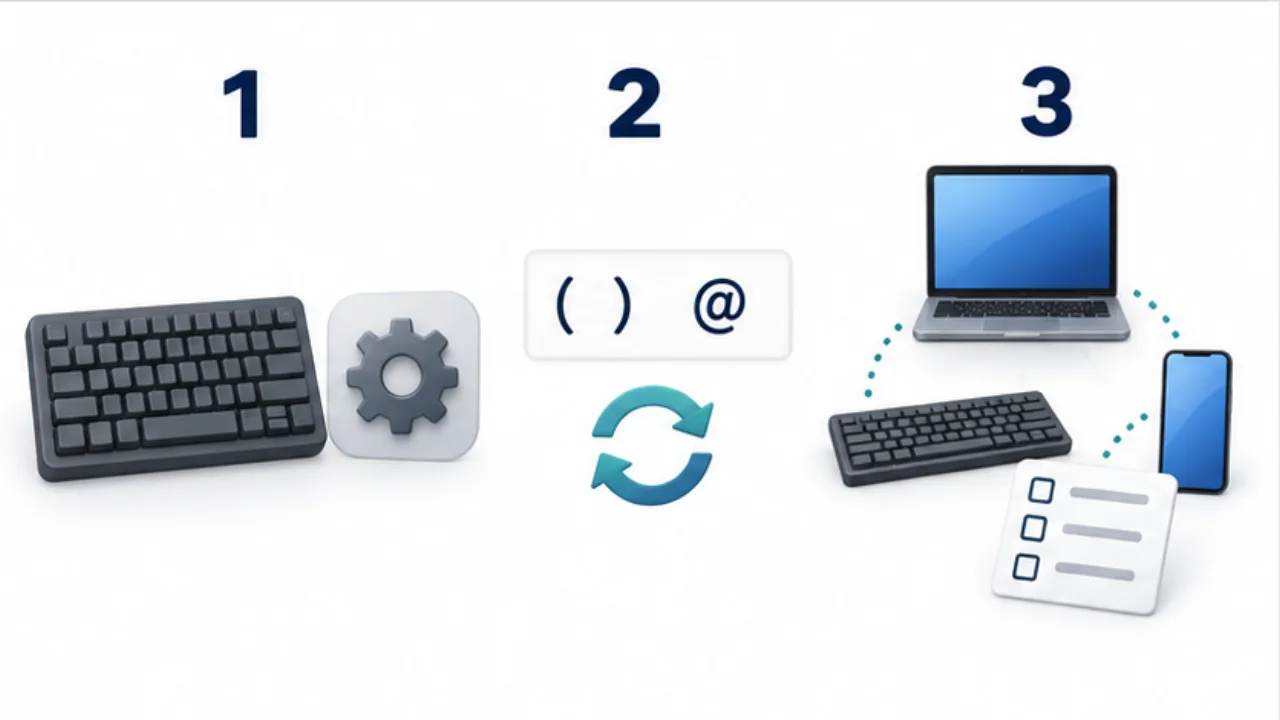
Select the image to enlarge.
- Check the physical keys separately from the operating-system layout.
- Test your usual symbols and Japanese input switching.
- Compare the experience of moving between devices.
Compare three transitions from your normal work
A useful trial includes more than typing one sample repeatedly. Write a paragraph, correct a symbol inside it, and return to another computer you normally use. These transitions expose differences that an uninterrupted typing sample can miss.
Imagine drafting a Japanese email, adding a filename containing brackets, and then returning to a workplace computer. The candidate layout may make brackets convenient while making language switching on the other computer feel unfamiliar. That transition belongs in the comparison. If you can standardize the computers you use, consistency may instead become a reason to choose a particular layout.
| Trial | What to observe |
|---|---|
| Continue a paragraph | Pauses around spaces, punctuation, or input switching |
| Correct existing text | Finding symbols, selecting text, and deleting |
| Return to the usual computer | Errors caused by habits from the previous layout |
A familiar layout and an unfamiliar one do not start with equal practice. Avoid interpreting the result of a brief trial as an intrinsic performance ranking. Consider both immediate usability and the time you are willing to spend adapting.
Distinguish layout, product design, and settings
Two US-layout products can differ in key spacing, the right-hand column, and arrow-key size. The same applies to JIS products. Difficulty with one compact keyboard does not establish that every keyboard with its layout will feel the same.
Divide trial notes into layout differences, the physical design of the particular product, and operating-system or app settings. An unexpected printed symbol, accidentally hitting a neighboring key, and a language-switch key doing nothing may belong in different columns.
When narrowing candidates, check whether the troublesome operation remains troublesome on another product. Appearance can be a valid preference too. Keeping configurable behavior separate from physical dimensions makes the choice easier to explain and reduces the chance of replacing hardware to solve a settings problem.