Keyboards and terminals
Understand Japanese input, choose a keyboard, and work with terminals from your phone.
20 articles
-
 Keyboards and terminalsChoose a terminal workflow for your phone
Decide whether commands should run on a remote computer, in Android, or in a cloud development environment.
2026-09-08
Keyboards and terminalsChoose a terminal workflow for your phone
Decide whether commands should run on a remote computer, in Android, or in a cloud development environment.
2026-09-08
-
 Keyboards and terminalsUnderstand modifier keys on a phone terminal
Learn why Control, Alt, Shift, and Command are more than printed characters, and trace which application receives a shortcut.
2026-09-08
Keyboards and terminalsUnderstand modifier keys on a phone terminal
Learn why Control, Alt, Shift, and Command are more than printed characters, and trace which application receives a shortcut.
2026-09-08
-
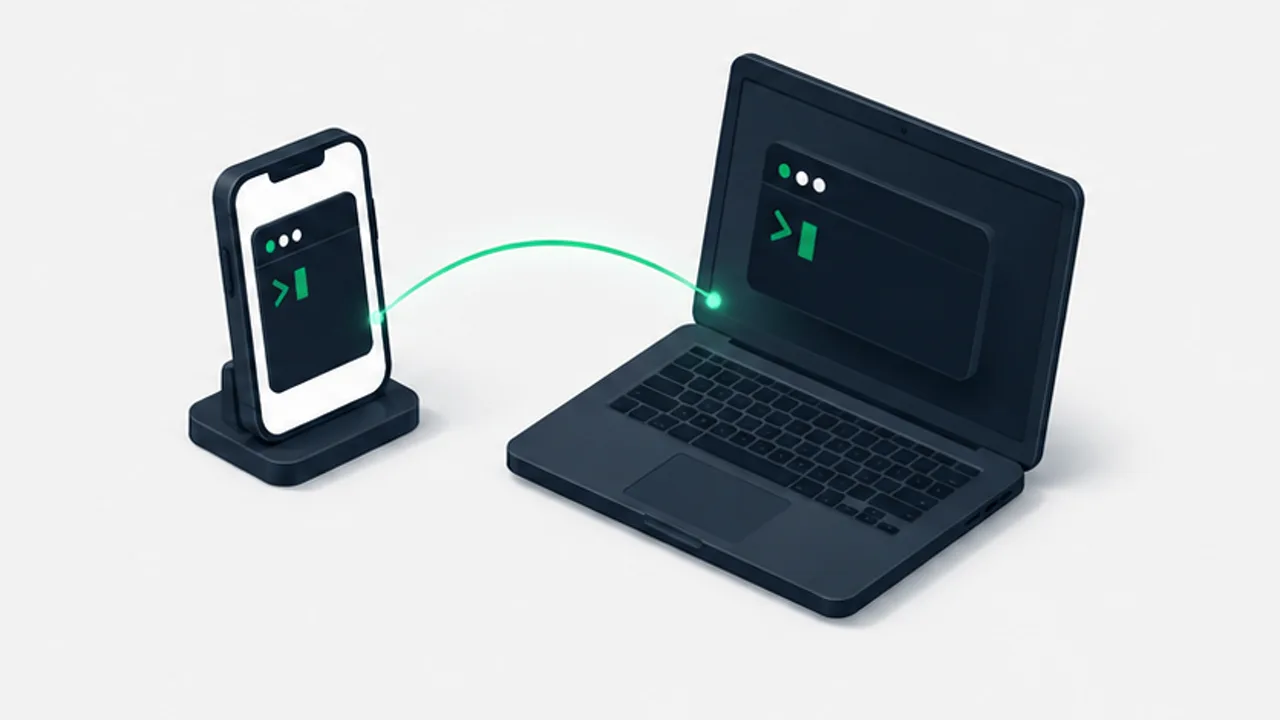 Keyboards and terminalsContinue a coding-assistant session from your phone
Use a reachable host and a persistent terminal session, with checks for permissions, sleep, and reconnecting to the right project.
2026-09-08
Keyboards and terminalsContinue a coding-assistant session from your phone
Use a reachable host and a persistent terminal session, with checks for permissions, sleep, and reconnecting to the right project.
2026-09-08
-
 Keyboards and terminalsGet oriented in Termux before running commands
Understand installation sources, the local environment, package management, and shared storage in Termux.
2026-09-08
Keyboards and terminalsGet oriented in Termux before running commands
Understand installation sources, the local environment, package management, and shared storage in Termux.
2026-09-08
-
 Keyboards and terminalsWhat to check in an Android SSH client
Evaluate authentication, host-key checks, essential keys, paste behavior, and reconnection using a harmless test session.
2026-09-08
Keyboards and terminalsWhat to check in an Android SSH client
Evaluate authentication, host-key checks, essential keys, paste behavior, and reconnection using a harmless test session.
2026-09-08
-
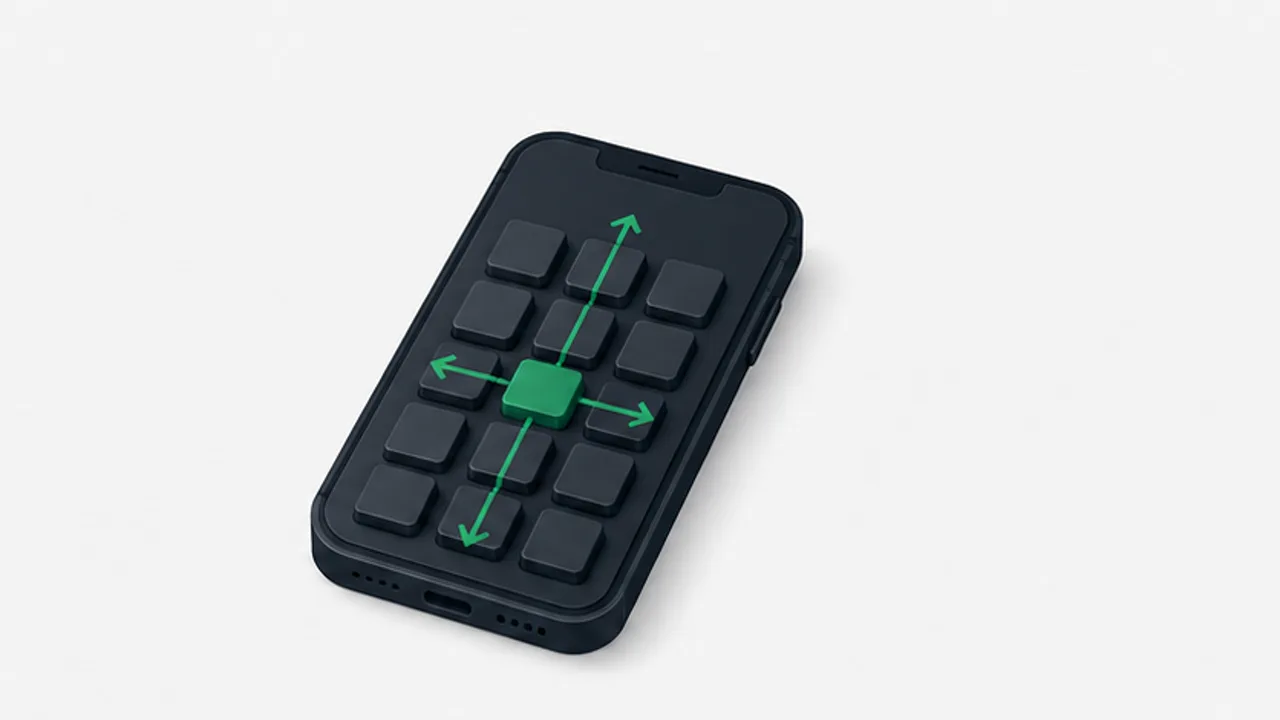 Keyboards and terminalsMake Japanese flick input easier to use
Examine keyboard size, repeated taps, conversion, and correction instead of treating typing speed as a single setting.
2026-09-08
Keyboards and terminalsMake Japanese flick input easier to use
Examine keyboard size, repeated taps, conversion, and correction instead of treating typing speed as a single setting.
2026-09-08
-
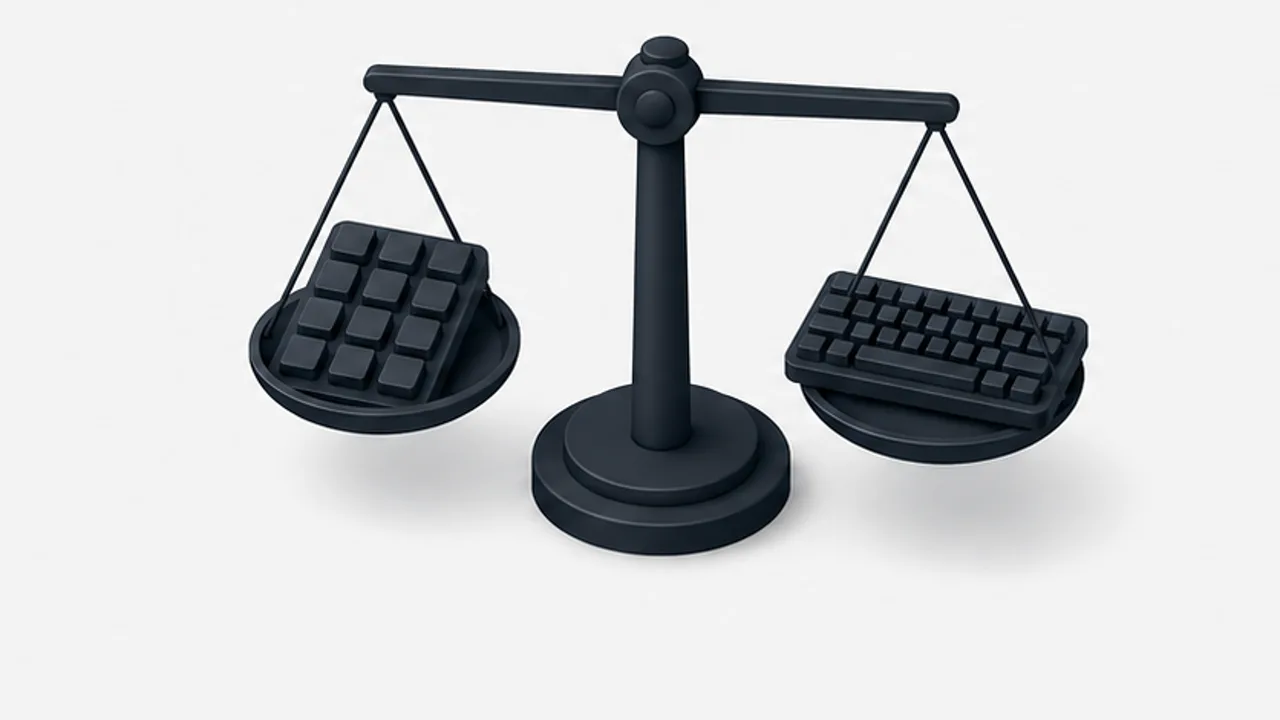 Keyboards and terminalsChoose flick or QWERTY for the text you write
Compare kana entry, Latin text, symbols, and correction on a phone without assuming one layout is always faster.
2026-09-08
Keyboards and terminalsChoose flick or QWERTY for the text you write
Compare kana entry, Latin text, symbols, and correction on a phone without assuming one layout is always faster.
2026-09-08
-
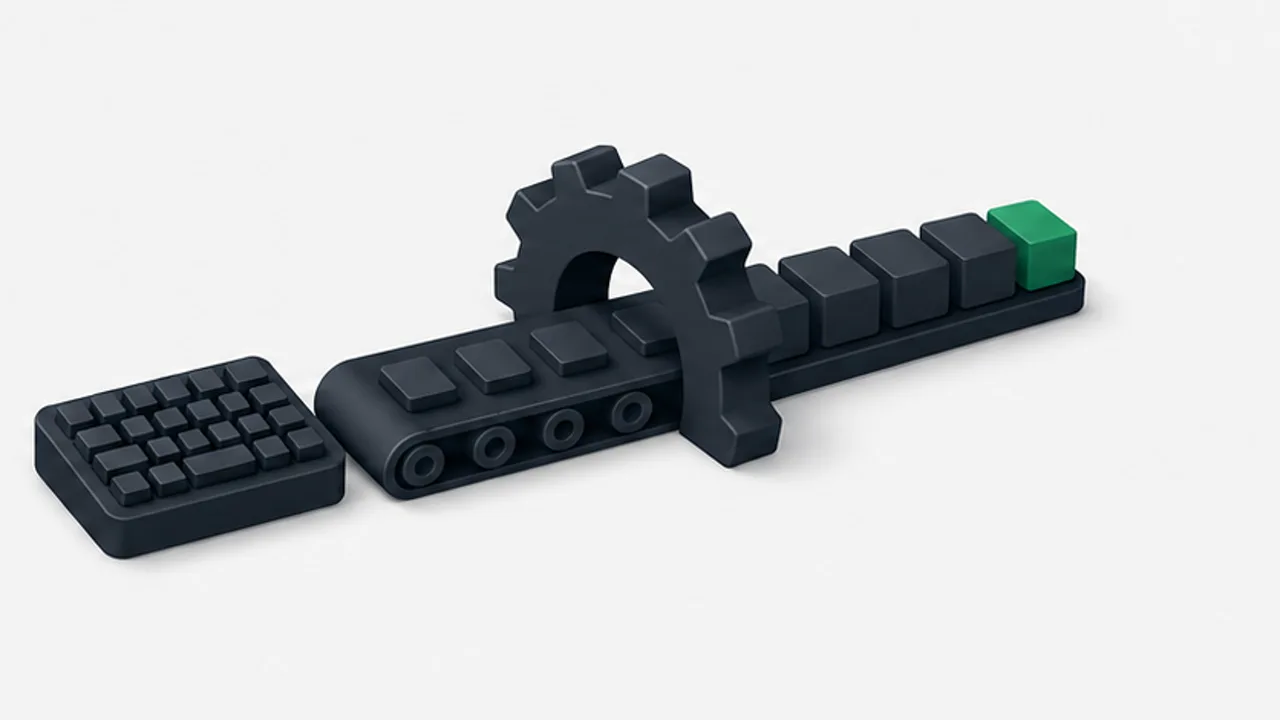 Keyboards and terminalsHow a Japanese input method turns keys into text
Follow preedit text, conversion candidates, and confirmation, and separate input-method behavior from application shortcuts.
2026-09-08
Keyboards and terminalsHow a Japanese input method turns keys into text
Follow preedit text, conversion candidates, and confirmation, and separate input-method behavior from application shortcuts.
2026-09-08
-
 Keyboards and terminalsWhat Mozc is, and what it does not define
Distinguish an open-source Japanese input project from the keyboard interface, distribution, and privacy behavior of a finished app.
2026-09-08
Keyboards and terminalsWhat Mozc is, and what it does not define
Distinguish an open-source Japanese input project from the keyboard interface, distribution, and privacy behavior of a finished app.
2026-09-08
-
 Keyboards and terminalsCheck how a keyboard handles your input
Examine permissions, offline behavior, learning, and privacy documentation without treating one setting as proof of complete safety.
2026-09-08
Keyboards and terminalsCheck how a keyboard handles your input
Examine permissions, offline behavior, learning, and privacy documentation without treating one setting as proof of complete safety.
2026-09-08
-
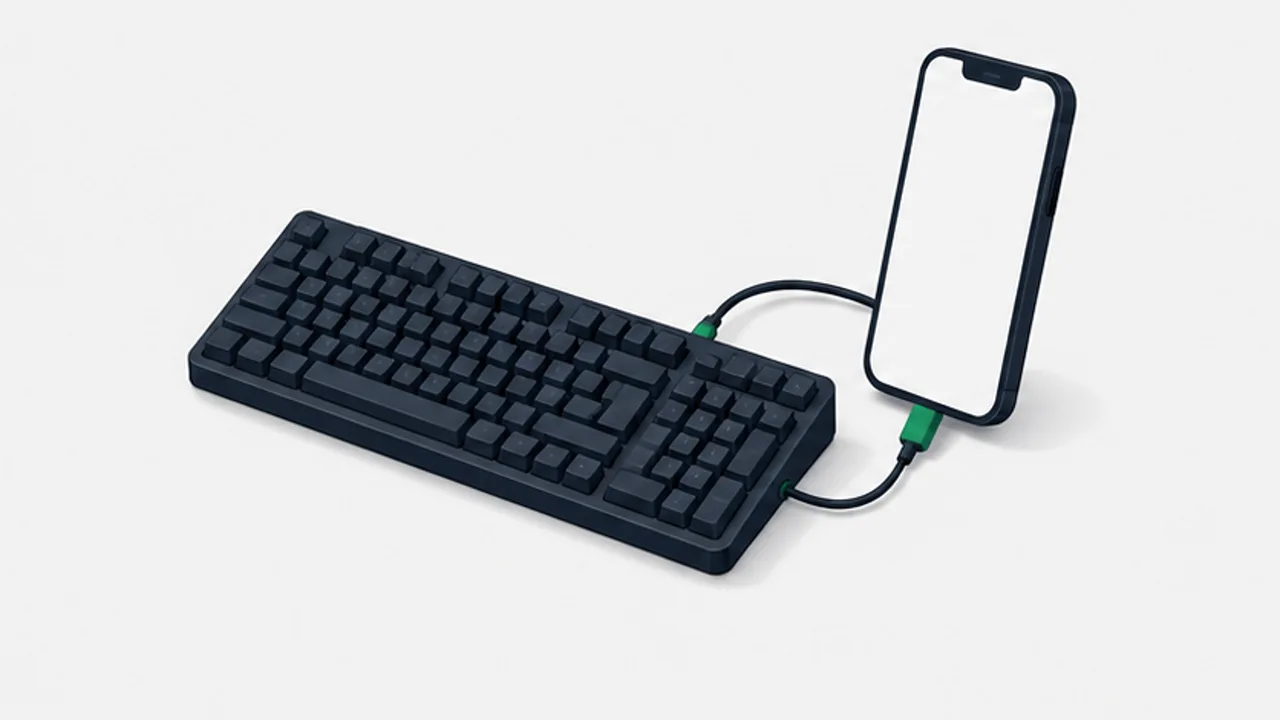 Keyboards and terminalsUse a physical keyboard with Android
Check connection support, hardware layout, Japanese input, and shortcuts before relying on an external keyboard.
2026-09-08
Keyboards and terminalsUse a physical keyboard with Android
Check connection support, hardware layout, Japanese input, and shortcuts before relying on an external keyboard.
2026-09-08
-
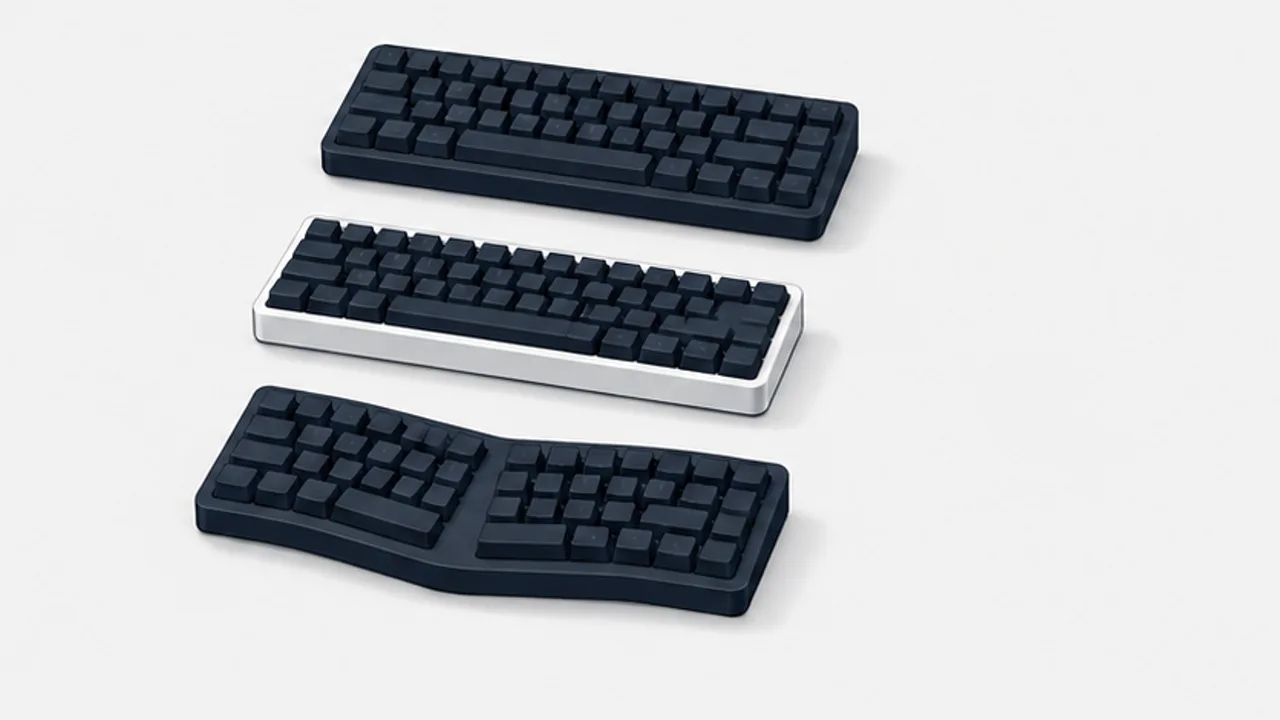 Keyboards and terminalsANSI, ISO, and JIS keyboard layouts explained
Recognize common physical keyboard arrangements and distinguish key shapes from the character mapping selected in your operating system.
2026-09-08
Keyboards and terminalsANSI, ISO, and JIS keyboard layouts explained
Recognize common physical keyboard arrangements and distinguish key shapes from the character mapping selected in your operating system.
2026-09-08
-
 Keyboards and terminalsChoose a US or JIS keyboard for your work
Separate the physical keyboard, logical layout, and Japanese input method when comparing US and JIS keyboards.
2026-09-08
Keyboards and terminalsChoose a US or JIS keyboard for your work
Separate the physical keyboard, logical layout, and Japanese input method when comparing US and JIS keyboards.
2026-09-08
-
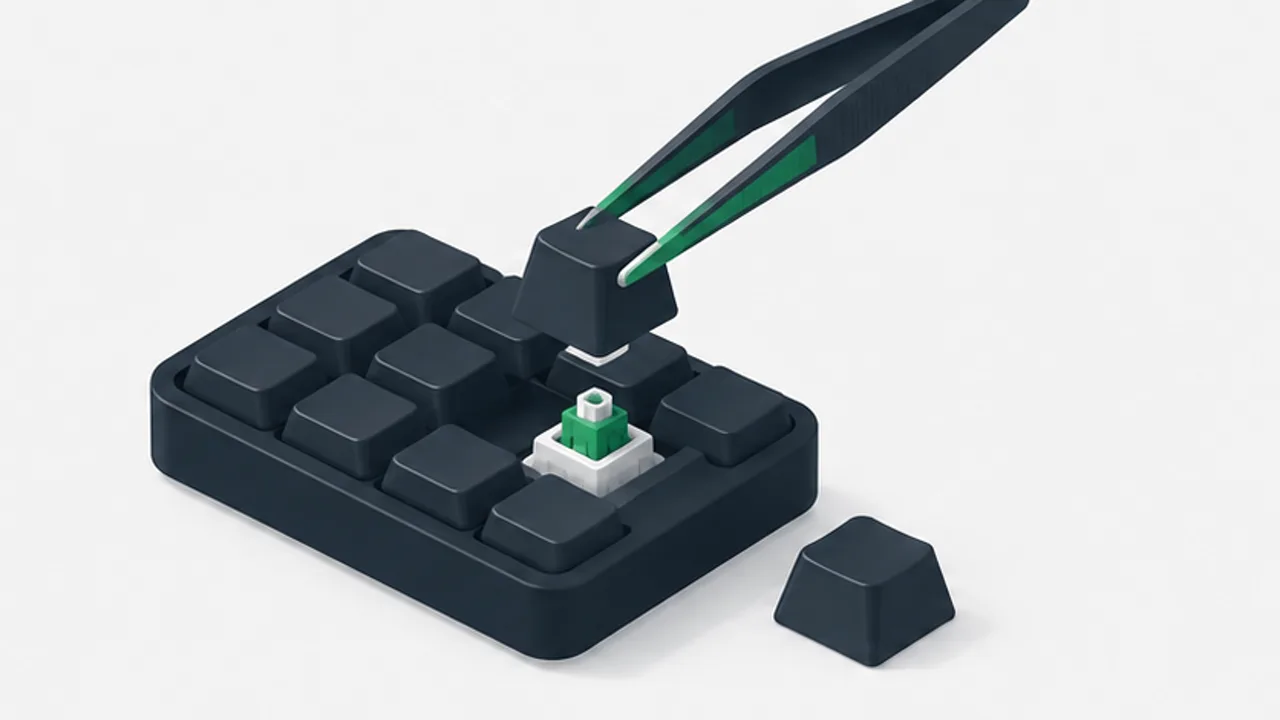 Keyboards and terminalsTry remapping Caps Lock to Control
Evaluate a reversible key remap, understand where it applies, and check remote sessions and applications before making it your default.
2026-09-08
Keyboards and terminalsTry remapping Caps Lock to Control
Evaluate a reversible key remap, understand where it applies, and check remote sessions and applications before making it your default.
2026-09-08
-
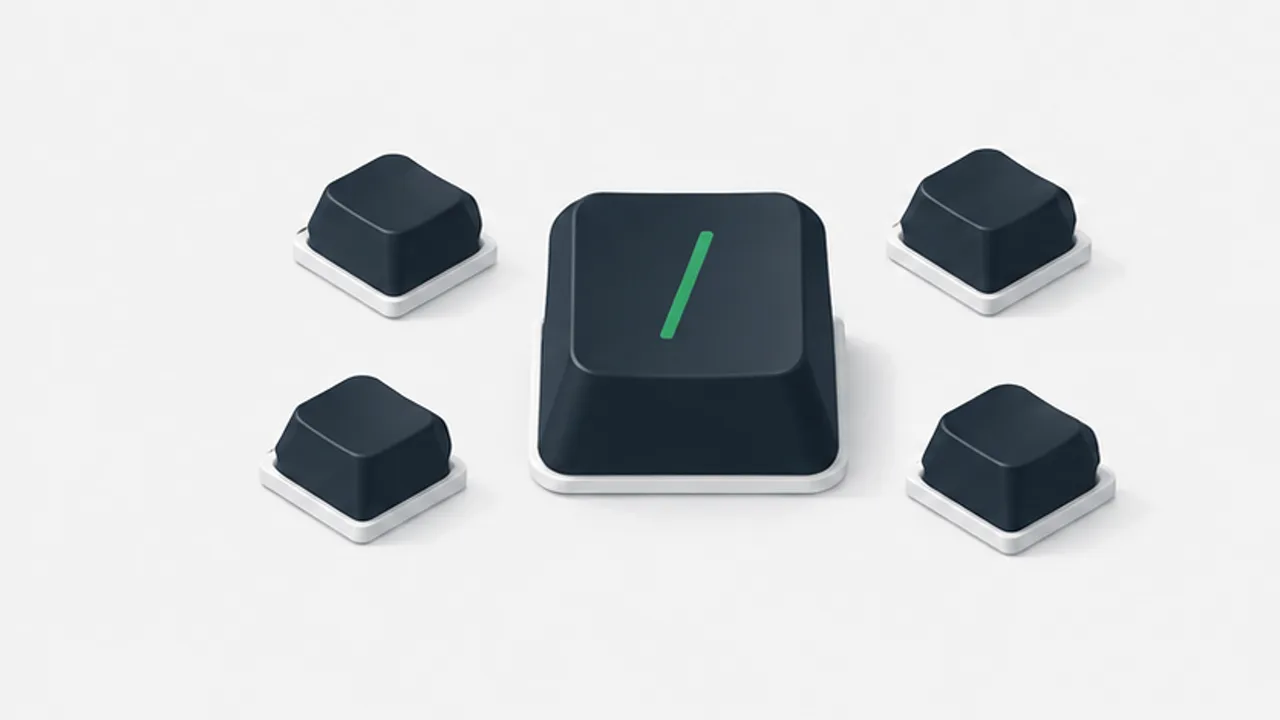 Keyboards and terminalsUse slash commands in a coding assistant
Distinguish an assistant's built-in commands from shell commands and ordinary prompts, and check the current tool's command list.
2026-09-08
Keyboards and terminalsUse slash commands in a coding assistant
Distinguish an assistant's built-in commands from shell commands and ordinary prompts, and check the current tool's command list.
2026-09-08
-
 Keyboards and terminalsUnderstand Shizuku before granting access
Learn why compatible Android apps use Shizuku, how startup methods differ, and what to check before authorizing a client.
2026-09-08
Keyboards and terminalsUnderstand Shizuku before granting access
Learn why compatible Android apps use Shizuku, how startup methods differ, and what to check before authorizing a client.
2026-09-08
-
 Keyboards and terminalsFind a keyboard layout for a foldable phone
Compare full-width, split, floating, and physical keyboards across folded, unfolded, and desk-based use.
2026-09-08
Keyboards and terminalsFind a keyboard layout for a foldable phone
Compare full-width, split, floating, and physical keyboards across folded, unfolded, and desk-based use.
2026-09-08
-
 Keyboards and terminalsControl a desktop pointer from a phone
Compare direct touch, trackpad-style controls, and a physical mouse, then test clicks, dragging, scrolling, and keyboard combinations.
2026-09-08
Keyboards and terminalsControl a desktop pointer from a phone
Compare direct touch, trackpad-style controls, and a physical mouse, then test clicks, dragging, scrolling, and keyboard combinations.
2026-09-08
-
 Keyboards and terminalsTerminal shortcuts and the context they depend on
Practice line editing and history search, and distinguish interrupting, ending input, and suspending a job.
2026-09-08
Keyboards and terminalsTerminal shortcuts and the context they depend on
Practice line editing and history search, and distinguish interrupting, ending input, and suspending a job.
2026-09-08
-
 Keyboards and terminalsDecide which development tasks fit a phone
Separate local execution from remote control, and choose work that can be reviewed responsibly on a small screen.
2026-09-08
Keyboards and terminalsDecide which development tasks fit a phone
Separate local execution from remote control, and choose work that can be reviewed responsibly on a small screen.
2026-09-08