Keyboards and terminals
ANSI, ISO, and JIS keyboard layouts explained
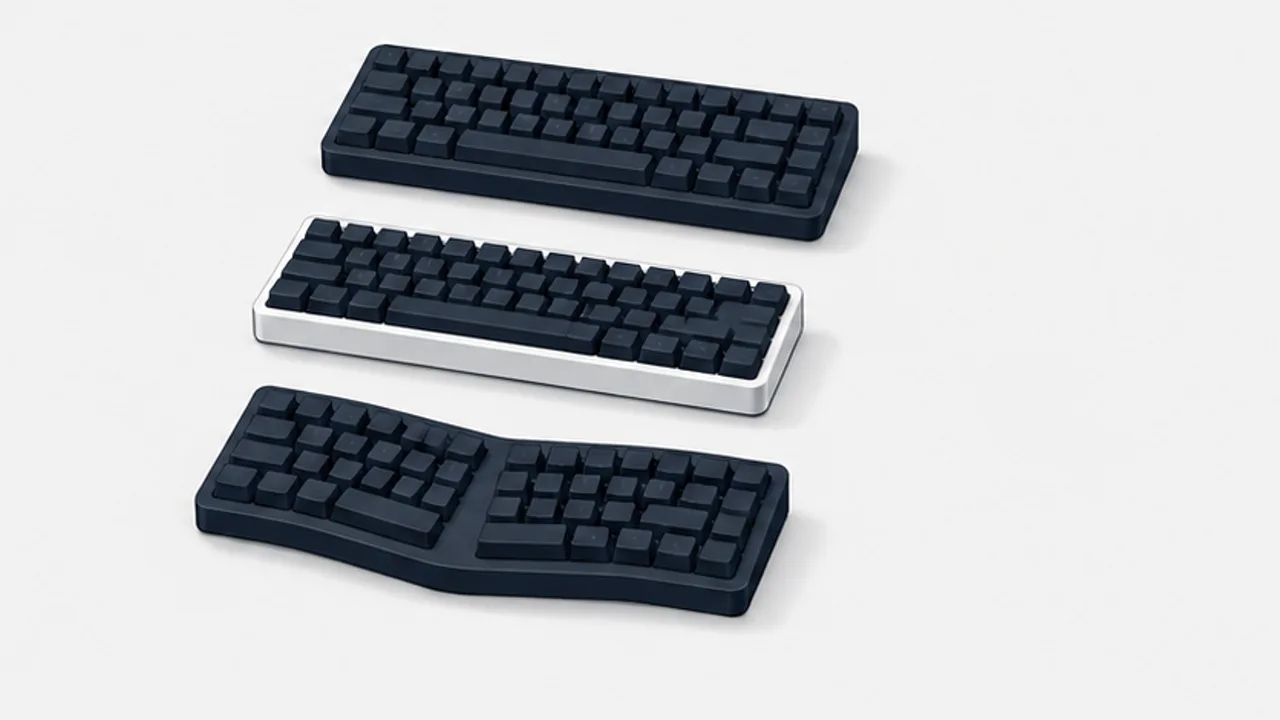
Recognize common physical keyboard arrangements and distinguish key shapes from the character mapping selected in your operating system.
On this page
Keyboard descriptions often mix physical arrangement, printed legends, and software layout. Understanding the distinction helps when buying a keyboard, choosing replacement keycaps, or fixing misplaced symbols.
Look at the physical arrangement
Common ANSI keyboards have a wide horizontal Enter key. ISO keyboards commonly use a taller Enter shape and an additional key near the left Shift. Japanese keyboards include additional keys used for Japanese input and differ around the space bar and punctuation area.
Compact keyboards can omit or reposition keys, so compare the actual model rather than assuming every keyboard of one type has the same dimensions.
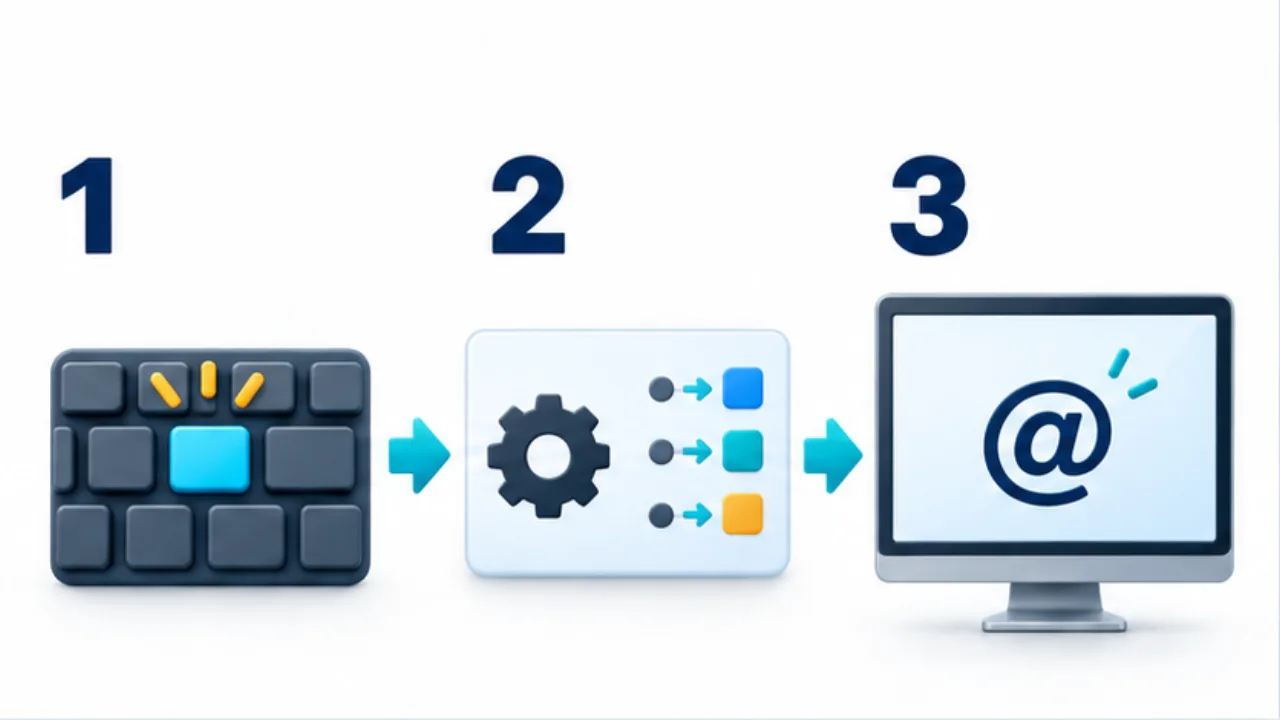
Select the image to enlarge.
- A key press sends input corresponding to its position.
- The operating system’s logical layout interprets that input.
- The resulting character appears. Check the layout settings if it differs from the keycap.
Do not infer the software mapping from the keycaps
Printed legends describe an intended arrangement, but the operating system decides how received key events become characters. Selecting an incompatible layout can make symbols appear at unexpected positions. Japanese conversion is a further layer provided by the input method.
Check compatibility before buying parts
For replacement keycaps, inspect key widths, Enter shape, the bottom row, and any nonstandard positions. A set that covers the alphanumeric keys may still lack the correct larger keys.
For a keyboard used on several operating systems, check both hardware support and configuration instructions.
Diagnose a mismatch with a short sample
Type letters, numbers, brackets, quotes, and the symbols you use in work. If punctuation is consistently displaced, review keyboard identification and logical layout settings. Avoid repeatedly changing the IME dictionary for a problem in the hardware mapping.
See US versus JIS for a task-based choice between those common arrangements.
Match the product photo to the selected model
Knowing the layout does not prevent an ordering mistake if the representative photo differs from the selected variant. A page can show a US model while the selector names a Japanese version. Match the exact model you intend to order to its specification.
Inspect more than Enter. Look around left Shift, both sides of the space bar, and the arrow and function keys. Compact products can omit or relocate keys, so a familiar physical family does not guarantee familiar access to every operation.
| Information | What to match |
|---|---|
| Selected model | Layout, language, and connection variant |
| Product photo | Whether it depicts that specific model |
| Specification | Presence of the required keys |
| Manual | Operating-system modes and setup instructions |
After delivery, compare the actual keyboard and type the characters you need in a practice field. If output differs from the legends, distinguish an incorrect product variant from an operating-system mapping problem.
Plan for computers whose layout you cannot change
A workplace or school computer may not allow your preferred hardware or settings. You do not have to treat complete standardization as a prerequisite. Identify the operations that cause confusion and choose a short check to perform when moving between computers.
For example, test your usual brackets, quotes, and Japanese-input switch. This makes the required actions concrete instead of relying only on the layout's name. Include any restrictions on changing the operating system in the plan.
Replacing printed keycaps and changing key behavior are also separate actions. New legends do not by themselves change the input sent to the operating system. Conversely, a remapped computer can behave differently from its printed legends. On shared equipment, distinguish personal settings from settings that affect everyone. This reduces confusion when another person follows instructions based on the keyboard they can see.