Keyboards and terminals
Check how a keyboard handles your input

Examine permissions, offline behavior, learning, and privacy documentation without treating one setting as proof of complete safety.
On this page
A keyboard participates in entering messages, searches, and other text. Before choosing one, investigate what information it processes and how it handles that data. A general label such as “private” is less useful than a description of the actual behavior.
Read the data-handling explanation
Look for the difference between conversion on the device, cloud conversion, diagnostics, dictionary sync, and optional accounts. Check whether a statement applies to the whole app or only one feature. Record the version and settings you are evaluating.
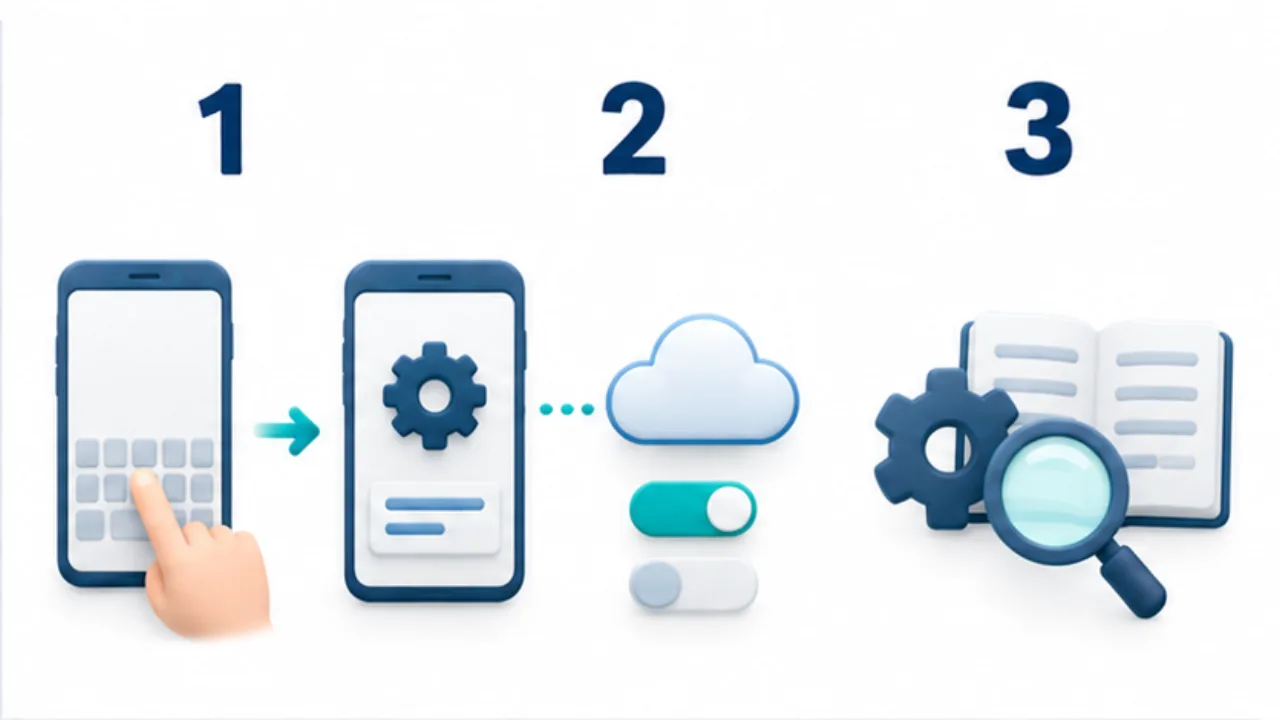
Select the image to enlarge.
- Entered content passes through the keyboard app’s processing.
- Check its network capabilities and permissions.
- Review settings and documentation for learning, sync, and storage.
Inspect permissions in context
Review the permissions and access options exposed by the operating system. Their meanings differ across platforms. A permission can indicate a capability, but its presence does not prove every use of that capability, and one absent permission does not establish the entire app's security.
Use offline behavior as a limited test
Try composing a harmless sample without a network connection. If conversion still works, that tells you something about that operation. It does not prove that no learning or diagnostic data can be transmitted later.
Combine observations with the developer's documentation instead of turning an offline test into a blanket guarantee.
Review changes that matter
Revisit the settings when enabling cloud features, changing accounts, or installing an update that changes data handling. Consider whether the keyboard offers a suitable mode for sensitive input and understand its limitations.
For a clearer separation of keyboard interface and conversion engine, see how Japanese input methods work.
Separate evidence from unresolved questions
Avoid extending a single observation beyond what it establishes. A network permission, a statement that input is not transmitted, and successful offline conversion are different pieces of information. They are not necessarily contradictory, and they answer different questions.
An app might have network capability for dictionary updates. The permission alone does not prove that it transmits entered text. Conversely, an offline conversion component does not establish that every other feature in the finished app avoids communication. Examine each relevant feature separately.
| Evidence | What it helps establish | What remains unresolved |
|---|---|---|
| Permissions | Some declared capabilities | What was actually transmitted |
| Official policy | The provider's stated handling | Every behavior of the distributed app |
| Offline trial | Whether that operation works offline | Whether anything is sent later |
| Sync settings | Which feature you enabled | Detailed handling at its destination |
Record the date, application, settings, and supporting page. This is more useful for later comparison than a note simply saying that the keyboard was “safe.”
Treat switching keyboards and removing old data separately
Selecting a new default keyboard does not necessarily remove the old app's dictionary or records held by an account service. Plan those as separate parts of migration.
First identify user-dictionary entries worth keeping. If export is supported, inspect the saved file and test whether the required entries work in the new environment. After migration is verified, examine the old application's separate controls for sync, learning history, and account-held data. The relevant deletion procedure may differ for each.
For an initial trial, you do not need to erase the previous environment immediately. Keep a route back to familiar input and compare usability with fictional sample text. Complete the migration when both the input workflow and the handling of its data fit your needs.