Keyboards and terminals
Understand Shizuku before granting access

Learn why compatible Android apps use Shizuku, how startup methods differ, and what to check before authorizing a client.
On this page
Shizuku lets compatible Android apps use certain system APIs through a service started with additional privileges. It is not a universal feature switch, and installing it does not automatically authorize every app on the device.
Identify the client and purpose
Start with the app requesting Shizuku access. Read what operation it needs and why ordinary Android permissions are insufficient. The service provides a route for authorized clients; the client's behavior still matters.
Follow the supported startup method
The official guide describes different methods, including wireless debugging on supported Android versions, startup through a computer, and rooted-device arrangements. The available privileges and startup requirements depend on the method.
Follow the current guide for your device. Manufacturer-specific settings can affect startup and background operation. Do not assume a procedure for one phone applies unchanged to another.
Check startup and authorization separately
Confirm that the service is running, then review which compatible apps are authorized. If a feature stops working after a reboot, investigate the documented startup requirements before granting unrelated permissions.
Authorization should be tied to a function you understand and intend to use, not granted merely because an app displays a request.
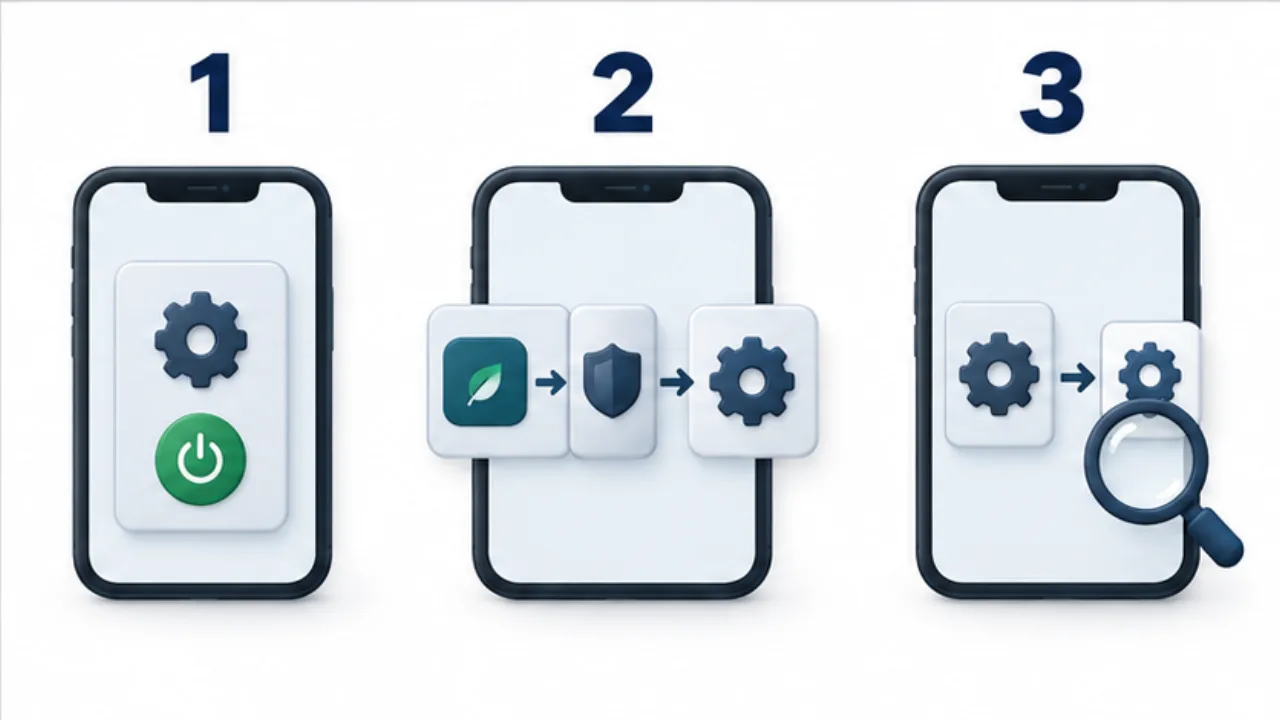
Select the image to enlarge.
- Prepare the on-device service using the supported startup method.
- An authorized compatible app requests operations through it.
- Check available operations and the service’s startup and permission state.
Review the setup when finished
Revoke access you no longer need and review debugging settings changed during setup. Uninstalling an app is not a reason to assume every configuration change made while using it has been reversed. Record what you changed so you can restore an appropriate state deliberately.
For the input-related use case, see remote pointer control.
Check startup, authorization, and the requested action separately
Using Shizuku involves several stages: starting the service, authorizing a compatible app, and performing the app's operation. A running-service indicator does not prove that the intended feature worked. An authorized app may also be unable to operate while the service is stopped.
For an input-assistance feature, first inspect service status, then confirm that the intended app appears in the authorization list. Finally, test the required action on a disposable screen. If an error appears, identify the stage that failed before changing settings.
| Stage | What to establish |
|---|---|
| Startup | Running state and startup method |
| Authorization | The intended app has access |
| Operation | The observed result matches the intended action |
| After reboot | You can repeat the necessary startup procedure |
There is no need to reconfigure every successful stage each time. If the service is running but one client fails, examine that client's requirements and error message.
Revoking access does not reverse earlier operations
Removing a client's authorization and undoing its completed changes are different tasks. A system setting changed through the service may remain changed after the service stops. Disabling an app or deleting data also has effects that must be understood separately.
Before trying such a feature, record the target, original value, and restoration procedure. Temporary input assistance and a batch of system-setting changes leave different kinds of state behind. After an operation, inspect both its result and the route back to the previous configuration.
When retiring the setup, review client authorization, service status, completed configuration changes, and debugging permissions. Restore the scope you actually changed instead of assuming that one uninstall reverses everything. A useful completion criterion is being able to explain the feature you enabled and how you would stop or recover from it.