Phones and computers
Choose copying, transfer, or sync between devices
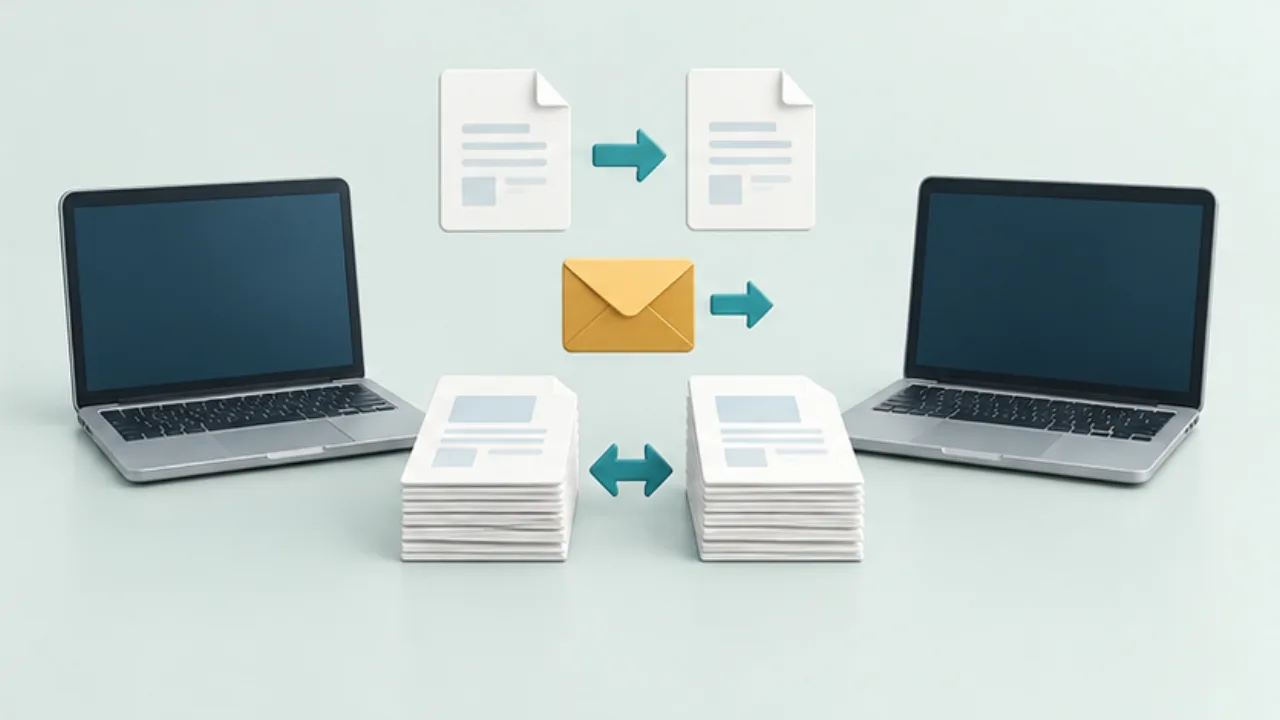
Decide whether you need a one-time handoff or continuing agreement between devices. Copying, transferring, and syncing have different consequences for updates and deletion.
On this page
Hand off short text
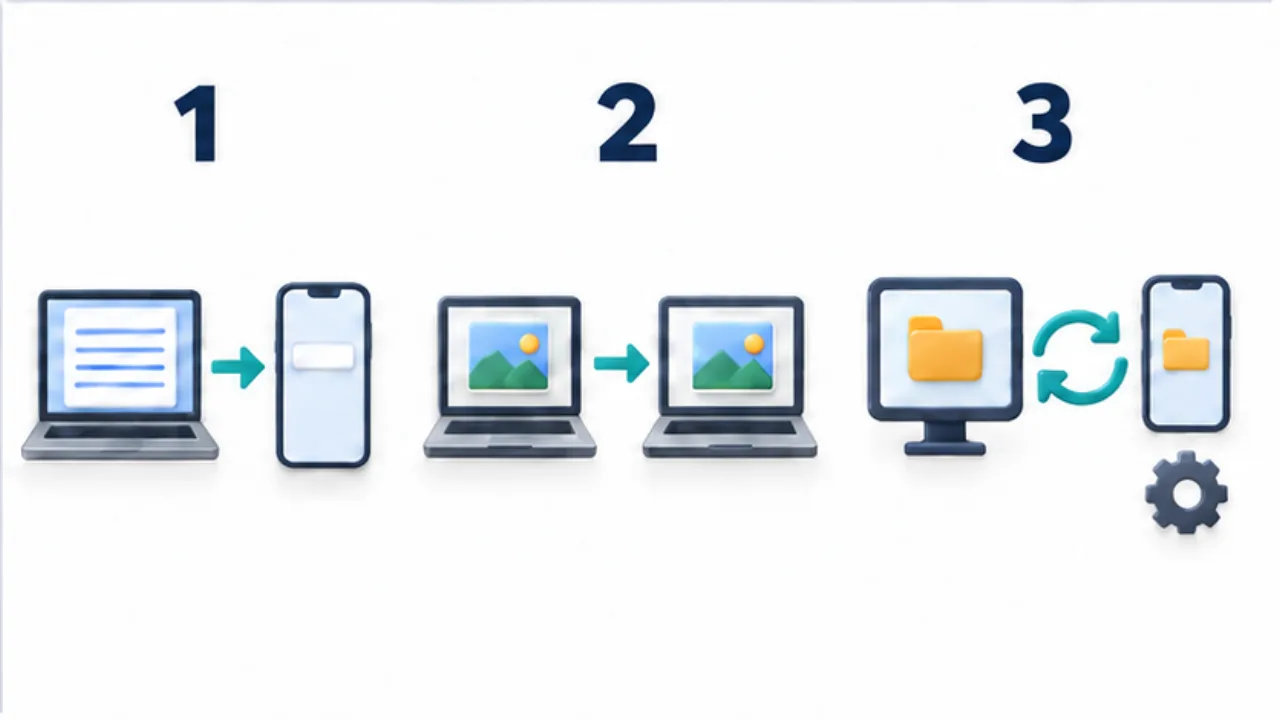
Clipboard transfer can suit a sentence or URL. The clipboard changes when you copy something else, so it is not a durable archive. Inspect the pasted result.
Deliver a file copy
A transferred photo or PDF may become an independent copy. Later edits to the source will not automatically update it. A cloud link can instead refer to a shared item, so distinguish linking from attaching.
Keep changes aligned
For sync, inspect direction, conflicts, and deletion propagation. Another synced device is not automatically an independent backup.
Choose for the recipient
Check supported systems, accounts, and connection requirements. Use a harmless sample to test both directions. For collaboration, establish who owns the item and who may edit it; for a final delivery, identify the exact version received.
Select the image to enlarge.
- For copied text, inspect what was pasted on the other device.
- For file transfer, establish whether the recipient gets an independent copy.
- For sync, check update direction, conflicts, and deletion behavior.
Picture the state after delivery
The useful distinction often appears the next day, not when you press Send. If the source changes, should the recipient see the update, or should the delivered version remain a record of that moment? This question helps distinguish an independent copy from a link to shared material.
“I want this on two devices” can mean continuing an edit on the second device or simply reading a finished document there. These needs do not necessarily require the same setup. Establish whether a one-time handoff is sufficient before introducing ongoing synchronization.
Example: take a guide out with you
Suppose you create a guide on a computer and want to show it from a phone while away. If connectivity is uncertain and no editing is planned, verify that a saved copy opens from the phone's destination folder. A record of sending it is not the same as having a usable local copy.
Now suppose several people may update the meeting location. Independent copies can leave readers on different revisions. Consider a shared destination and decide who is allowed to make changes.
If you also keep a copy for use without connectivity, identify when it was captured. The same task of “sending a guide” requires different handling depending on what happens to the information afterward.
Agree on changes and recovery
| Decision | Example agreement |
|---|---|
| Authoritative version | Use a named file in the shared folder |
| Editors | One responsible person edits; others view |
| Delivery copies | Recreate them when the source changes |
| Recovery | Verify available history or a separate retained copy |
These are workflow decisions, not promises about any particular service. Confirm the actual synchronization direction and history features in the chosen product.
Before connecting more devices, explain where a change travels and where it stops. That clarity prevents misunderstandings such as editing a delivered attachment and expecting the sender's original to update. It also makes it easier to choose a simple transfer when continuing alignment provides no benefit.