Notes and writing
Meeting notes built around decisions and next actions

Separate decisions, assigned actions, and open observations so a meeting record helps people continue the work.
On this page
A useful meeting note should answer what changed and what happens next. A transcript can preserve conversation, but finding an agreement inside it is a separate job. This workflow uses three headings to make the outcome easier to review.
Prepare three sections
Create sections for Decisions, Actions, and Observations. Add the meeting date, topic, and participants. If you need a formal record, follow your organization's format as well; this personal workflow does not replace required minutes.
| Section | Example | What to verify |
|---|---|---|
| Decision | Use the smaller launch scope | Was it agreed or only proposed? |
| Action | Alex sends the revised estimate by Thursday | Owner, deliverable, and deadline |
| Observation | The supplier's lead time is still unclear | Is a follow-up decision needed? |
Capture outcomes during the discussion
Write short statements rather than trying to reproduce every sentence. Mark uncertain items as questions. If someone says “we should send it soon,” do not silently invent an owner or date. Ask for clarification or leave those fields explicitly unresolved.
Keep links to documents beside the relevant decision. When the reasoning will matter later, add a sentence explaining the constraint or alternative considered.
Close the loop after the meeting
Review the note while the context is fresh. Move your assigned actions into the system that reminds you to do them, and link back to the meeting record. Check that proposed ideas have not become confirmed decisions in your summary.
If sharing the record, give participants a way to correct misunderstandings. A tidy format is useful only when the content is accurate.
Use transcripts as supporting material
Recording and transcription depend on permission, meeting settings, and the service in use. Verify where the transcript is stored and who can access it before treating it as a reliable reference. Automated summaries still need their names, dates, and commitments checked.
Turn an ambiguous proposal into a checkable record
Imagine a discussion where someone says, “Ideally, we could try a small version next month.” Writing “Launch confirmed for next month” changes a preference into a commitment. A more accurate entry is “A trial next month was proposed; scope and start conditions remain open.”
| Phrase | Missing information | What to record after clarification |
|---|---|---|
| A small trial | Which people and functions are included? | Scope and exclusions |
| Ideally next month | Is this a preference or an agreed deadline? | Start date or next decision date |
| Sales will handle it | Who has accepted the work? | Named owner and acceptance |
| If everything looks fine | What is the acceptance condition? | Criteria and decision owner |
You do not need to fill every field during the meeting. An explicit gap is better than an invented answer. “Owner unassigned; facilitator will confirm” separates the unresolved question from the action needed to resolve it.
When you suggest a date yourself, label it as a proposal until the relevant people agree. This distinction is especially useful for readers who were absent and cannot reconstruct the tone of the conversation.
Preserve the history when a decision changes
If a later meeting changes an agreement, link the old entry to the new decision instead of silently replacing the old meaning. In the new record, describe the date, changed scope, reason, and affected actions. Correcting a spelling mistake is different from changing what participants agreed to do.
For example, a fictional task may change from “Check every feature by Friday” to “Check the payment flow by Friday.” The date is unchanged, but the completion condition is different. Update the task as well as the meeting record, and confirm that the affected owner has seen the change.
Keep personal observations separate from this history. “The team seemed overloaded” is your interpretation, not an accepted statement from the team. Before sharing it as a reason for a decision, check the underlying facts or turn it into a question for the people involved.
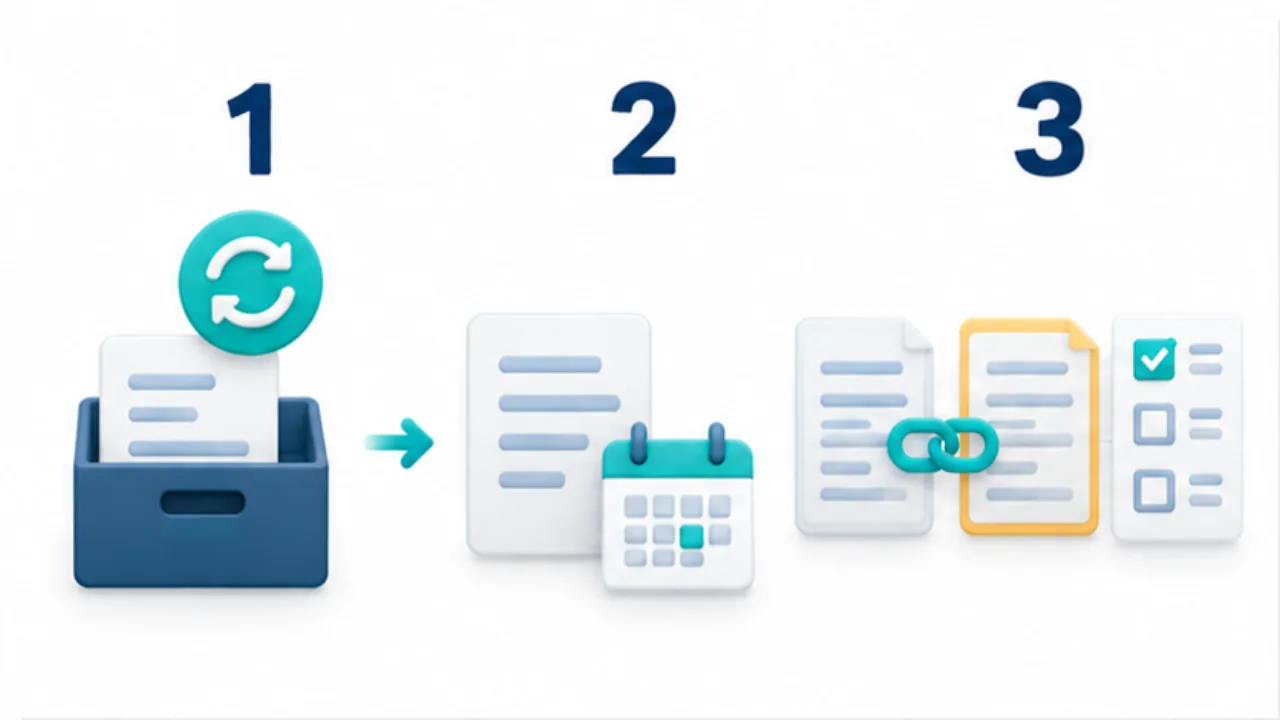
Select the image to enlarge.
- Mark the earlier decision as changed instead of silently overwriting it.
- Record the change date, scope, and reason in a new note.
- Link from the earlier note and review affected action items.