Website basics
Check a website before, during, and after launch

Publishing is complete only after visitors can use the intended production pages. Separate preparation, deployment, and post-launch checks.
On this page
Define the change and restoration path
List the pages, assets, and settings being changed. Record the preceding release and how to restore it. Keep unfinished work outside the publication scope.
Check a preview
Review copy, main links, mobile layout, language switching, and relevant form behavior. Inspect titles, canonicals, and indexing directives. Keep this as a baseline for production verification.
Use the real domain
After deployment succeeds, open the production URL. Check HTTPS, images, and destinations under ordinary visitor conditions rather than only an authenticated administrator session.
Track discovery separately
Update the sitemap and inspect retrieval in the search tools you use. Successful submission does not guarantee indexing or ranking changes. Record the publication time, checked URLs, and any remaining issue for follow-up.
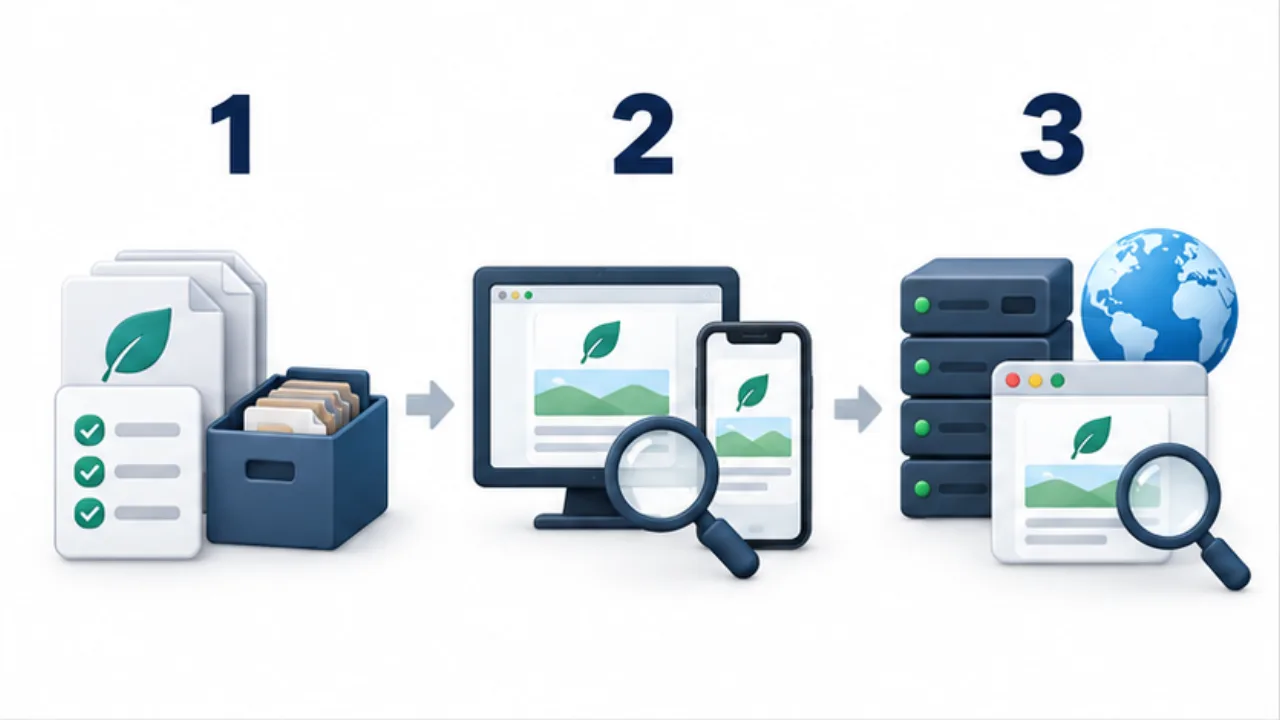
Select the image to enlarge.
- Record the release scope and how to restore the previous version.
- Inspect content, links, mobile layout, and languages in the preview.
- Repeat the relevant checks on the actual domain after publication.
Scale the checks to the change
A paragraph edit and a language-switching or form change affect different behavior. Identify where the changed material is used and choose relevant checks.
For a shared template, include representative articles and language editions, not only the homepage. If the working folder contains unfinished experiments, define the actual release output specifically. A clear release scope makes diagnosis and restoration more precise.
Keep preview results associated with that output rather than with an unspecified working directory.
Example: publish a matching English article
Suppose you add an English counterpart to a Japanese article. Review the text for preserved meaning and material conditions, then inspect its index entry, language buttons, and corresponding search annotations.
In preview, follow EN to the English article and JA back to the same Japanese article. After deployment, open the production addresses directly too. Verify that paths which worked in preview lead to the intended production pages.
Use a recognizable passage to establish that the new revision is actually being served. If the sitemap changed, fetch the production file and compare it as well.
The deployment tool's success state and the visitor's result are distinct checks in this process.
Make the release record useful for later work
| Record | Later use |
|---|---|
| Released version and scope | Decide what a restoration would affect |
| URLs and actions checked | Reproduce a reported problem |
| Relevant source and settings | Find the place to correct |
| Untested or remaining items | Choose the next necessary task |
If a problem appears, assess its scope before restoring everything. One missing image and a site-wide layout failure call for different responses. Use the prepared restoration method and release record to make that decision.
Observe indexing and search appearance after confirming the site's own configuration and delivery. Report those as subsequent external outcomes rather than guarantees implied by a successful launch.