Notes and writing
Keep tasks actionable and notes useful

Separate what you need to do from the context you need to keep, with a simple handoff between notes and reminders.
On this page
A page can contain an observation, a promise, and a half-formed idea. Treating all three as tasks creates clutter; leaving every commitment in prose makes it easy to overlook an action. Give each type of information an appropriate home.
Identify the action
“The proposal needs work” records a concern. “Revise the pricing table before Friday's review” describes something you can do. When reviewing a note, look for a verb, a deliverable, and any real deadline. If you do not know the next action, record the question that must be answered first.
An idea does not automatically belong on a task list. Keep possibilities in a note until you decide to act on them.
Keep context behind the task
Use the task entry for the action and reminder. Keep the reasoning, meeting details, and supporting documents in the note, with a link between them. This avoids copying a long record into every task while preserving the information needed to complete it.
For example, the task can say “Send revised quote to Acme,” followed by a link to the meeting note containing the agreed scope.
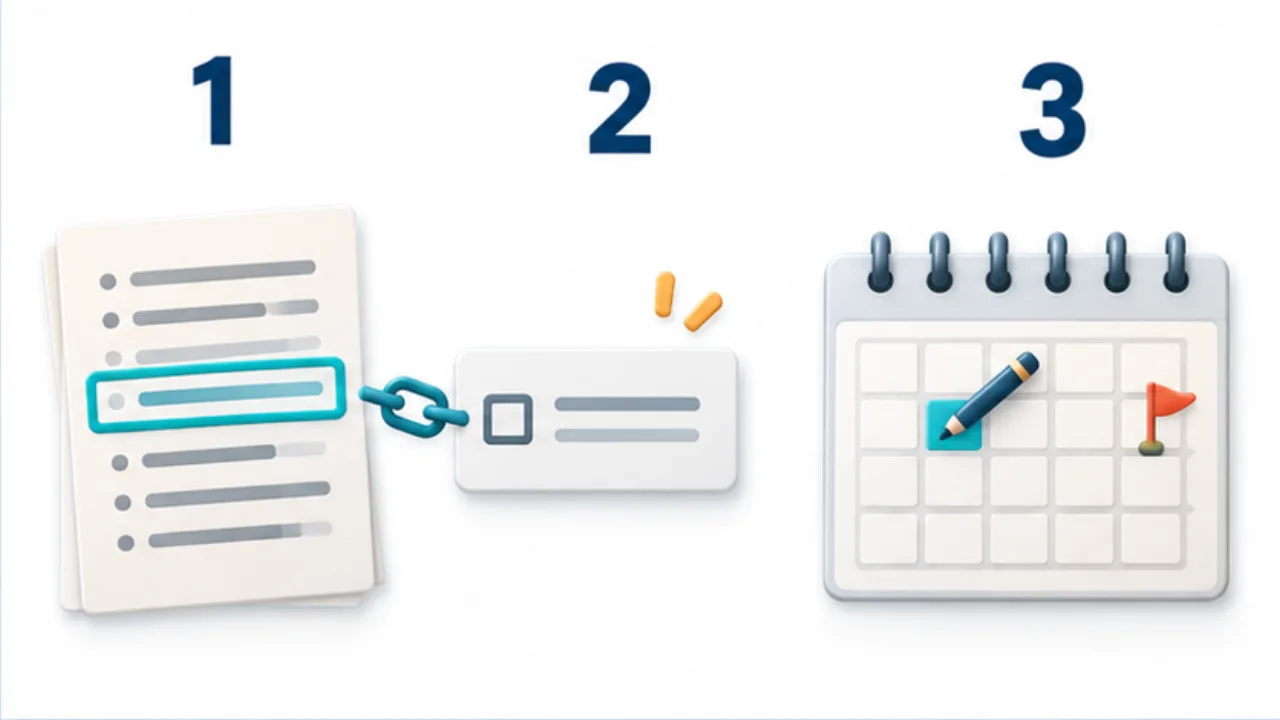
Select the image to enlarge.
- Keep background, sources, and decisions in the note.
- Create a concise task with a link or clue back to the source note.
- Distinguish the deadline from the planned work date.
Review the handoff
At the end of a meeting or work session, check whether any commitments need a reminder. Move or link them deliberately. Avoid maintaining two independent completion statuses for the same action; decide which system is authoritative.
Use a calendar for time-specific commitments
A task list, calendar, and notebook do different jobs. Put an appointment where it will notify you at the correct time. Keep its background material in a linked note. If your notebook supports reminders, verify their actual behavior rather than assuming that a written date will trigger an alert.
Handle a changed deadline without duplicating status
A successful initial handoff can still become difficult when later changes are maintained in two places. Imagine the deadline for a quotation is extended. The task list may show the new date while a checkbox in the meeting note still shows the old one.
Choose which location governs current action. Let the other preserve what was agreed at the time. A follow-up note can record the reason for the change and that the task was updated, without turning the meeting record into a second live task manager.
The historical agreement and the present schedule may differ. What matters is being able to trace why they differ.
Practice writing a small completion condition
Take the fictional note “Improve the shop information.” If completion is unclear, identify the next observable step: confirm current hours, compare the entrance sign with the website, or prepare an approved draft.
These are example steps, not a rule requiring every task to be split into three.
| Vague entry | Question | Possible next action |
|---|---|---|
| Improve the notice | What information would guide the edit? | Ask staff which visitor questions recur |
| Review the quotation | What must be compared? | List scope and pricing questions |
| Waiting for a reply | When and what should be checked? | Request a status update at the agreed point |
The purpose of decomposition is clearer starting and finishing, not a larger task count. Keep a simple action intact when it is already understandable.
If the same item repeatedly moves to another day, return to its note before changing the deadline again. Look for an unresolved dependency or missing decision. The context may explain why the action is not yet ready, while the task list remains the place to manage the next executable step.