Notes and writing
Give paper and digital notes different jobs
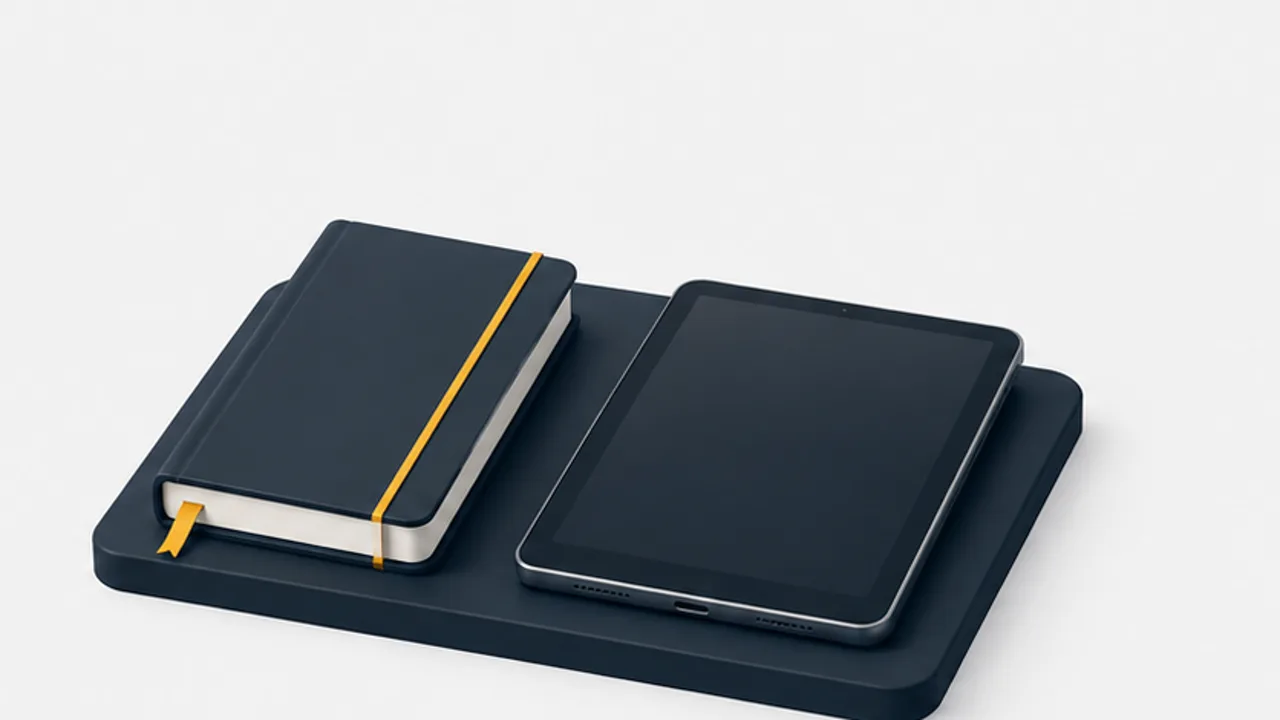
Choose a medium for the task, and create a deliberate bridge between handwritten material and searchable records.
On this page
Paper and digital tools have different practical strengths. Instead of selecting a universal winner, consider how you capture information, retrieve it, and use it with other people.
Choose for the current activity
Paper can suit freehand diagrams and situations where opening a device is distracting. Digital notes can suit searching, linking, copying text, and remote access. These are task considerations, not proof that one medium always improves learning or creativity.
Research comparing handwriting and typing examines particular tasks and participants. It should not be treated as a guarantee for every kind of note-taking.
Decide what crosses the boundary
You do not need to transcribe every handwritten page. Select material that must be searchable, shared, or preserved elsewhere. For example, scan a useful sketch and add a typed project name and a sentence explaining its purpose.
Check scanned material
Inspect page edges, orientation, small text, and shadows. OCR may make text searchable, but recognition quality depends on the source and tool. Confirm important names and numbers rather than relying on a successful scan message.
Keep the original when its physical form matters or when the digital copy is not adequate for your use.
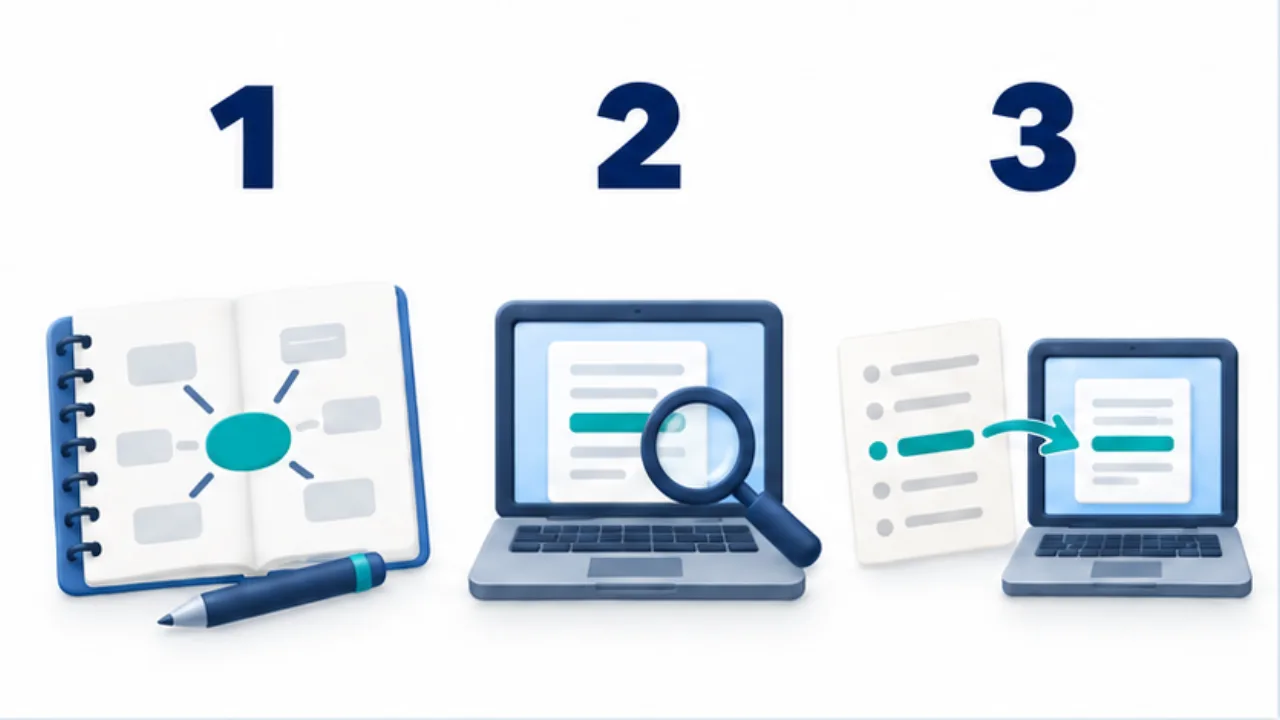
Select the image to enlarge.
- Explore ideas with sketches and arrows on paper.
- Keep information needed for search or sharing digitally.
- When using both, transfer the points you will need later.
Avoid maintaining two competing records
Decide where the current task list or project decision lives. A paper reminder and an unrelated digital reminder can drift apart. Link the scanned page to the current project note and make the authoritative version clear.
Evaluate the combined workflow by the work it creates and the information it lets you recover. Using two media can help, but does not automatically reduce total effort.
Follow one handwritten page into a usable record
Imagine a fictional sketch for a shop's shelf layout. The page contains arrows, possible dimensions, and rejected arrangements. Before redrawing it, decide what someone will need to do next. Reconstructing the layout requires the diagram; ordering materials requires confirmed dimensions and an approval state. A single saved image may not satisfy both uses.
| On paper | Digital form | Check at the handoff |
|---|---|---|
| Layout sketch | Image of the complete diagram | Are thin lines and arrows readable? |
| Possible dimensions | Typed values marked as candidates | Could these be mistaken for final values? |
| Agreed arrangement | Decision and date | Which option was selected? |
| Next work | Owner and completion condition | Has that owner accepted it? |
Add meaningful terms such as the shop name and “shelf layout” beside the image. If you retain the notebook, its number and page can point back to the original. You can have a consistent starting point for retrieval without requiring every physical object to be stored in the same place.
Keep track of unfinished transfers
On a busy day, mark where unprocessed pages begin and capture urgent commitments first. “Resume from this spread” is easier to act on than “Read the notebook later.” Mark a page as processed after checking the information you need, not merely after photographing it.
A completed scan can still contain unreadable numbers, a cropped fold, or a missing reverse side. Zoom in and verify that the necessary pages are present before deciding what to do with the original. Keep originals when their physical form, retention requirements, or personal value justify it.
If transcription keeps becoming a burden, revise the division of work. You might draw diagrams by hand while entering final decisions directly into the digital project note. “Think on paper, preserve digitally” is one possible arrangement. Judge it by whether you can recover and use the information, and adjust the handoff when it creates more work than it saves.