Shop signs and printing
Test a printed QR code before displaying it
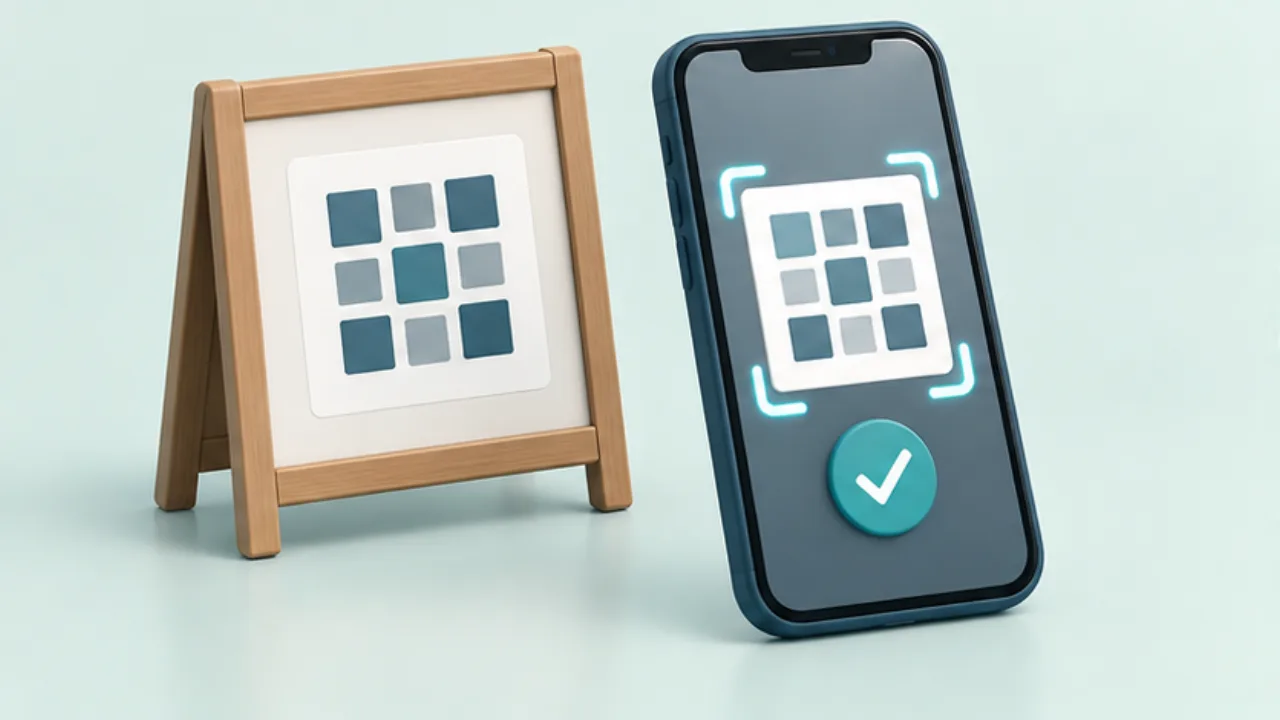
A QR code that scans on screen may become difficult after printing or covering. Test the finished sign and its destination.
On this page
Preserve shape and margin
A standard QR Code requires a clear margin of four modules on each side, as described by DENSO WAVE. Do not crop that area or stretch the code unevenly.
Print at the final size
There is no single physical size that guarantees success in every situation. Inspect the small squares after scaling and printing.
Reproduce the display conditions
Test at the intended height and lighting, including any cover or laminate. If possible, try another phone. Review size, glare, and surrounding space when scanning is unreliable.
Follow the link
Confirm that the code opens the intended menu or booking page, including any sign-in requirement. Add a short destination label and an alternative contact route for people who cannot use the code.
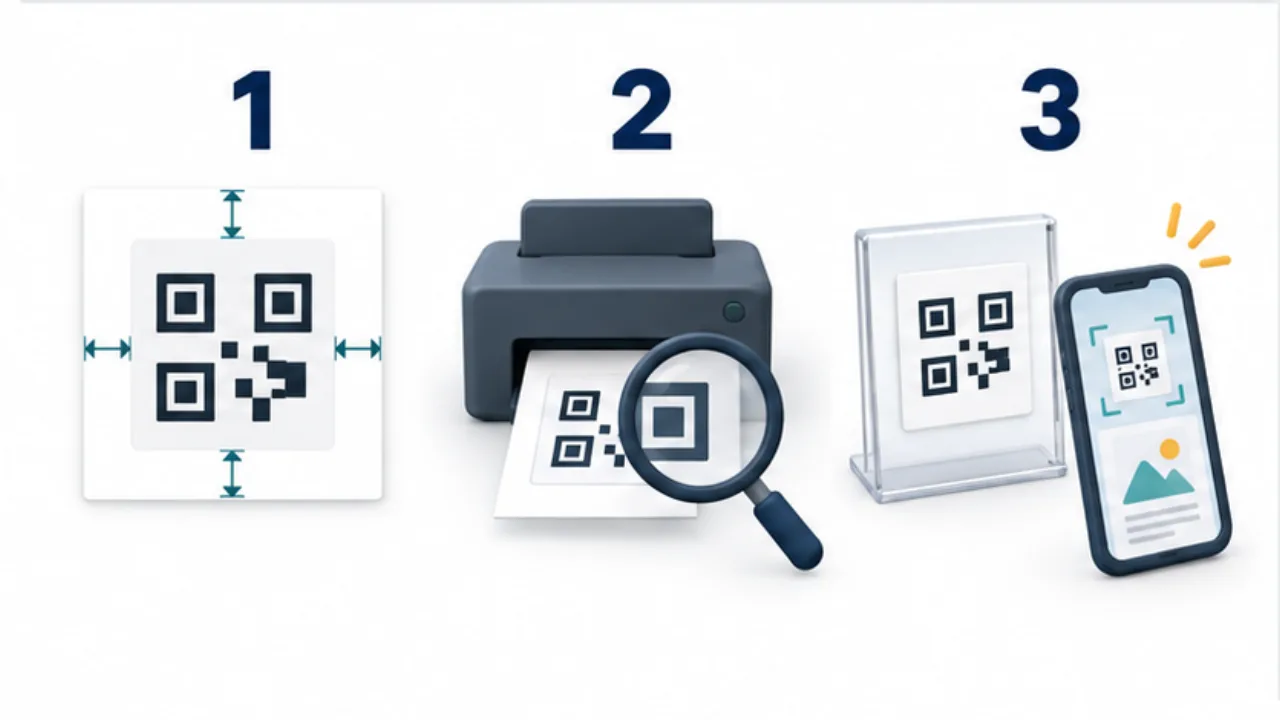
Select the image to enlarge.
- Keep the aspect ratio and clear space around the code.
- Print at the final size and inspect the modules.
- Scan under the actual placement conditions and verify the destination page.
Separate scanning from completing the task
A QR review has several stages: decoding the symbol, opening the intended address, and using the destination. Stopping when the camera displays a link can miss an obsolete menu or a booking page the reader cannot access.
Label the purpose below the code, such as viewing the menu or requesting a booking. This helps the reader decide what to open and gives the reviewer a concrete expected result. Similar-looking codes can still contain different addresses.
Example: prepare a tabletop menu code
Suppose the notice will sit in a tabletop holder. Print at its final size and put it in that holder. Scan from a seated position, observing reflections and nearby objects that might obscure the code.
Testing the loose sheet in your hand does not reproduce those conditions. After opening the destination, check the shop identity, current menu information, readable content, and any unexpected login requirement.
If you regenerate the code, inspect spare printed copies too. A replacement is incomplete if staff later put an older address back on another table.
Let observations guide the correction
| Observation | Area to reconsider |
|---|---|
| Loose paper scans but the holder causes trouble | Reflection and placement angle |
| Small squares appear merged | Print quality and final dimensions |
| A border or text crowds the symbol | Required clear margin |
| Scanning works but content is wrong | Encoded URL and destination |
Successful checks with several phones do not guarantee every device and condition. Record the tested placement so later reports can be compared with something concrete.
Provide an alternative that the shop actually supports, such as asking for a paper menu. The goal is access to the required information. The printed symbol is one route to that goal, and its review should include both physical reading conditions and the experience after the link opens.