Website basics
Read the common DNS record types

DNS lists contain records with different purposes. Read the type, name, and intended use together.
On this page
Recognize common types
A maps a name to IPv4, AAAA to IPv6, CNAME establishes an alias, MX identifies mail destinations, and TXT stores text used for purposes such as verification.
Inspect the name too
The apex and a subdomain such as www are distinct targets. Check what the provider's “@” notation means and verify that you are editing the intended zone.
Do not confuse aliases with redirects
A CNAME is a DNS alias, not an HTTP instruction that changes the browser's page URL. URL forwarding needs a separate web configuration.
Compare with the provider's instructions
Match the requested type, name, and value. A proxy service may make public DNS answers differ from the origin value entered in its dashboard. Record that feature's state instead of treating every difference as an error.
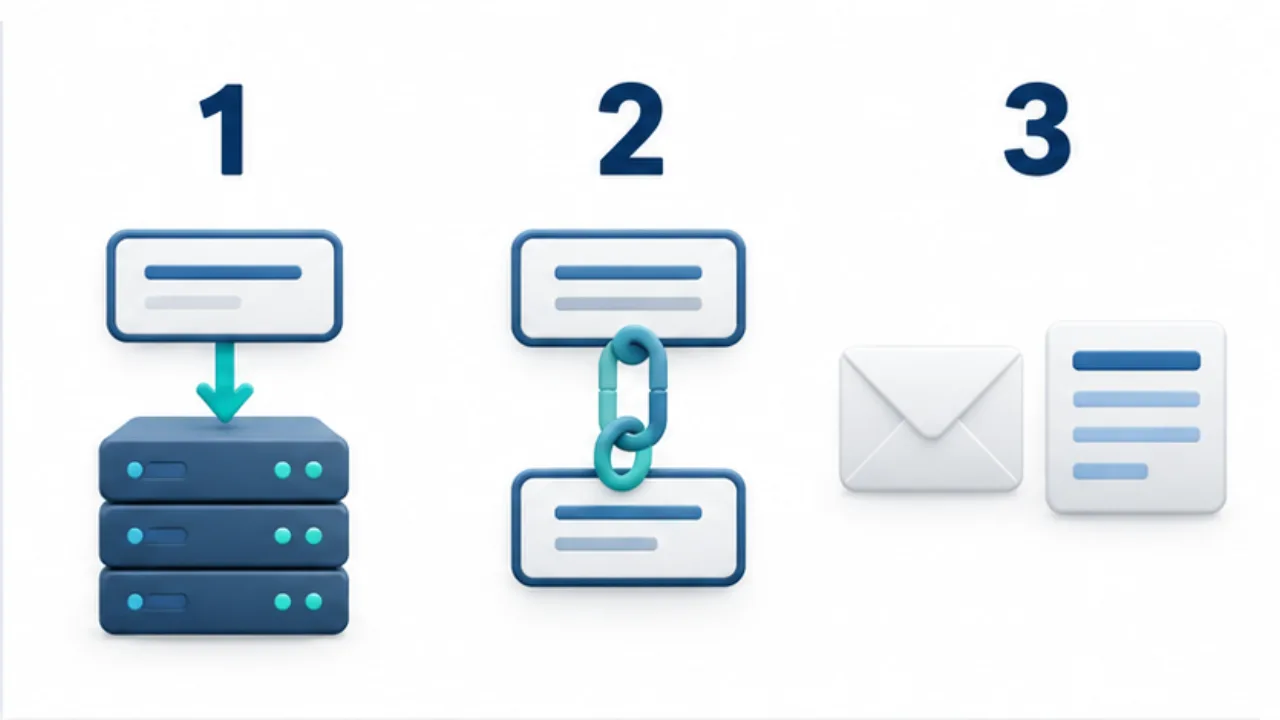
Select the image to enlarge.
- A and AAAA associate names with IP addresses.
- CNAME defines an alias for another name.
- MX identifies mail routing; TXT stores text such as verification information.
Read the fields as one statement
Interpret a DNS row as three connected parts: which name, which kind of information, and which value. Two A records can serve different purposes because their names differ. Similar values do not make separate hostnames interchangeable.
When following provider instructions, compare type, name, and value individually. If a dashboard automatically appends the domain, inspect the fully displayed name after saving to avoid an accidental repeated suffix.
Example: configure a web destination and ownership check
Suppose a host provides one record for connecting the website and another for ownership verification. Both may contain text to copy, but that does not make their record types interchangeable. Follow each specified field.
Record why the verification entry exists. That context is useful later when an unfamiliar TXT value might otherwise look like clutter.
If the task also requires sending visitors to another page address, treat that as a separate web behavior. A DNS alias alone does not implement the browser's URL redirect. Consult the host's custom-domain and redirect guidance for the intended combined result.
Prepare a reading note before editing
| Field | Purpose |
|---|---|
| Name and type | Identify the exact target |
| Existing value | Establish the comparison baseline |
| Dependent service | Understand likely effects of a change |
| Provider instruction | Preserve the reason for the requested value |
Classify an unexplained record as awaiting identification, not automatically unnecessary. Entries sharing one DNS list may support unrelated web and mail tasks.
When comparing public answers with the dashboard, include the state of any proxy feature. A difference in displayed values needs interpretation rather than immediate correction.
The purpose of this reading method is to make a future change specific: you should be able to say which record is involved, which service expects it, and what observation will show that the intended behavior works.